Cursor Agent Mode & YOLO Mode: A Practical Guide
Agent mode is arguably the most powerful feature in Cursor, but a lot of people are still too scared to use it properly. They stick to regular chat, ask for code snippets, and manually paste them into their files. That works, but you're leaving maybe 80% of Cursor's potential on the table.
This guide is based on real workflows shared on the Cursor forum. No theory-heavy fluff -- just practical stuff that actually works.
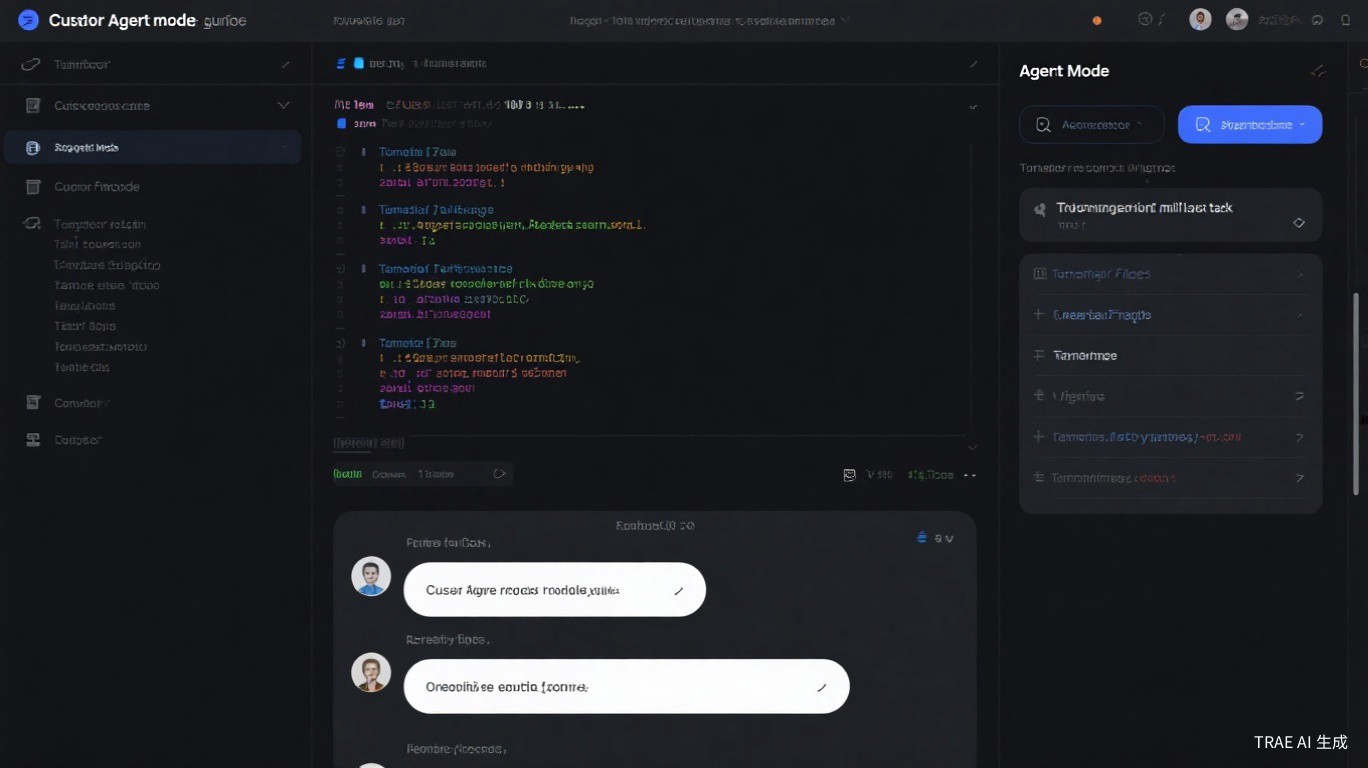
Agent Mode vs Regular Chat: What's Actually Different
Here's the thing most newcomers miss: Agent mode and regular chat are completely different beasts.
| Feature | Regular Chat | Agent Mode |
|---|---|---|
| Reads your codebase | Yes | Yes |
| Suggests code changes | Yes | Yes |
| Runs terminal commands | No | Yes |
| Creates/modifies files | No | Yes |
| Searches across files | No | Yes |
| Multi-step tasks | No | Yes |
| Requires confirmation | N/A | Yes (unless YOLO) |
Regular chat is like having a smart coworker you can ask questions. Agent mode is like having a junior dev who can actually do things -- run commands, create files, edit code across your project.
When you switch to Agent mode (the robot icon in the chat panel), Cursor gains access to tools: file read/write, terminal commands, code search, and more. It can plan a multi-step approach and execute it.
Any task that requires more than just "show me code." If you find yourself copying code from chat and pasting it into files, you should be using Agent mode instead.
YOLO Mode: What It Is and When to Use It
YOLO stands for "You Only Live Once." In Cursor, YOLO mode means the Agent skips every confirmation dialog and just... does it.
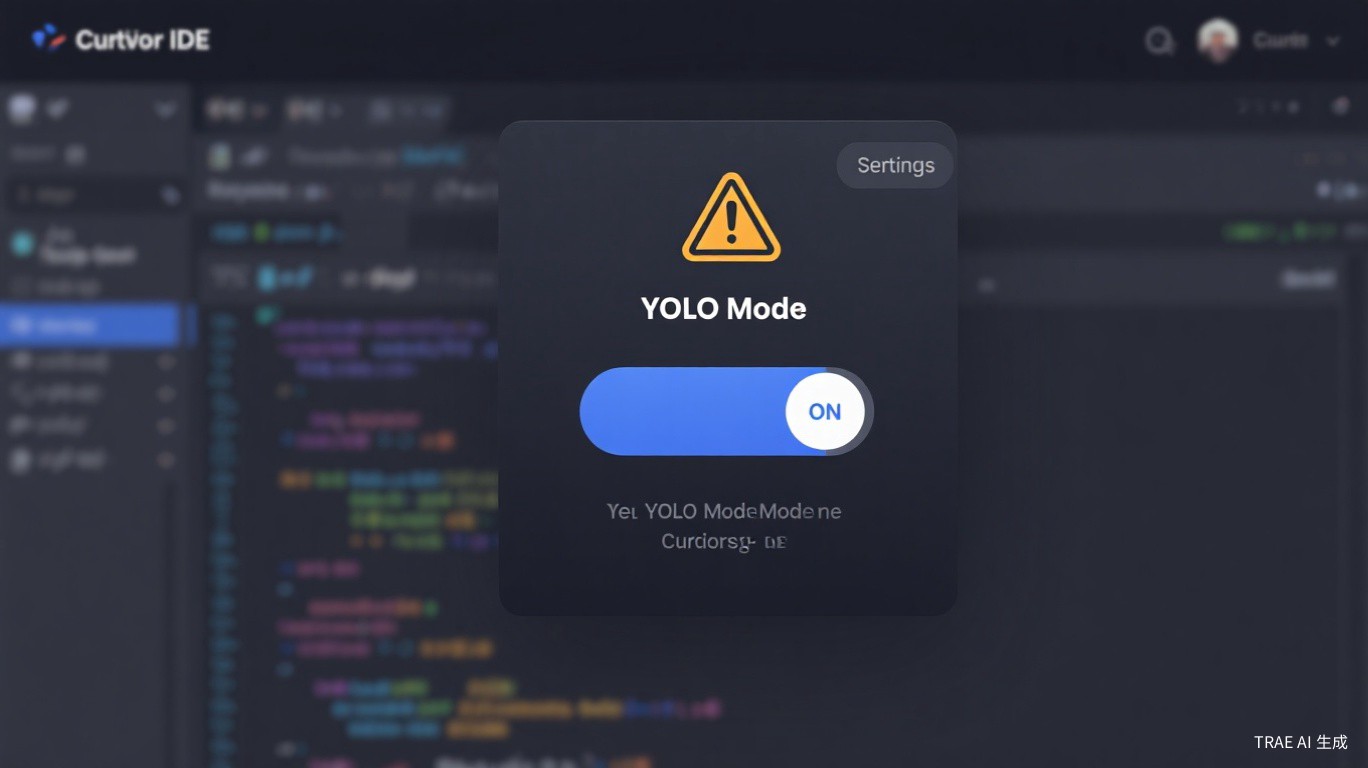
No "Allow file write?" popup. No "Run this command?" prompt. The Agent executes autonomously until the task is done or it hits a wall.
When YOLO Makes Sense
- Scaffolding a new project -- creating directories, installing packages, generating boilerplate
- Batch refactoring -- renaming variables across 50 files, updating import paths
- Automated tasks -- generating test files, creating migration scripts, writing documentation
- Disposable work -- anything you can
git resetaway if it goes wrong
When to Keep YOLO Off
Seriously. One bad rm -rf or a broken database migration and you'll understand why the confirmation dialogs exist.
- Production code or main branch -- always review changes here
- Database operations -- migrations, schema changes, seed data
- CI/CD configuration -- one wrong line can break your pipeline
- Anything irreversible -- if you can't undo it, don't YOLO it
How to Toggle YOLO Mode
- Open the Agent chat panel (
Cmd/Ctrl + Shift + A) - Look for the YOLO toggle at the top of the panel
- Click it to enable/disable
The toggle shows a small warning icon when YOLO is active. Pay attention to it.
Real Workflow 1: Building a New Project from Scratch
This is where Agent mode shines brightest. Instead of manually running create-react-app, setting up folder structures, and writing boilerplate -- let the Agent handle all of it.
Step 1: Open Agent mode in an empty directory.
Step 2: Give it a clear, detailed prompt:
Create a Next.js 14 project with the following structure:
- App router with TypeScript
- Tailwind CSS for styling
- Authentication pages (login, register)
- A dashboard layout with sidebar navigation
- API routes for user management
- ESLint and Prettier configured
- Environment variables for database connection

Use PostgreSQL with Prisma ORM. Set up the basic schema for users with email, password hash, and timestamps.
Step 3: Watch it work. The Agent will:
- Create the project with
npx create-next-app - Install dependencies (Prisma, Tailwind, etc.)
- Generate the folder structure
- Write initial configuration files
- Set up Prisma schema and run initial migration
- Create page components and API routes
Step 4: Review the output. Even in Agent mode, you should glance at what it created before moving on.
"Always commit the initial scaffold before making changes. If the Agent goes off track, you can git checkout . and start over clean." -- @devops_mike on Cursor Forum
Real Workflow 2: Automated Code Review
You don't need a separate code review tool. Agent mode can audit your code for common issues.
Example prompt:
Review the src/api/ directory for:
1. Security vulnerabilities (SQL injection, XSS, missing auth checks)
2. Error handling gaps (unhandled promises, missing try-catch)
3. Performance issues (N+1 queries, missing indexes)
4. Code quality (unused imports, duplicated logic, inconsistent naming)

For each issue found, explain the problem and suggest a fix. Don't apply changes yet -- just report.
The Agent will search through your files, analyze the code, and give you a structured report. You can then decide which fixes to apply.
Taking It Further
After the review, you can ask the Agent to fix specific issues:
Fix the SQL injection vulnerabilities you found. Apply the parameterized query pattern to all database calls in src/api/users.ts and src/api/orders.ts.
This two-step approach (review first, fix second) gives you control while still leveraging the Agent's speed.
Real Workflow 3: Batch Refactoring with .cursorrules
This is the power combo that forum users rave about: YOLO mode + .cursorrules.
The idea is simple -- your .cursorrules file tells the Agent exactly how your project works, so when you ask for a big refactoring, it follows your conventions instead of making up its own.
Setting Up Your Rules
Create a .cursorrules file in your project root:
## Project Conventions
- Use TypeScript strict mode
- All API responses follow the format: { success: boolean, data: T, error?: string }
- Components use named exports, not default exports
- State management uses Zustand stores in src/stores/
- All async functions must have proper error handling with try-catch
- Use the repository pattern for database operations
- Test files go in __tests__/ directories next to source files
Running the Refactoring
With YOLO mode on and good rules in place:
Refactor all API routes to use the repository pattern:
1. Create src/repositories/ directory
2. Extract database operations from src/api/ into repository classes
3. Update API routes to use the repositories
4. Add proper TypeScript interfaces for all repository methods
5. Create corresponding test files
Before any batch refactoring with YOLO mode:
- Commit all current changes
- Create a feature branch
- Run the refactoring
- Review the diff with
git diff - Only merge if everything looks right
Safety First: How Not to Burn Down Your Project
The Cursor forum is full of horror stories. Here's how to avoid becoming one.
Use Shadow Workspace
Cursor's Shadow Workspace feature lets the Agent work on a copy of your code. If things go wrong, your actual files are untouched.
- Open Settings
- Navigate to Features
- Enable Shadow Workspace
- The Agent now works in an isolated environment
Git Is Your Safety Net
This should be obvious, but based on forum posts, it isn't:
# Before any Agent task on important code
git add .
git commit -m "checkpoint before agent refactoring"

# If the Agent messes up
git diff            # see what changed
git checkout .      # revert everything
# or
git reset --hard    # nuclear option
The Branch Strategy
main (production)     -- NEVER run Agent/YOLO here
  └── develop         -- Agent mode OK, YOLO off
       └── feature/*  -- Agent + YOLO, go wild
The further from production, the more freedom you give the Agent. Feature branches are the playground. Main branch is off-limits for YOLO.
If you can't afford to lose it, don't let the Agent touch it without a backup.
Background Agent: Let AI Work While You Do Other Things
Background Agent (introduced in Cursor 0.50) is a game-changer for larger tasks. Instead of watching the Agent work step by step, you delegate the task and keep coding on something else.
How It Works
- Press
Cmd/Ctrl + Eto open the Background Agent panel - Describe your task in detail
- Click "Start Agent"
- Go back to your editor and work on something else
- Check the Background Agent panel when it's done
Good Tasks for Background Agent
- "Write unit tests for all components in src/components/"
- "Generate API documentation for every endpoint in src/api/"
- "Create a migration script to move from REST to GraphQL"
- "Refactor the authentication module to use JWT instead of sessions"
Things to Know
- Background Agents work in a cloud environment, so they don't block your local machine
- You can run multiple Background Agents simultaneously
- Results sync back to your local project when the Agent finishes
- As of Cursor 1.1, you can receive Background Agent updates in Slack
"I delegate test writing to Background Agent every morning while I work on features. By lunch, I have a full test suite to review." -- @testing_alex on Cursor Forum
Quick Reference: Agent Mode Shortcuts
| Action | Shortcut |
|---|---|
| Open Agent chat | Cmd/Ctrl + Shift + A |
| Open Background Agent | Cmd/Ctrl + E |
| Toggle YOLO mode | Click YOLO toggle in Agent panel |
| Accept Agent change | Cmd/Ctrl + Y |
| Reject Agent change | Cmd/Ctrl + N |
| Open Composer | Cmd/Ctrl + I |
Common Mistakes to Avoid
1. Vague Prompts
Bad: "Fix my code" Good: "Fix the TypeScript errors in src/utils/parser.ts. The date parsing function doesn't handle timezone offsets correctly."
2. Too Many Tasks at Once
Agent mode works best with focused, single-purpose tasks. Instead of "refactor everything and add tests and update docs," break it into three separate Agent sessions.
3. Not Providing Context
The Agent doesn't know your project history. Tell it what framework you're using, what conventions you follow, and what the code is supposed to do.
4. Ignoring the Output
Even when YOLO mode is on, you should review what the Agent did. A quick git diff after each Agent session catches problems before they compound.
Wrapping Up
Agent mode and YOLO mode are force multipliers when used correctly. The key is understanding when to let the Agent run free and when to keep it on a short leash.
Start small. Use Agent mode for a single-file task. Then try a multi-file refactoring. Eventually, you'll develop an intuition for when YOLO is safe and when it isn't. That intuition is worth more than any tutorial.
Sources and further reading: