Cursor Model Selection Guide: Which AI Model Should You Use?
The model you pick in Cursor changes everything. It affects code quality, response speed, how many requests you can make before hitting your limit, and whether you actually ship faster or spend half your time fixing AI-generated bugs.
After reading through hundreds of forum posts and testing each model across real projects, here's what actually works.
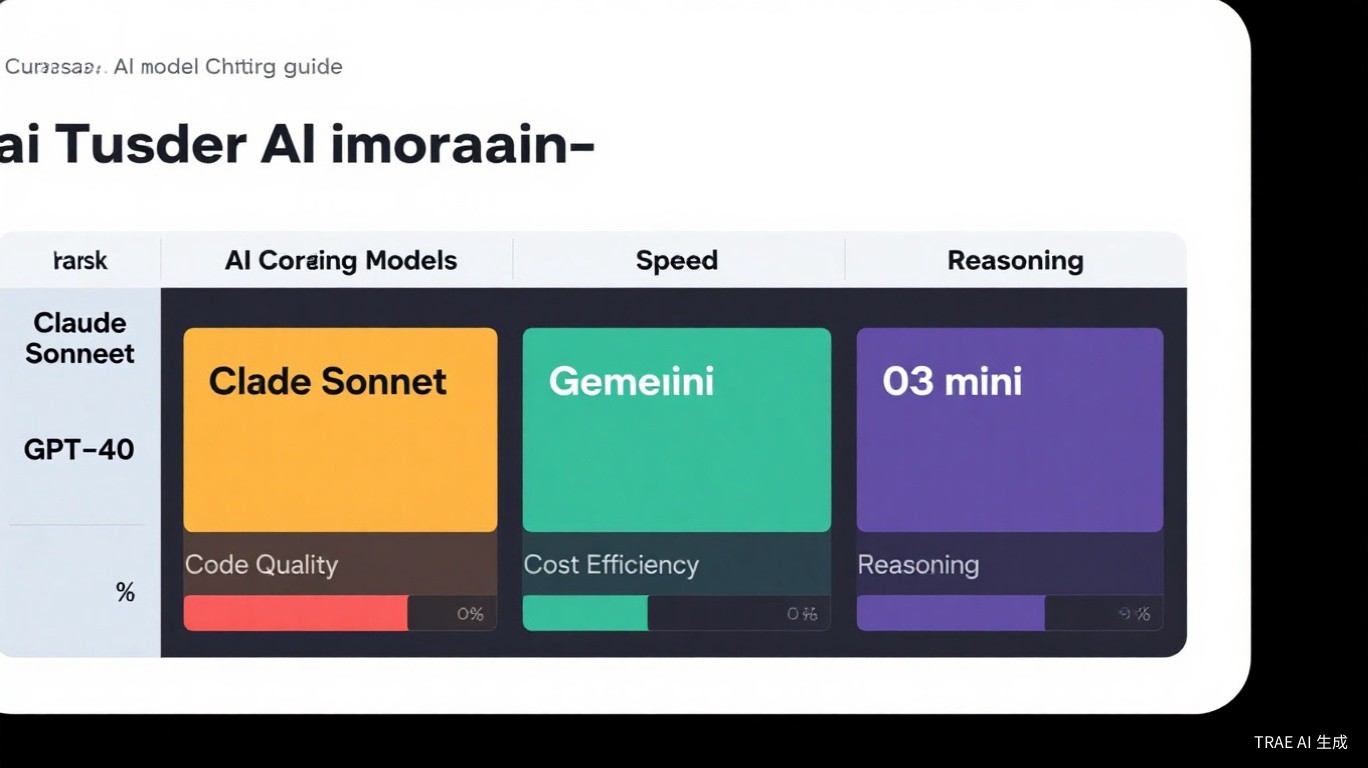
All Models Available in Cursor Right Now
As of mid-2025, here's every model you can access through Cursor:
| Model | Provider | Best At | Speed | Cost (per request) | Context Window |
|---|---|---|---|---|---|
| Claude Sonnet 4 | Anthropic | All-around coding | Fast | Medium | 200K tokens |
| Claude Opus | Anthropic | Complex reasoning | Slow | High | 200K tokens |
| Claude 3.5 Sonnet | Anthropic | General coding | Fast | Low | 200K tokens |
| GPT-4o | OpenAI | Fast tasks | Very Fast | Low | 128K tokens |
| GPT-4o mini | OpenAI | Quick completions | Very Fast | Very Low | 128K tokens |
| GPT-5 | OpenAI | Reasoning (theoretically) | Medium | High | 128K tokens |
| o3-mini | OpenAI | Logic & algorithms | Medium | Medium | 200K tokens |
| Gemini 2.5 Pro | Long context | Medium | Medium | 1M tokens | |
| Cheetah | Cursor (custom) | Tab completion | Very Fast | Free (included) | Varies |
Not all models are available on every plan. Claude Opus and o3-mini typically require a Pro or Business subscription. Cheetah is Cursor's proprietary model used for Cursor Tab auto-completions and is included with all plans.
How Each Model Actually Performs
Claude Sonnet 4: The Community Favorite
This is the model most Cursor users settle on. Forum thread after thread, when someone asks "which model should I use," the top reply is almost always Claude Sonnet 4.
Why it works so well:
- Code quality is consistently high across languages -- Python, TypeScript, Rust, Go
- Follows instructions closely without hallucinating extra features
- Fast enough for interactive coding sessions
- Handles medium-complexity refactors without breaking things
A user on the Cursor forum put it well:
"I've tried every model in Cursor. Claude Sonnet 4 is the one I keep coming back to. It just writes better code with fewer mistakes."
Where it struggles:
- Very large multi-file refactors can sometimes lose track of context
- Not the absolute best for pure mathematical reasoning (o3-mini wins there)
GPT-5: The Disappointment
This one hurts. When GPT-5 launched, expectations were sky-high. But in Cursor specifically, the reception has been overwhelmingly negative.
One forum thread titled "GPT 5 is really bad" racked up 142 replies of users agreeing. The common complaints:
- Generates plausible-looking code that doesn't actually work
- Ignores instructions more frequently than Claude
- Tends to over-engineer solutions
- Response quality is inconsistent -- sometimes great, often mediocre
Forum sentiment snapshot (GPT-5 in Cursor):
- "It keeps adding imports I didn't ask for"
- "The code looks right until you actually run it"
- "Switched back to Claude after a week with GPT-5"
- "Maybe it's better for other use cases, but for coding in Cursor, no thanks"
If you're considering GPT-5 for coding tasks in Cursor, test it thoroughly on non-critical work first. The gap between its benchmark scores and real-world coding performance in Cursor is significant.
Claude Opus: Expensive but Powerful
Claude Opus is the heavy hitter. It's the model you reach for when Sonnet 4 isn't cutting it.
When to use it:
- Large-scale architecture decisions
- Complex refactors spanning 10+ files
- Debugging mysterious issues that simpler models can't solve
- Writing code that needs to be production-ready on the first pass
The catch: it's slow and expensive. On the Pro plan ($20/mo), you get limited premium requests, and Opus burns through them fast. One user reported going through their entire monthly allocation in about 2-3 days of heavy Opus usage.
Use Sonnet 4 as your daily driver. Switch to Opus only when you're stuck on a problem that Sonnet can't solve. Think of Opus as a specialist you bring in for the tough cases.
o3-mini: The Reasoning Specialist
o3-mini is OpenAI's reasoning model, and it genuinely excels at a specific type of task: problems that require step-by-step logical thinking.
Where it shines:
- Algorithm problems and competitive programming
- Debugging complex logic errors
- Performance optimization puzzles
- Data structure implementations
Where it falls short:
- Slower than Sonnet 4 for routine coding
- Sometimes overthinks simple problems
- Less natural-feeling code style compared to Claude
Cheetah: Cursor's Own Model
Cheetah is Cursor's proprietary model, and it's specifically optimized for Cursor Tab -- the inline code completion feature. You don't select it for chat or composer; it works automatically.
Key characteristics:
- Extremely fast -- designed for real-time completion
- Free with all plans (doesn't count against your request limits)
- Optimized for short, contextual completions rather than long-form generation
- Improves over time as Cursor fine-tunes it on coding patterns
Gemini 2.5 Pro: The Long-Context Option
Google's Gemini 2.5 Pro has one standout feature: a 1 million token context window. That's 5x what Claude offers.
When it matters:
- Projects with massive codebases where you need the AI to understand the full picture
- Analyzing entire repositories at once
- Working with very long files or documentation
The tradeoff: for day-to-day coding tasks, it doesn't consistently outperform Claude Sonnet 4 in code quality. The long context is the main selling point.
Pricing Plans Compared
Understanding which models you can use requires understanding the plans:
| Feature | Free | Pro ($20/mo) | Business ($40/mo) |
|---|---|---|---|
| Claude Sonnet 4 | Limited | 500 premium requests/mo | 1000 premium requests/mo |
| Claude Opus | No | Yes (premium requests) | Yes (premium requests) |
| GPT-4o | Limited | Yes (standard requests) | Yes (standard requests) |
| GPT-5 | No | Yes (premium requests) | Yes (premium requests) |
| o3-mini | No | Yes (premium requests) | Yes (premium requests) |
| Gemini 2.5 Pro | No | Yes (premium requests) | Yes (premium requests) |
| Cheetah (Tab) | Yes | Yes | Yes |
| Fast requests/mo | 50 | 500 | Unlimited |
| Background agents | No | Yes | Yes |
Cursor splits requests into "fast" (cheaper models like GPT-4o mini) and "premium" (Claude Sonnet 4, Opus, GPT-5, o3-mini). Premium requests are the limited resource you need to manage.
The Claude Max Alternative
Some heavy users opt for a Claude Max subscription ($100/mo or $200/mo) directly from Anthropic and then bring their own API key into Cursor. This gives you significantly more Claude usage without Cursor's per-request limits.
Worth it if:
- You're hitting Cursor's premium request caps regularly
- Claude is your primary model anyway
- You do AI-assisted coding 6+ hours a day
Setup:
// In Cursor settings, add your Anthropic API key
{
  "anthropic.apiKey": "sk-ant-..."
}
Which Model for Which Task
Here's the quick-reference table:
| Scenario | Recommended Model | Why |
|---|---|---|
| Daily coding & feature work | Claude Sonnet 4 | Best balance of quality, speed, and cost |
| Large-scale refactoring | Claude Opus | Handles complex multi-file changes reliably |
| Algorithm & logic problems | o3-mini | Superior reasoning for step-by-step logic |
| Quick fixes & small edits | GPT-4o mini | Fast and cheap, good enough for simple tasks |
| Understanding a huge codebase | Gemini 2.5 Pro | 1M token context window |
| Real-time code completion | Cheetah (automatic) | Built into Cursor Tab, free |
| Debugging tricky bugs | Claude Opus or Sonnet 4 | Start with Sonnet, escalate to Opus |
| Writing tests | Claude Sonnet 4 | Good at understanding what to test |
| Documentation generation | GPT-4o | Natural language generation is a strength |
How to Manage Your Request Budget
If you're on the Pro plan, 500 premium requests per month sounds like a lot until you actually start using them. Here's how to make them last:
Strategy 1: Default to Fast Models
Set GPT-4o mini or GPT-4o as your default model for simple tasks. Only switch to Claude Sonnet 4 when you need higher quality.
// Cursor settings
{
  "cursor.defaultModel": "gpt-4o",
  "cursor.tabModel": "claude-sonnet-4"  // Tab completions use Claude
}
Strategy 2: Use Sonnet 4 for Chat, Opus Sparingly
Most users find this split works well:
- 80% of tasks (chat, quick edits, questions): Claude Sonnet 4
- 15% of tasks (complex refactors, architecture): Claude Opus
- 5% of tasks (quick completions, simple questions): GPT-4o mini
Strategy 3: Batch Your Work
Instead of asking the AI to fix one file at a time, use Composer to handle multiple related changes in one session. This uses fewer requests overall compared to individual chat messages.
Strategy 4: Check Before You Ask
Before sending a request, ask yourself: "Could I solve this with a quick search or by reading the error message more carefully?" Not every problem needs an AI model.
On the Pro plan, aim for no more than 15-20 premium requests per working day. That gives you a comfortable buffer and prevents running out mid-month.
Switching Models in Cursor
To change your model:
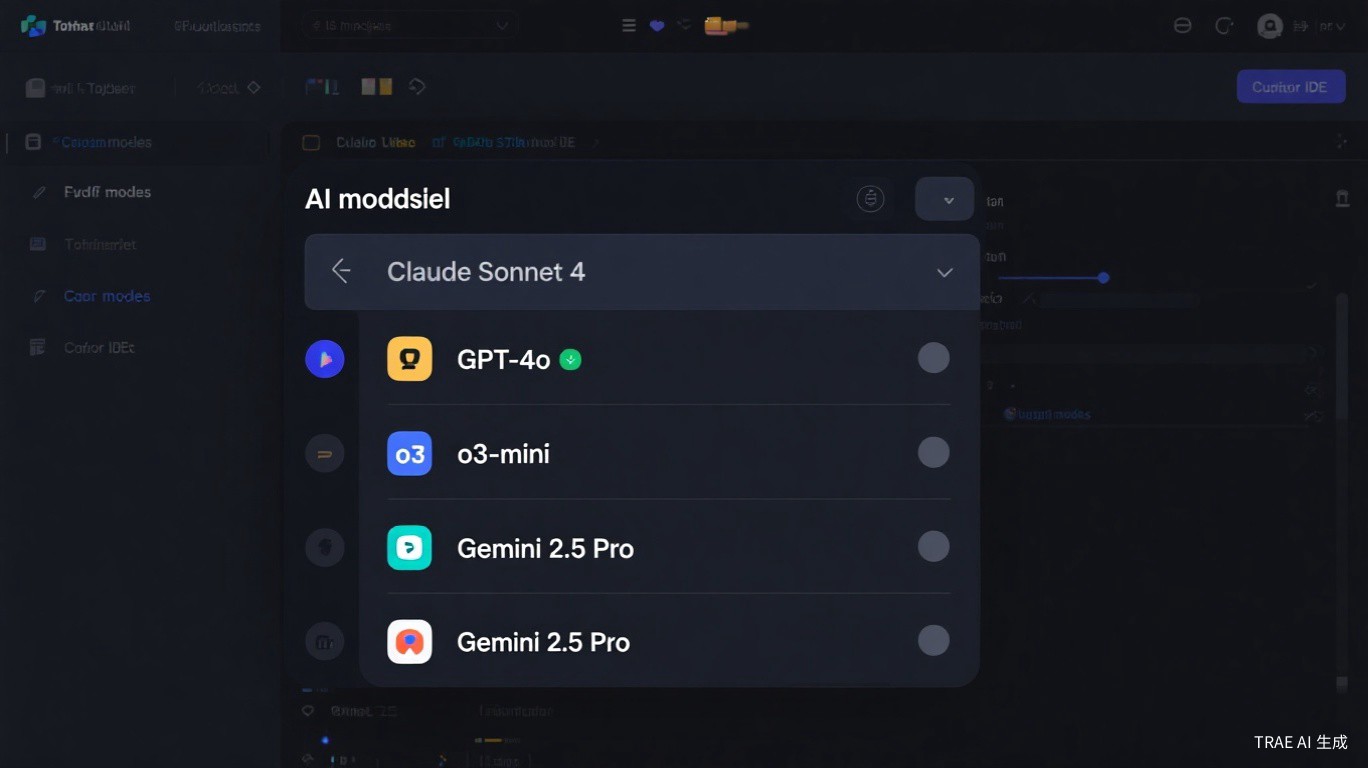
- Open the Chat panel (Ctrl+L / Cmd+L)
- Click the model dropdown at the top of the chat
- Select your preferred model
For Cursor Tab completions:
- Open Settings (Ctrl+, / Cmd+,)
- Search for "tab model"
- Set your preferred completion model
The Bottom Line
If you're overwhelmed by the choices, here's the simple answer:
Use Claude Sonnet 4 for everything. Switch to Claude Opus when you're stuck. Use GPT-4o mini for the trivial stuff. Ignore GPT-5 in Cursor for now -- the community consensus is clear that it's not ready for serious coding work.
The model landscape changes fast. New models drop, existing ones get updated, and pricing shifts. But as of right now, this is what the Cursor community has found to work best through real-world usage, not marketing claims.
Last updated: June 2025. Model availability and pricing may change.