Using Cursor for Code Review: A Practical Guide
Code review is one of the highest-leverage activities in software development, but it's also time-consuming. Cursor's AI features can help you review code faster and catch issues you might miss. This guide covers practical techniques for using Cursor in your review workflow, from individual PRs to team-wide processes.
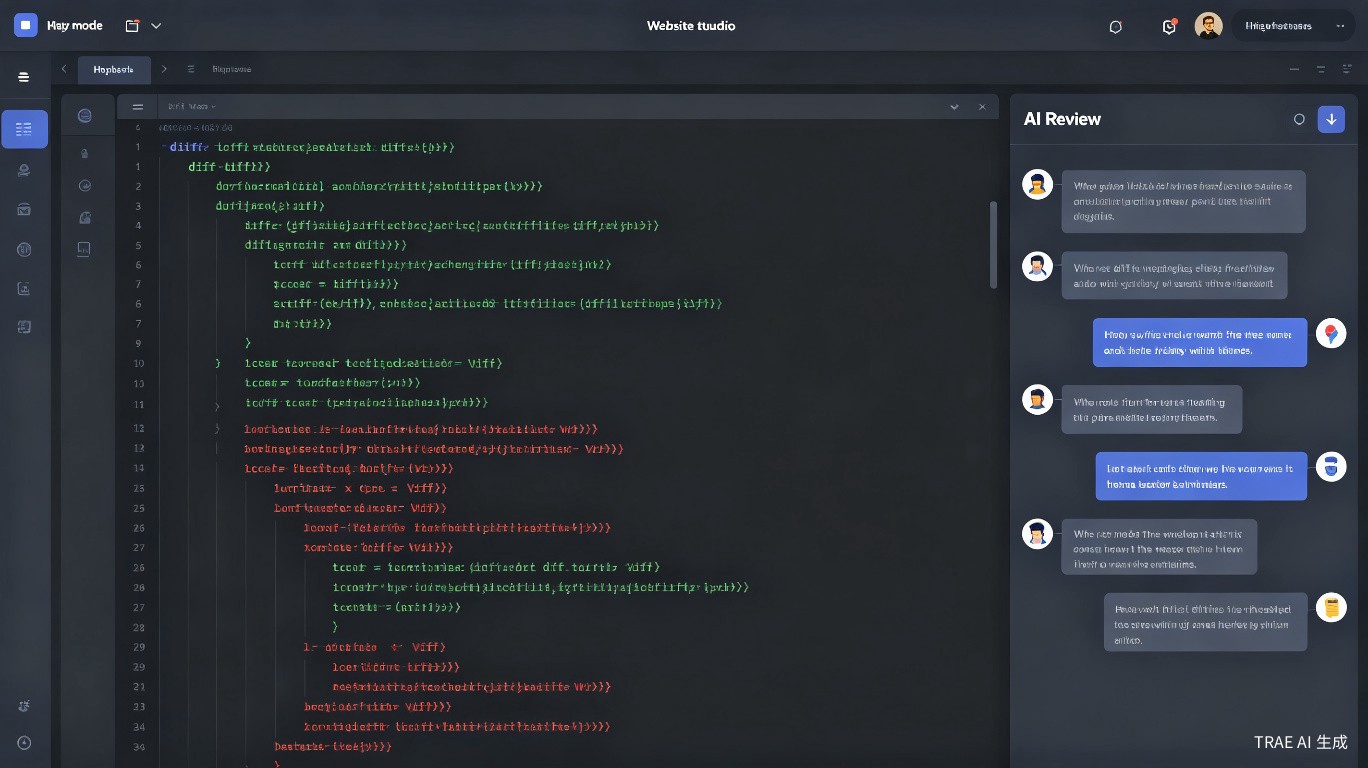
Why Use Cursor for Code Review
Traditional code review involves reading through diffs, checking logic, verifying style, and mentally simulating execution. Cursor augments this by:
- Explaining unfamiliar code in plain language
- Identifying potential bugs and edge cases
- Checking consistency with existing patterns
- Suggesting improvements you might not consider
Cursor's code review features are not a replacement for human judgment. They are a tool to make your reviews more thorough and efficient. Always verify AI suggestions before acting on them.
Setting Up for Code Review
Before you start reviewing, configure Cursor to give you the best results.
1. Open the Target Branch
Check out the branch you want to review:
git fetch origin
git checkout feature-branch-name
Cursor works best when it can index the entire codebase, including the changes under review.
2. Review the Diff First
Before involving the AI, scan the diff yourself to understand the scope:
git diff main...feature-branch-name
This gives you context so you can ask better questions in Cursor.
3. Index the Codebase
Make sure Cursor has indexed the latest changes:
- Open the Command Palette (
Ctrl/Cmd + Shift + P) - Search for Cursor: Reindex Codebase
- Wait for indexing to complete
If the PR is large, consider reviewing it in chunks. Cursor's context window is large but not infinite. Focusing on 2-3 files at a time yields better results than dumping the entire diff into chat.
Reviewing PRs with Cursor Chat
The chat panel is your primary tool for code review. Here are proven techniques.
Ask for a High-Level Summary
Start broad to understand the intent:
@file.ts what does this PR change and why?
Or for the entire branch:
Summarize the changes in this branch compared to main. What problem does it solve?
This helps you understand the author's intent before diving into details.
Review Specific Functions or Classes
Select code and ask targeted questions:
Review this function for:
1. Potential null pointer exceptions
2. Off-by-one errors
3. Missing error handling
4. Performance issues
Be specific in your prompts. "Review this code" is too vague. "Check this function for race conditions" gives Cursor a clear direction and produces more useful output.
Check for Security Issues
Review this authentication handler for security issues:
- SQL injection vulnerabilities
- Improper input validation
- Hardcoded secrets
- Insecure dependencies
Cursor can flag common security patterns, though it won't catch everything. Treat its output as a first pass, not a final security audit.
Verify Business Logic
Does this implementation match the requirements in @spec.md?
Check for:
- Missing edge cases
- Incorrect calculations
- Missing validations
Finding Bugs with Cursor
Cursor excels at finding bugs that are easy to miss during manual review.
Common Bug Patterns to Check
Ask Cursor to look for specific categories of bugs:
| Bug Category | Prompt to Use |
|---|---|
| Null/undefined handling | "Find places where variables could be null or undefined" |
| Async/await issues | "Check for missing awaits, unhandled promise rejections, or race conditions" |
| Resource leaks | "Find potential memory leaks, unclosed file handles, or missing cleanup" |
| Type mismatches | "Check for type inconsistencies that TypeScript might miss" |
| Logic errors | "Verify the conditional logic in this function. Are all cases handled?" |
Example: Reviewing a Data Processing Function
// The code under review
function processUserData(users: User[]) {
  const results = [];
  for (let i = 0; i <= users.length; i++) {
    const user = users[i];
    if (user.isActive) {
      results.push({
        name: user.name.toUpperCase(),
        email: user.email
      });
    }
  }
  return results;
}
Prompt to Cursor:
Review this function for bugs:
Cursor might flag:
- Off-by-one error:
i <= users.lengthshould bei < users.length - Potential null reference:
user.name.toUpperCase()fails ifnameis null - Missing type on
results: Should beconst results: ProcessedUser[] = []
Cursor catches obvious bugs reliably but can miss subtle issues that require deep domain knowledge. Always run the test suite and do your own analysis alongside AI review.
Style Consistency Checks
Maintaining consistent style across a codebase is tedious but important. Cursor can help.
Check Against Existing Patterns
Does this new component follow the same patterns as @ExistingComponent.tsx?
Check for:
- Naming conventions
- Error handling approach
- State management patterns
- Prop typing style
Enforce Project Conventions
If your project has a style guide or .cursorrules file, reference it:
Review this code against @.cursorrules. Flag any violations.
Formatting and Linting
Cursor can suggest formatting fixes, but automated tools are more reliable for this:
# Run your linter first
npm run lint
npm run format:check
Use Cursor for semantic style issues (architecture, patterns) and linters for syntactic ones (spacing, quotes, semicolons).
Asking Targeted Questions
The quality of your review depends on the quality of your questions. Here are effective patterns.
The "What Could Go Wrong" Pattern
What are 3 ways this code could fail in production?
This forces Cursor to think about edge cases and failure modes.
The "Explain Like I'm New" Pattern
Explain this algorithm as if I'm a junior developer who just joined the team.
If Cursor's explanation is confusing, the code probably needs better comments or refactoring.
The "Compare Approaches" Pattern
The author implemented this with a for-loop. Would a map/filter approach be better here? Why or why not?
This helps you evaluate whether the chosen approach is optimal.
The "Missing Tests" Pattern
What test cases are missing for this function?
Cursor often suggests edge cases the author didn't cover.
Team Workflows for AI-Assisted Review
Integrating Cursor into a team review process requires some coordination.
Workflow 1: Pre-Review Screening
Before human review, the author runs Cursor checks:
- Author opens their PR branch in Cursor
- Runs a standard set of review prompts
- Fixes obvious issues flagged by the AI
- Submits the PR with a note: "Cursor review completed, issues X and Y fixed"
This reduces noise in human review and catches low-hanging fruit early.
Workflow 2: Reviewer Assistant
The human reviewer uses Cursor as a second pair of eyes:
- Reviewer checks out the PR branch
- Reads the diff manually
- Uses Cursor to deep-dive on complex sections
- Combines AI findings with human judgment in review comments
Workflow 3: Post-Merge Audit
For critical code paths, use Cursor after merge:
- Check out
mainafter the PR merges - Ask Cursor to review the merged code in context of the full system
- Flag any integration issues the isolated PR review missed
Establish a shared set of review prompts for your team. Save them in a REVIEW_PROMPTS.md file in your repo so all reviewers ask consistent questions.
Review Prompts Template
Create a reusable template for your team:
## Cursor Code Review Checklist

### For each modified file:
1. "Summarize what this file does and how it changed"
2. "Find potential bugs or edge cases"
3. "Check error handling completeness"
4. "Verify consistency with existing code patterns"

### For the PR as a whole:
1. "Does this change introduce any breaking changes?"
2. "Are there missing tests for new functionality?"
3. "Could this impact performance?"
4. "Are there security implications?"
Limitations and Pitfalls
Cursor is a powerful review assistant, but it has limitations.
What Cursor Does Well
- Finding obvious bugs (null references, off-by-one, missing awaits)
- Explaining complex code in simpler terms
- Checking consistency with existing patterns
- Suggesting missing test cases
What Cursor Struggles With
- Subtle business logic errors that require domain knowledge
- Architectural decisions that depend on future roadmap
- Performance issues that require profiling data
- Security vulnerabilities that depend on deployment context
Common Pitfalls
- Over-reliance: Don't approve a PR just because Cursor didn't flag issues
- False positives: Cursor sometimes flags correct code as problematic
- Context gaps: Cursor doesn't know your production environment, load patterns, or business constraints
- Hallucinated issues: Occasionally Cursor invents problems that don't exist
Never skip manual review because you used Cursor. The AI is an assistant, not a replacement. Treat its suggestions as hints to investigate, not as definitive findings.
Summary
Cursor makes code review faster and more thorough when used correctly. The key practices are:
- Start with a manual diff scan to understand scope
- Ask specific, targeted questions rather than vague "review this" prompts
- Use Cursor for bug-finding, pattern-checking, and explanation
- Combine AI findings with human judgment and automated testing
- Establish team workflows so everyone uses Cursor consistently
The goal is not to automate code review entirely. It's to catch more issues in less time, so human reviewers can focus on the architectural and design decisions that AI cannot evaluate.