Managing Context Across AI Coding Tools and Cursor Sessions
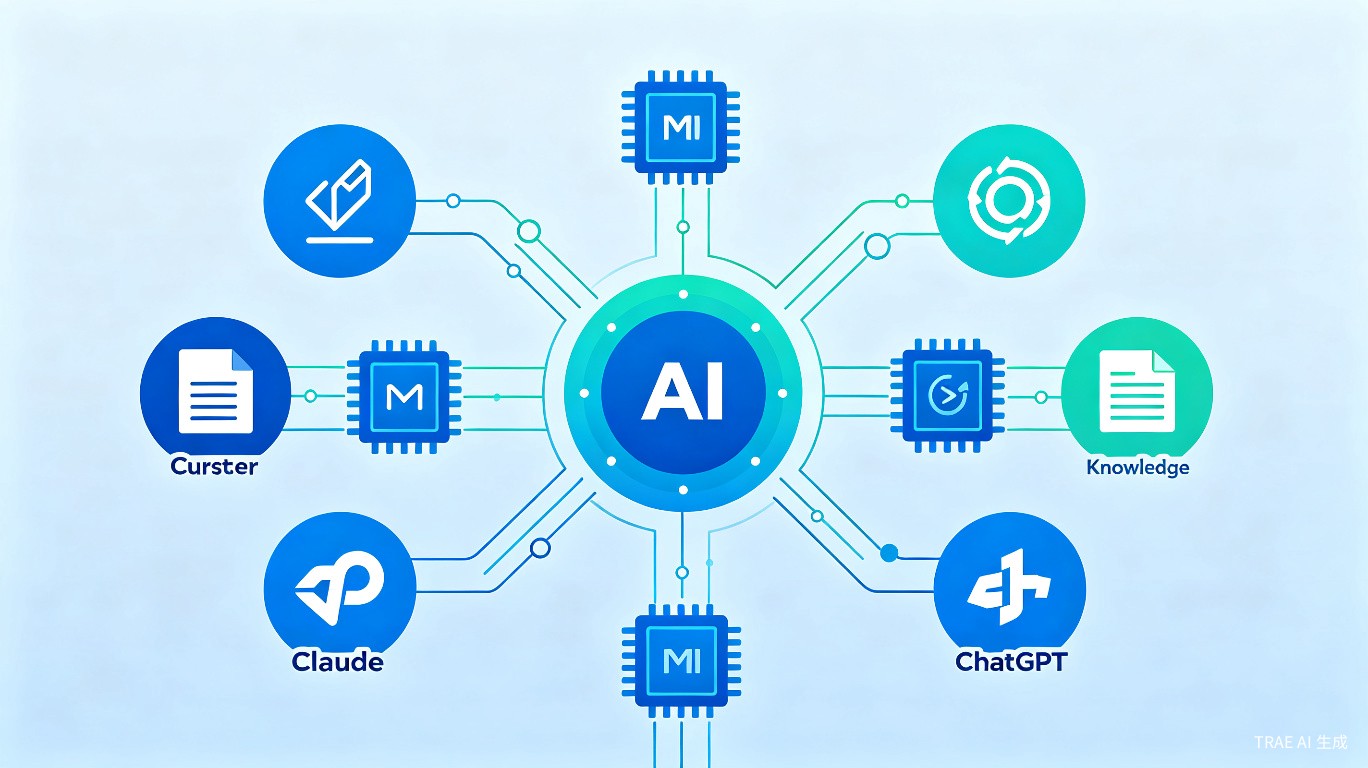
One of the biggest challenges when working with AI coding assistants is maintaining context across sessions and tools. Cursor provides several mechanisms to preserve and share project context, ensuring that your AI assistant always has the information it needs. This guide covers the best practices for context management.
The Context Problem
When working with AI tools, you often face these challenges:
- Session amnesia: Each new chat starts fresh with no memory of previous work
- Tool switching: Moving between Cursor, Claude, ChatGPT, or other tools loses context
- Team sharing: Team members need access to the same project context
- Context drift: Over long sessions, the AI loses track of original goals
Solution 1: AGENTS.md - The Project Constitution
Create an AGENTS.md file in your repository root. This is the single source of truth for all AI tools.
Structure of AGENTS.md
# Project: MyApp

## Overview
Brief description of what this project does and its tech stack.

## Tech Stack
- Frontend: React 18 + TypeScript + Tailwind CSS
- Backend: Node.js + Express + PostgreSQL
- Testing: Jest + React Testing Library
- Build: Vite

## Project Structure
src/ components/ # Reusable UI components pages/ # Route-level pages hooks/ # Custom React hooks utils/ # Helper functions types/ # TypeScript types api/ # API client functions
## Build & Test Commands
```bash
npm run dev       # Start development server
npm run build     # Production build
npm run test      # Run tests
npm run lint      # Run ESLint
Coding Standards
- Use functional components with hooks
- Follow the existing file organization
- Write tests for all new features
- Use TypeScript strict mode
Key Decisions
- Using React Query for server state management
- JWT tokens stored in httpOnly cookies
- Monorepo structure with shared types package
### Referencing AGENTS.md in Cursor

At the start of each new chat:
Read AGENTS.md and help me implement [feature]. Follow all coding standards and use the existing patterns.
## Solution 2: Cursor-Specific Rules

Create `.cursor/rules/` for Cursor-specific guidelines:

```markdown
---
description: 'Project-specific Cursor behavior'
globs: ['**/*.ts', '**/*.tsx']
alwaysApply: true
---

# Cursor Guidelines

## Before Making Changes
1. Read AGENTS.md for project context
2. Check existing similar implementations
3. Follow the established patterns

## Code Generation Preferences
- Generate TypeScript with explicit types
- Include JSDoc comments for public APIs
- Use the existing error handling pattern

## Testing Requirements
- Always suggest tests for new features
- Use React Testing Library for components
- Mock API calls with MSW
Solution 3: Session Memory with MCP
Use MCP (Model Context Protocol) servers for persistent memory:
Setting Up Memory MCP
Add to your Cursor MCP settings:
{
  "mcpServers": {
    "memory": {
      "command": "npx",
      "args": ["-y", "@cursor-memory/server"]
    }
  }
}
Using Memory
Store important facts:
Remember that we're using PostgreSQL with a users table that has:
- id (UUID, primary key)
- email (unique, indexed)
- created_at (timestamp)
- preferences (JSONB)
Recall in future sessions:
What do you remember about our database schema?
Solution 4: The CONTRACT.md Pattern
For complex projects, use a contract file that defines invariants:
# Project Contract

## Invariants (Never Violate)
1. All API responses must include a `success` boolean
2. User IDs are always UUIDs, never integers
3. Passwords are never logged or returned in responses

## Architecture Rules
1. Domain logic lives in `src/domain/`
2. API routes only delegate to services
3. Database access only through repository pattern

## Current Sprint Goals
- Implement user authentication
- Add password reset flow
- Set up email notifications
Update this file after each meaningful change.
Solution 5: Session Summaries
At the end of each session, create a summary:
# Session Summary: 2026-06-22

## Completed
- [x] Set up JWT authentication middleware
- [x] Created login and register endpoints
- [x] Added password hashing with bcrypt

## In Progress
- [ ] Email verification flow (started, needs testing)

## Next Steps
1. Implement password reset with token expiry
2. Add rate limiting to auth endpoints
3. Write integration tests

## Key Files Modified
- src/middleware/auth.ts (new)
- src/routes/auth.ts (new)
- src/services/auth.ts (new)
- src/models/user.ts (modified)

## Decisions Made
- Using 15-minute JWT expiry with refresh tokens
- Storing refresh tokens in Redis
Save this as docs/session-summaries/YYYY-MM-DD.md.
Solution 6: Cross-Tool Context with Markdown
When switching between tools, use a standardized context format:
# Context Transfer

## Current Task
Implementing user profile page

## Relevant Files
- src/pages/Profile.tsx
- src/components/UserForm.tsx
- src/api/users.ts

## Current State
- Profile page skeleton created
- UserForm component needs validation
- API endpoint /api/users/me returns correct data

## Blockers
- Need to decide on image upload approach

## Next Action
Add form validation and submit handler
Copy this into any AI tool to continue seamlessly.
Best Practices Summary
Do's
- Create AGENTS.md at project start
- Update AGENTS.md when architecture changes
- Use Cursor rules for tool-specific guidelines
- Summarize each session before closing
- Store persistent facts with MCP memory
- Use version control for all context files
Don'ts
- Don't rely on AI's session memory alone
- Don't keep context in external notes (Obsidian/Notion) without syncing
- Don't let context files become outdated
- Don't duplicate information across multiple files
Quick Start Checklist
For a new project:
- Create
AGENTS.mdwith project overview - Set up
.cursor/rules/for Cursor behavior - Configure MCP memory server
- Create
CONTRACT.mdfor architecture invariants - Set up
docs/session-summaries/directory - Add all context files to version control