OpenAI o1 Models in Cursor: A Practical Guide
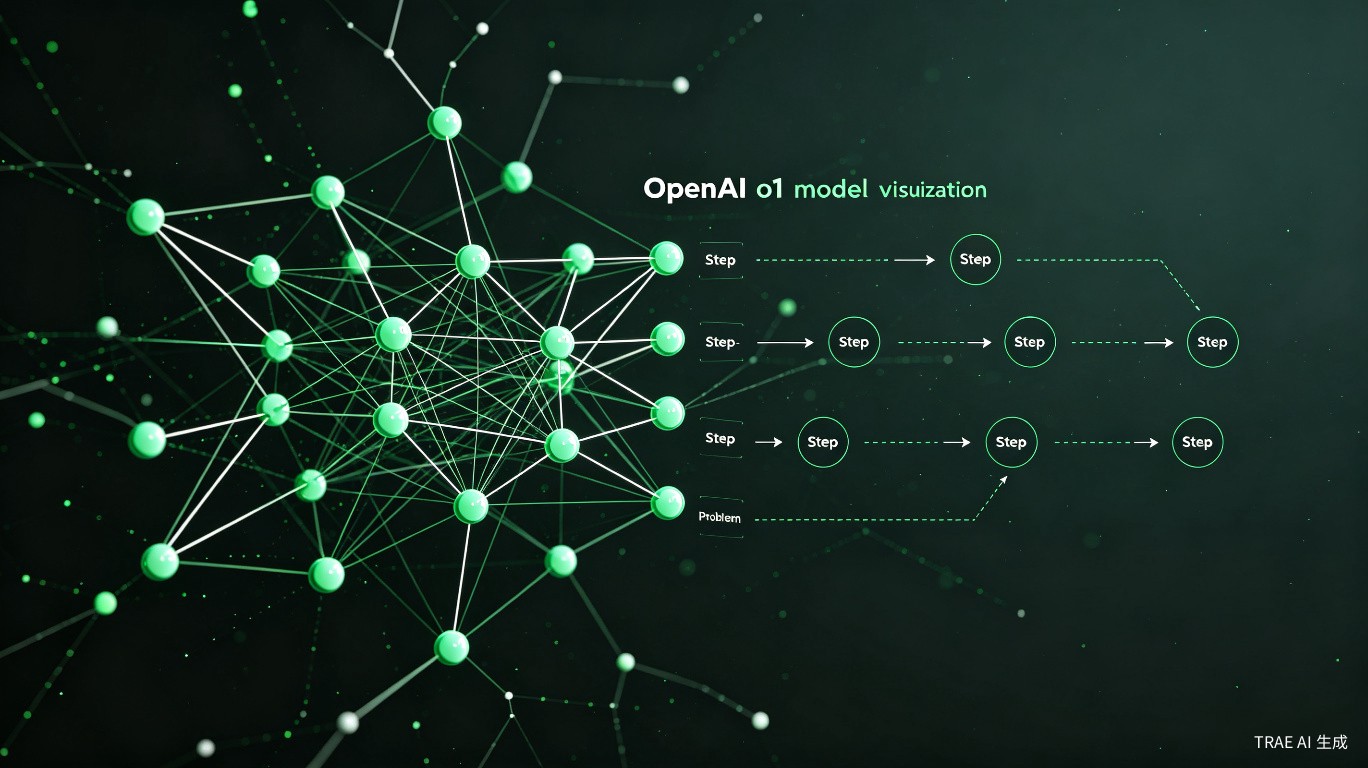
OpenAI's o1 models represent a shift from traditional large language models to reasoning-focused systems. When they became available in Cursor, the community generated 49 replies worth of discussion about what they actually do, when to use them, and whether they're worth the cost. This guide distills that into actionable advice.
What Makes o1 Different
Traditional models like GPT-4o predict the next token based on training data patterns. o1 models do something fundamentally different: they reason through problems internally before generating a response.
The key difference:
GPT-4o:  Input -> Pattern matching -> Output
o1:      Input -> Internal reasoning chain -> Output
This internal reasoning chain means o1:
- Breaks complex problems into smaller steps
- Considers multiple approaches before selecting one
- Catches errors in its own reasoning and corrects them
- Produces more reliable answers for hard problems
When you use o1, your request consumes two types of tokens:
- Reasoning tokens -- the model's internal thinking process (hidden from you)
- Output tokens -- the final response you see
Both count toward your usage, which is why o1 requests cost more.
o1 Model Variants in Cursor
As of mid-2025, Cursor offers access to o1 models in different configurations:
| Model | Reasoning Depth | Speed | Best For |
|---|---|---|---|
| o1-preview | Deep | Slow | Hardest problems |
| o1 | Deep | Slow | Production reasoning tasks |
| o3-mini | Moderate | Medium | Most reasoning tasks (see dedicated guide) |
For most coding tasks in Cursor, o3-mini is the better choice. It's faster, cheaper, and nearly as capable. Reserve full o1 for problems where o3-mini fails.
How to Set Up o1 in Cursor
Subscription Requirements
o1 models require a paid Cursor subscription:
- Cursor Pro ($20/month) -- includes o1 access with premium request limits
- Cursor Business ($40/month) -- higher limits
The Free plan does not include o1 models.
Selecting o1
- Open the chat panel (
Ctrl+LorCmd+L) - Click the model dropdown at the top of the chat
- Select o1-preview or o1 from the list
If you don't see o1 options, check:
- Your subscription is active
- Cursor is updated to the latest version
- You're not in a region where o1 is restricted
Using o1 in Agent Mode
For multi-file changes, enable Agent mode:
- In the chat panel, switch the mode to Agent
- Select o1 as the model
- Describe the change you want
o1 in Agent mode will reason about the architecture, plan the changes, and execute them across files. Because of the reasoning overhead, this is slower than using Claude Sonnet in Agent mode.
Example o1 Agent prompt:
"Design and implement a caching layer for our API client.
It should support in-memory caching with TTL, cache invalidation,
and fallback to the API when cache misses. Use the existing
HttpClient in src/api/client.ts and add tests."
Reasoning Tokens: What You Need to Know
Reasoning tokens are the hidden cost of using o1 models. Understanding them helps you manage usage and expectations.
How Reasoning Tokens Work
When you send a prompt to o1, the model doesn't immediately respond. Instead, it generates a chain of thought internally:
User prompt: "Write a function to detect cycles in a linked list"

Internal reasoning (hidden):
  "I need to detect a cycle in a linked list..."
  "Floyd's Cycle-Finding Algorithm uses two pointers..."
  "Slow pointer moves 1 step, fast pointer moves 2 steps..."
  "If they meet, there's a cycle..."
  "Edge case: empty list..."
  "Let me verify this handles all cases..."

Final output (visible):
  "Here's a function using Floyd's algorithm..."
The internal reasoning can be 2-5x longer than the visible output. All of it counts toward token usage.
Cost Implications
In Cursor, o1 models consume premium requests. The reasoning process means each request uses more tokens than a comparable GPT-4o request.
| Model | Request Type | Relative Cost per Prompt |
|---|---|---|
| GPT-4o | Standard | 1x (baseline) |
| Claude Sonnet 4 | Premium | 1x (premium) |
| o3-mini | Premium | ~1.5x (premium + reasoning) |
| o1 | Premium | ~3-5x (premium + deep reasoning) |
Heavy o1 usage will burn through your premium request allocation quickly. A user in the community thread reported exhausting their monthly Pro allocation in under a week by using o1 for routine tasks.
Managing Costs
Strategies to control o1 costs:
- Use o1 selectively -- only for problems that actually need deep reasoning
- Prefer o3-mini -- it handles most reasoning tasks at lower cost
- Break problems down -- shorter, focused prompts use fewer reasoning tokens
- Cache when possible -- don't re-run o1 on the same problem
When to Use o1 vs. GPT-4o
The choice between o1 and GPT-4o depends entirely on what you're doing.
Use o1 When
- Debugging complex logic errors -- o1 traces execution paths more carefully
- Designing algorithms -- it explores edge cases and optimizes approaches
- System architecture decisions -- it weighs tradeoffs more thoroughly
- Security reviews -- it catches subtle vulnerabilities better
- Mathematical computations -- precise reasoning beats pattern matching
Use GPT-4o When
- Writing boilerplate code -- faster and cheaper
- Routine feature implementation -- GPT-4o is plenty capable
- Documentation and comments -- better natural language quality
- Quick fixes and refactoring -- speed matters more than depth
- Learning and exploration -- conversational back-and-forth works better
Quick Decision Table
| Task | Recommended Model | Why |
|---|---|---|
| Algorithm design | o1 or o3-mini | Reasoning depth matters |
| API endpoint implementation | GPT-4o or Claude Sonnet | Standard coding task |
| Debugging race conditions | o1 | Needs careful execution analysis |
| Writing unit tests | Claude Sonnet | Better code style and coverage |
| Database schema design | o1 | Tradeoff analysis benefits from reasoning |
| CSS/styling work | GPT-4o | o1 offers no advantage here |
| Code review (security) | o1 | Catches subtle issues |
| Code review (style) | Claude Sonnet | Better at idiomatic code |
Real-World Performance
Based on community feedback from the 49-reply thread, here's how o1 performs in practice.
Where o1 Shines
Algorithm implementation: Users consistently report that o1 produces more correct algorithms on the first try. It handles edge cases that other models miss.
# o1 correctly handled this prompt on first attempt:
# "Implement a thread-safe LRU cache with O(1) get and put operations"

from collections import OrderedDict
import threading

class ThreadSafeLRUCache:
    def __init__(self, capacity: int):
        self.capacity = capacity
        self.cache = OrderedDict()
        self.lock = threading.RLock()

    def get(self, key: int) -> int:
        with self.lock:
            if key not in self.cache:
                return -1
            self.cache.move_to_end(key)
            return self.cache[key]

    def put(self, key: int, value: int) -> None:
        with self.lock:
            if key in self.cache:
                self.cache.move_to_end(key)
            self.cache[key] = value
            if len(self.cache) > self.capacity:
                self.cache.popitem(last=False)
Complex debugging: When given a bug report and codebase context, o1 is more likely to identify the root cause rather than treating symptoms.
Where o1 Disappoints
Speed: Multiple users noted that o1 feels sluggish for interactive coding. The wait time breaks flow state.
Over-engineering: For simple tasks, o1 sometimes produces unnecessarily complex solutions. One user asked for a simple file reader and got a full abstraction layer with interfaces and factories.
Natural language quality: o1's explanations are accurate but dry. GPT-4o and Claude write clearer documentation and comments.
Cost at scale: For teams or heavy users, o1's token consumption makes it expensive for daily use.
Setting Up o1 with Your Own API Key
If you hit Cursor's premium request limits, you can bring your own OpenAI API key for additional o1 capacity.
- Get an API key from platform.openai.com
- In Cursor, go to Settings > Models
- Add your OpenAI API key
- Select o1 from the model dropdown
When using your own API key, you pay OpenAI directly for token usage. o1 pricing is significantly higher than GPT-4o -- check OpenAI's pricing page for current rates. Reasoning tokens are billed at the same rate as output tokens.
Limitations to Keep in Mind
-
No streaming: o1 doesn't support streaming responses. You wait for the entire reasoning process to complete before seeing any output.
-
No tool use in reasoning: o1 can't browse the web or execute code during its reasoning phase. It works with the context you provide.
-
System prompt limitations: o1 handles system prompts differently than other models. Some custom instructions may not work as expected.
-
Context window: While o1 has a large context window, the reasoning process itself consumes tokens from that budget.
Summary
OpenAI's o1 models bring genuine reasoning capabilities to Cursor, but they're not a replacement for GPT-4o or Claude Sonnet. Think of o1 as a specialist you call in for hard problems, not your daily driver.
Key points:
- o1 uses internal reasoning chains that consume hidden tokens
- It's slower and more expensive than standard models
- Best for algorithms, complex debugging, architecture, and security
- o3-mini is the better choice for most reasoning tasks
- GPT-4o and Claude Sonnet remain better for routine coding
Use o1 when the problem is hard enough that the extra reasoning time and cost are justified by a better answer. For everything else, stick with faster, cheaper models.