Cursor Skills, Commands, and Rules: What's the Difference?
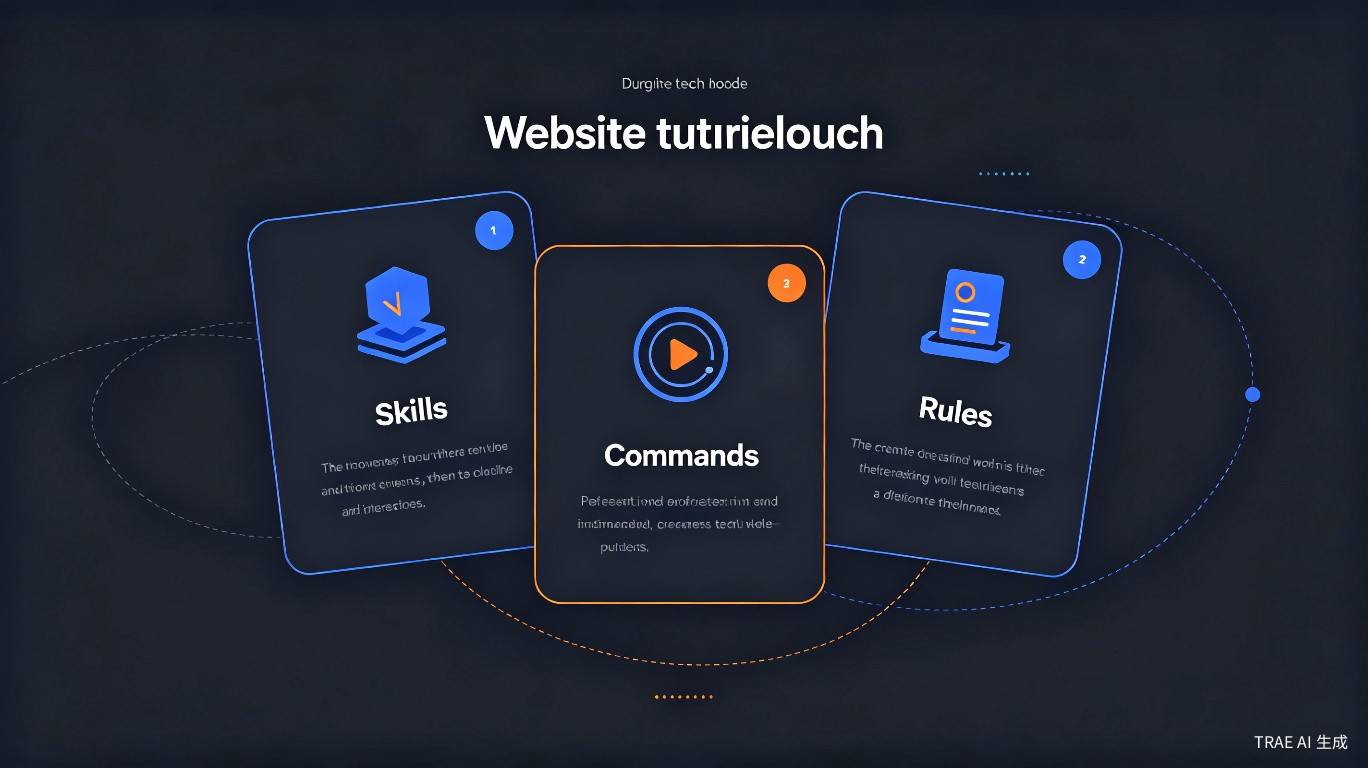
Cursor has three overlapping but distinct features that confuse a lot of users: Skills, Commands, and Rules. The forum thread with 11 replies asked essentially the same question in different ways -- "Which one do I use for what?" This guide draws clear boundaries between them and shows you when to use each.
Definitions
Let's start with what each feature actually is.
What Are Rules?
Rules tell Cursor's AI how to behave when generating or modifying code. They define coding standards, conventions, constraints, and preferences.
Rules are declarative -- you state what should be true, and the AI follows it.
Always use TypeScript strict mode.
Prefer named exports over default exports.
Use functional components with hooks, not class components.
Rules apply automatically to every AI interaction in the project where they're configured. You don't invoke them manually.
Where rules live:
- Global rules: Settings > General > Rules for AI
- Project rules:
.cursorrulesfile in project root - Scoped rules:
.mdcfiles in.cursor/rules/directory
What Are Commands?
Commands are predefined prompts that you invoke manually to perform specific actions. They're shortcuts for common tasks.
Commands are imperative -- you trigger them to do something specific right now.
You type: "/explain"
Result: AI explains the selected code

You type:
"/fix"
Result: AI fixes errors in the selected code
Commands are explicit user actions. The AI doesn't use them unless you tell it to.
Where commands live:
- Built-in commands:
/explain,/fix,/doc,/test, etc. - Custom commands: User-defined in settings
What Are Skills?
Skills are contextual capabilities that Cursor's AI can draw on when needed. They represent domain knowledge or specialized abilities that the AI can apply to your requests.
Skills are adaptive -- the AI decides when to use them based on your prompt.
User: "Set up a Next.js project with TypeScript, Tailwind, and Prisma"

The AI uses its "Next.js project scaffolding" skill to:
- Run the correct initialization commands
- Configure Tailwind properly
- Set up Prisma with the right schema location
- Configure TypeScript paths
You don't explicitly invoke skills. The AI recognizes when a skill applies and uses it automatically.
Where skills come from:
- Built into Cursor's AI training
- Learned from your codebase over time
- Added via MCP (Model Context Protocol) servers
Side-by-Side Comparison
| Aspect | Rules | Commands | Skills |
|---|---|---|---|
| Purpose | Define behavior standards | Execute specific actions | Apply domain knowledge |
| When applied | Automatically, always | When manually invoked | When AI detects relevance |
| User control | Set once, applies always | Triggered on demand | Implicit, AI decides |
| Format | Text / JSON / .mdc | Slash commands (/fix) | Internal AI capability |
| Scope | Global or project-specific | Universal | Context-dependent |
| Example | "Use semicolons" | /explain selection | "Knows how to scaffold React apps" |
When to Use Each One
Use Rules When
You want to change how the AI writes code consistently across your project.
Good rule use cases:
- Enforcing a coding style (tabs vs. spaces, naming conventions)
- Specifying tech stack preferences (React vs. Vue, Prisma vs. Drizzle)
- Defining architectural constraints (no circular imports, specific folder structure)
- Setting response style ("be concise", "always add comments")
{
  "techStack": ["Next.js 14", "TypeScript", "Tailwind CSS"],
  "rules": [
    "Use server components by default",
    "Add 'use client' only when interactivity is needed",
    "All API routes go in app/api/",
    "Use Prisma for all database operations"
  ]
}
Rules are your project's "constitution." Write them once and they guide every AI interaction.
Use Commands When
You want to perform a specific action right now on selected code or the current context.
Good command use cases:
- Explaining unfamiliar code (
/explain) - Fixing a specific error (
/fix) - Generating documentation (
/doc) - Writing tests for a function (
/test) - Refactoring a selected block (
/refactor)
1. Select the function you want to document
2. Type /doc in the chat
3. The AI generates JSDoc comments for that function
Built-in commands reference:
| Command | What It Does | When to Use |
|---|---|---|
/explain | Explains selected code | Reading unfamiliar code |
/fix | Fixes errors in selected code | When there's a bug or error |
/doc | Generates documentation | Adding JSDoc/docstrings |
/test | Generates unit tests | Writing test coverage |
/refactor | Suggests refactoring | Improving code structure |
/commit | Generates commit message | Before committing changes |
Commands can be combined. You can select code, type /doc, then follow up with /test to generate both documentation and tests for the same function.
Use Skills When
Skills aren't something you directly "use" -- they're something the AI leverages. But you can enable or configure skills through MCP servers and project context.
Good skill configurations:
- Adding an MCP server for database schema awareness
- Enabling web search capability
- Connecting to documentation APIs
- Setting up repository-specific knowledge
{
  "mcpServers": {
    "postgres": {
      "command": "npx",
      "args": ["-y", "@modelcontextprotocol/server-postgres", "postgresql://localhost/mydb"]
    },
    "github": {
      "command": "npx",
      "args": ["-y", "@modelcontextprotocol/server-github"]
    }
  }
}
When these MCP servers are connected, the AI gains the "skill" of querying your database or GitHub issues directly.
Combining Them: A Practical Example
The real power comes from using all three together. Here's how a real workflow looks:
Scenario: Adding a New API Endpoint
Setup (Rules):
Your .cursorrules file contains:
Tech stack: Next.js 14 App Router, TypeScript, Prisma, Zod
API conventions:
- All routes in app/api/[resource]/route.ts
- Use Zod for input validation
- Return consistent error format: { error: string, code: string }
- Use Prisma transactions for multi-table operations
Execution (Commands):
You select an existing route file and type:
/test
The AI generates tests for the existing route based on your rules.
Then you type:
Create a new POST endpoint for /api/orders that accepts
{ items: Array<{ productId: string, quantity: number }>,
  customerEmail: string } and creates an order with
order items in a transaction.
AI Assistance (Skills):
The AI automatically:
- Applies your Rules -- places the file in
app/api/orders/route.ts, uses Zod validation, wraps in Prisma transaction - Uses its Skill for Next.js App Router routing conventions
- Uses its Skill for Prisma transaction syntax
- Generates the code following all constraints
import { NextRequest, NextResponse } from 'next/server';
import { z } from 'zod';
import { prisma } from '@/lib/db';

const orderSchema = z.object({
  items: z.array(z.object({
    productId: z.string().uuid(),
    quantity: z.number().int().positive()
  })).min(1),
  customerEmail: z.string().email()
});

export async function POST(request: NextRequest) {
  try {
    const body = await request.json();
    const validated = orderSchema.parse(body);

    const order = await prisma.$transaction(async (tx) => {
      const newOrder = await tx.order.create({
        data: {
          customerEmail: validated.customerEmail,
          status: 'PENDING'
        }
      });

      await tx.orderItem.createMany({
        data: validated.items.map(item => ({
          orderId: newOrder.id,
          productId: item.productId,
          quantity: item.quantity
        }))
      });

      return newOrder;
    });

    return NextResponse.json(order, { status: 201 });
  } catch (error) {
    if (error instanceof z.ZodError) {
      return NextResponse.json(
        { error: 'Invalid input', code: 'VALIDATION_ERROR' },
        { status: 400 }
      );
    }

    return NextResponse.json(
      { error: 'Internal server error', code: 'INTERNAL_ERROR' },
      { status: 500 }
    );
  }
}
Notice how the code follows every rule you defined, without you having to repeat them in the prompt. That's the power of combining all three mechanisms.
Common Confusions and Clarifications
"Can I Turn Rules Into Commands?"
Not directly. Rules are passive constraints; commands are active actions. However, you can write custom commands that reference your rules:
"/lint" -- a custom command that asks the AI to check
if selected code follows all project rules
"Do Skills Override Rules?"
No. Rules always take precedence. If a skill suggests an approach that violates a rule, the AI should follow the rule. If you see the AI ignoring rules, your rules may be too vague or conflicting.
"Which One Should I Set Up First?"
- Rules first -- define your project conventions
- Commands second -- learn the built-ins, add custom ones as needed
- Skills last -- add MCP servers or context once you know what gaps exist
"Can I Use Multiple at Once?"
Absolutely. In fact, you should. Rules set the baseline, commands trigger actions, and skills fill knowledge gaps. They're designed to work together.
Custom Commands: Going Further
You can define custom commands in Cursor settings for workflows specific to your project.
{
  "cursor.customCommands": [
    {
      "name": "api-check",
      "description": "Check if API route follows project conventions",
      "prompt": "Review this API route file and check: 1) Is it in the correct location? 2) Does it use Zod validation? 3) Does it use Prisma transactions for multi-table ops? 4) Does it return the standard error format? List any violations."
    },
    {
      "name": "add-logging",
      "description": "Add structured logging to a function",
      "prompt": "Add structured logging to this function using the project's logger from @/lib/logger. Log entry parameters, exit results, and any errors caught."
    }
  ]
}
Use them by typing /api-check or /add-logging in the chat.
Summary
| Feature | Think of It As | Your Action | AI's Action |
|---|---|---|---|
| Rules | Project constitution | Write them once | Follows automatically |
| Commands | Power tools | Invoke when needed | Executes specific task |
| Skills | Domain expertise | Configure/enhance | Applies when relevant |
The simplest mental model:
- Rules = "Always do it this way"
- Commands = "Do this specific thing now"
- Skills = "I know how to do this kind of thing"
Set up your rules first so the AI knows your standards. Learn the built-in commands to speed up common tasks. Add skills via MCP servers when you need the AI to understand external systems. Used together, they make Cursor significantly more powerful than any single feature alone.