Auto Terminal Debug
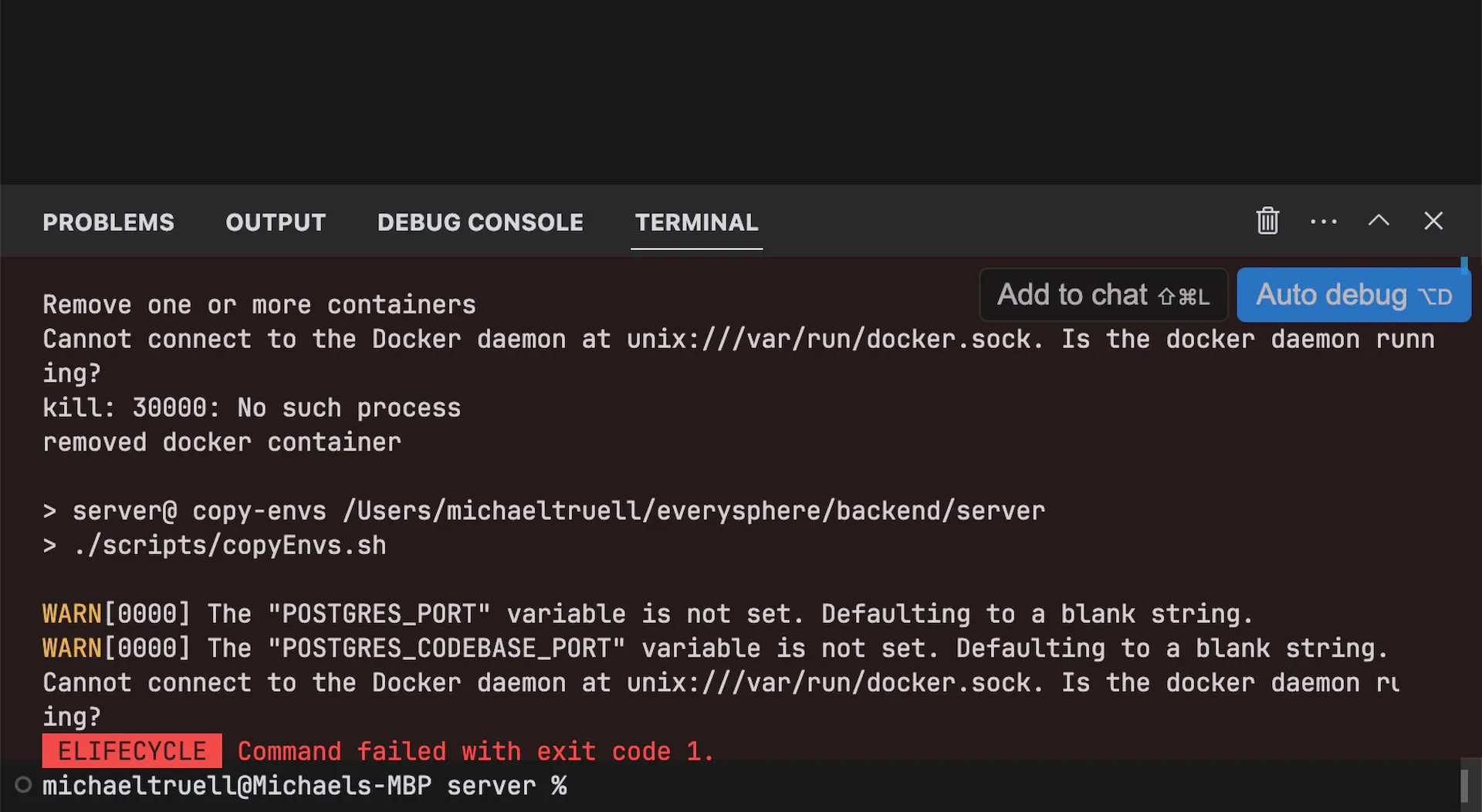
Auto Terminal Debug is a feature that helps you automatically diagnose and fix issues that occur in your terminal.
Features
- Error detection
- Solution suggestions
- Command corrections
- Package installation help
- Environment troubleshooting
How It Works
- When an error occurs in your terminal
- Auto Terminal Debug analyzes the error
- Suggests potential solutions
- Helps you implement fixes
Common Issues
Auto Terminal Debug can help with:
- Missing dependencies
- Configuration errors
- Permission issues
- Path problems
- Version conflicts
Configuration
You can customize:
- Detection sensitivity
- Response style
- Ignored errors
- Auto-fix behavior
- Notification settings
Benefits
- Save debugging time
- Learn from mistakes
- Improve productivity
- Reduce frustration
- Quick problem resolution