API Keys
Cursor supports multiple AI providers. You'll need to configure API keys to use their models.
OpenAI
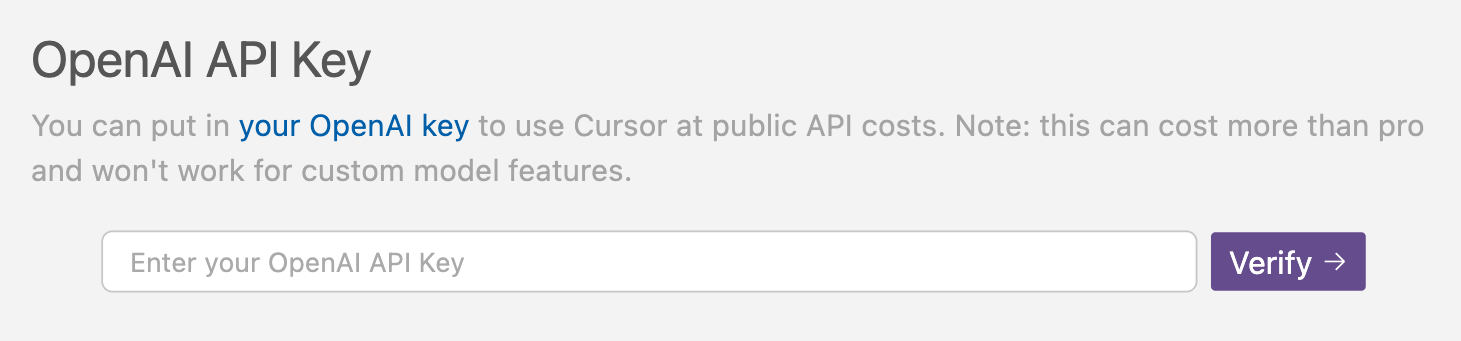
To use OpenAI models:
- Get an API key from OpenAI
- Add it in Cursor Settings > Models > OpenAI API Key
Anthropic
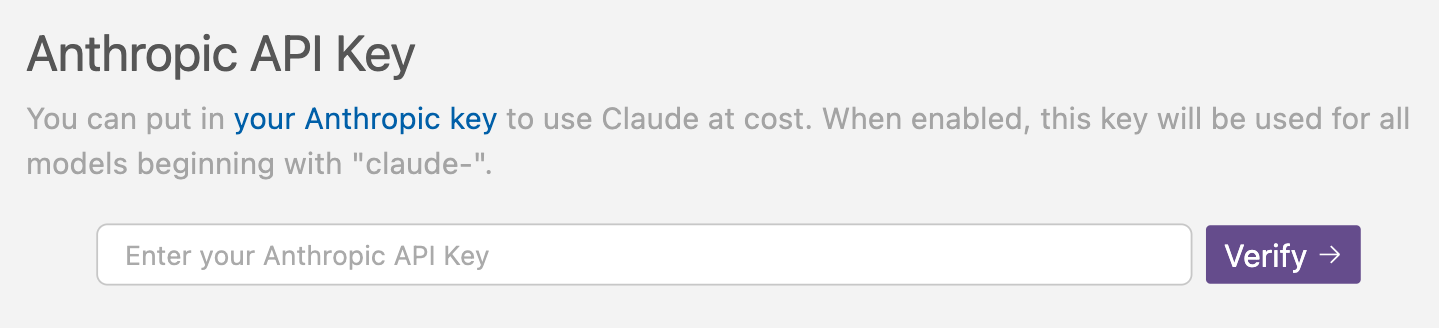
To use Claude models:
- Get an API key from Anthropic
- Add it in Cursor Settings > Models > Anthropic API Key
Google
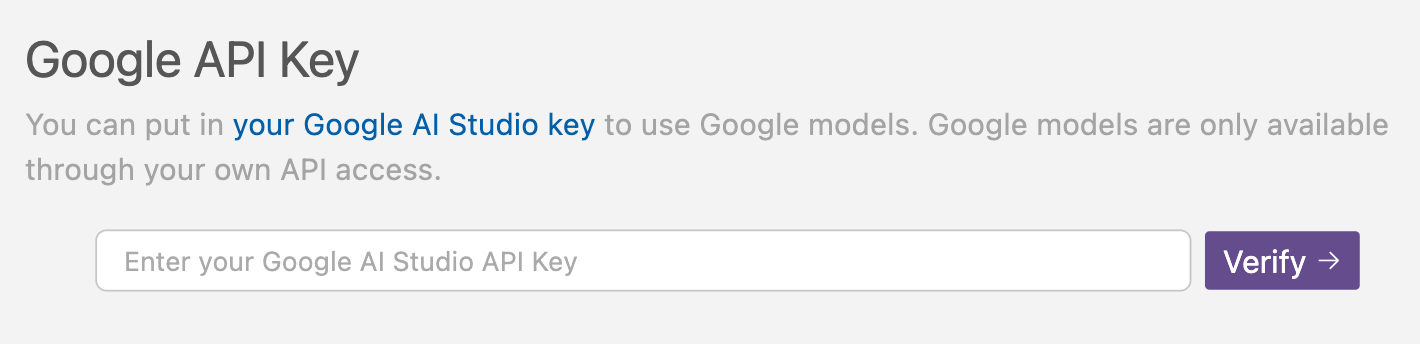
To use PaLM models:
- Get an API key from Google AI Studio
- Add it in Cursor Settings > Models > Google API Key
Azure OpenAI
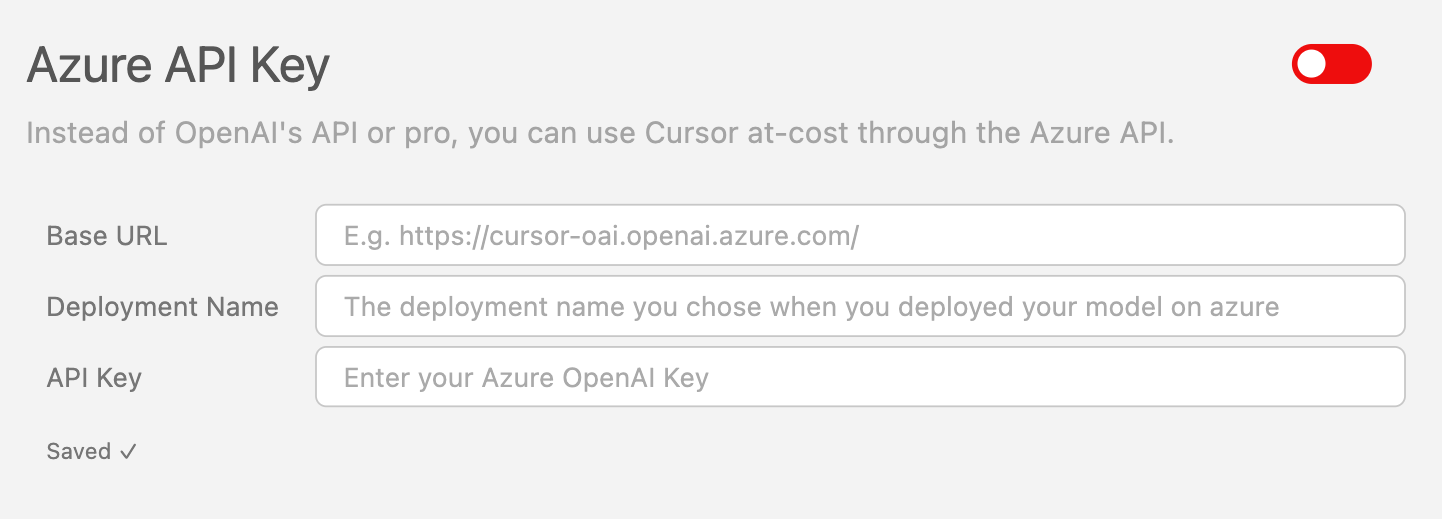
To use Azure OpenAI models:
- Set up Azure OpenAI Service
- Get your API key and endpoint
- Configure in Cursor Settings > Models > Azure OpenAI
Security
- API keys are stored securely
- Keys are only used for model requests
- You can revoke keys anytime
- Keys are not shared between workspaces