Cursor와 Supabase: 백엔드 없는 풀스택 개발
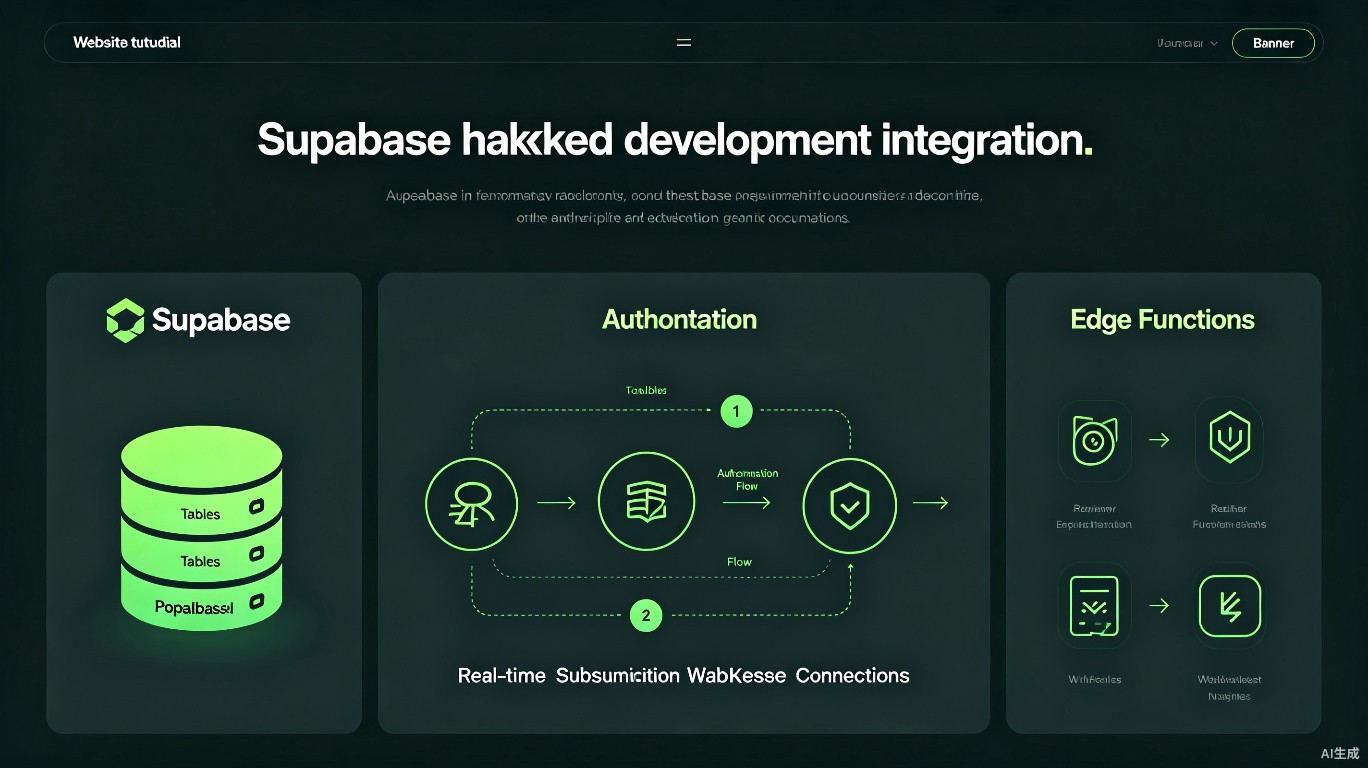
Supabase는 PostgreSQL, 실시간 구독, 인증, 스토리지, 엣지 함수를 제공하는 오픈 소스 Firebase 대안입니다. Cursor의 AI 기능과 결합하면 스키마 설계, 타입 안전 클라이언트 생성, 복잡한 인증 흐름 구현을 가속화할 수 있습니다. 이 가이드에서는 풀스택 Supabase 애플리케이션을 구축하는 실무 워크플로우를 다룹니다.
사전 요구 사항
시작하기 전에 다음이 필요합니다:
- Cursor 설치 (최신 버전 권장)
- Supabase 계정 (묵제 프로젝트 사용 가능)
- Node.js 설치
- PostgreSQL 개념에 대한 기본 이해
Supabase 프로젝트 설정
새 프로젝트 생성
- Supabase Dashboard로 이동
- "New Project" 클릭
- 이름, 데이터베이스 비밀번호, 지역 설정
- 프로젝트 생성이 완료될 때까지 대기
Cursor에서 환경 구성
# Supabase CLI 설치
npm install -g supabase

# 프로젝트 초기화
npx supabase init

# 프로젝트에 연결
npx supabase link --project-ref your-project-ref

# 타입 생성
npx supabase gen types typescript --project-id your-project-ref --schema public > src/types/supabase.ts
# .env.local
NEXT_PUBLIC_SUPABASE_URL=https://your-project.supabase.co
NEXT_PUBLIC_SUPABASE_ANON_KEY=your-anon-key
SUPABASE_SERVICE_ROLE_KEY=your-service-role-key
경고
.env.local에 서비스 역할 키를 커밋하지 마세요. 클라이언트 측에서 절대 노출하지 않으며, 서버 측 작업에서만 사용하세요.
AI 지원 스키마 설계
Supabase DDL 생성
Cursor에게 데이터베이스 스키마를 설계하도록 요청하세요:
Prompt: "Design a Supabase schema for a task management app with users, projects, tasks, and tags. Include proper foreign keys, row-level security policies, and indexes. Use the Supabase SQL format."
Cursor가 생성한 결과:
-- 사용자 확장 (auth.users에 프로필 추가)
create table public.profiles (
  id uuid references auth.users on delete cascade primary key,
  username text unique not null,
  full_name text,
  avatar_url text,
  updated_at timestamp with time zone default timezone('utc'::text, now())
);

-- 프로젝트 테이블
create table public.projects (
  id uuid default gen_random_uuid() primary key,
  name text not null,
  description text,
  owner_id uuid references public.profiles(id) not null,
  created_at timestamp with time zone default timezone('utc'::text, now()),
  updated_at timestamp with time zone default timezone('utc'::text, now())
);

-- 작업 테이블
create table public.tasks (
  id uuid default gen_random_uuid() primary key,
  title text not null,
  description text,
  status text default 'todo' check (status in ('todo', 'in_progress', 'done')),
  priority text default 'medium' check (priority in ('low', 'medium', 'high')),
  project_id uuid references public.projects(id) on delete cascade not null,
  assignee_id uuid references public.profiles(id),
  due_date timestamp with time zone,
  created_at timestamp with time zone default timezone('utc'::text, now()),
  updated_at timestamp with time zone default timezone('utc'::text, now())
);

-- Row Level Security 활성화
alter table public.profiles enable row level security;
alter table public.projects enable row level security;
alter table public.tasks enable row level security;

-- RLS 정책
create policy "Users can view their own profile"
  on public.profiles for select
  using (auth.uid() = id);

create policy "Users can update their own profile"
  on public.profiles for update
  using (auth.uid() = id);

create policy "Users can view their own projects"
  on public.projects for select
  using (auth.uid() = owner_id);

create policy "Users can create projects"
  on public.projects for insert
  with check (auth.uid() = owner_id);
마이그레이션 적용
# 로컬 마이그레이션 실행
npx supabase db reset

# 원격에 푸시
npx supabase db push
타입 안전 클라이언트
Supabase 클라이언트 생성
Cursor를 사용하여 Next.js 앱을 위한 완전히 타입이 지정된 클라이언트를 생성하세요:
// lib/supabase/client.ts
import { createBrowserClient } from '@supabase/ssr';
import { Database } from '@/types/supabase';

export function createClient() {
  return createBrowserClient<Database>(
    process.env.NEXT_PUBLIC_SUPABASE_URL!,
    process.env.NEXT_PUBLIC_SUPABASE_ANON_KEY!
  );
}
// lib/supabase/server.ts
import { createServerClient, type CookieOptions } from '@supabase/ssr';
import { cookies } from 'next/headers';
import { Database } from '@/types/supabase';

export function createClient() {
  const cookieStore = cookies();

  return createServerClient<Database>(
    process.env.NEXT_PUBLIC_SUPABASE_URL!,
    process.env.NEXT_PUBLIC_SUPABASE_ANON_KEY!,
    {
      cookies: {
        get(name: string) {
          return cookieStore.get(name)?.value;
        },
        set(name: string, value: string, options: CookieOptions) {
          cookieStore.set({ name, value, ...options });
        },
        remove(name: string, options: CookieOptions) {
          cookieStore.set({ name, value: '', ...options });
        },
      },
    }
  );
}
팁
데이터베이스 스키마를 변경할 때마다 타입을 재생성하세요. 스키마 변경 시 타입 안전성을 보장하기 위해 이를 빌드 프로세스의 일부로 만드세요.
Supabase 인증
Next.js로 이메일/비밀번호 인증
// app/auth/sign-up/page.tsx
'use client';

import { useState } from 'react';
import { createClient } from '@/lib/supabase/client';
import { useRouter } from 'next/navigation';

export default function SignUpPage() {
  const [email, setEmail] = useState('');
  const [password, setPassword] = useState('');
  const [error, setError] = useState('');
  const router = useRouter();
  const supabase = createClient();

  const handleSignUp = async (e: React.FormEvent) => {
    e.preventDefault();
    setError('');

    const { error } = await supabase.auth.signUp({
      email,
      password,
      options: {
        emailRedirectTo: `${location.origin}/auth/callback`,
      },
    });

    if (error) {
      setError(error.message);
      return;
    }

    router.push('/auth/verify-email');
  };

  return (
    <form onSubmit={handleSignUp} className="max-w-md mx-auto p-8">
      <h1 className="text-2xl font-bold mb-4">Sign Up</h1>
      {error && <p className="text-red-500 mb-4">{error}</p>}
      <input
        type="email"
        value={email}
        onChange={(e) => setEmail(e.target.value)}
        placeholder="Email"
        className="w-full border rounded px-3 py-2 mb-4"
        required
      />
      <input
        type="password"
        value={password}
        onChange={(e) => setPassword(e.target.value)}
        placeholder="Password"
        className="w-full border rounded px-3 py-2 mb-4"
        required
      />
      <button
        type="submit"
        className="w-full bg-blue-500 text-white py-2 rounded"
      >
        Sign Up
      </button>
    </form>
  );
}
OAuth 공급자 설정
// app/auth/sign-in/page.tsx
const handleGoogleSignIn = async () => {
  const supabase = createClient();
  await supabase.auth.signInWithOAuth({
    provider: 'google',
    options: {
      redirectTo: `${location.origin}/auth/callback`,
    },
  });
};
Supabase Dashboard에서 OAuth 공급자를 활성화하세요:
- Authentication > Providers로 이동
- Google 전환
- Client ID 및 Secret 추가
- Authorized redirect URI 복사
데이터 쿼리
타입 안전 쿼리
// app/projects/page.tsx
import { createClient } from '@/lib/supabase/server';

export default async function ProjectsPage() {
  const supabase = createClient();

  // 완전한 타입 추론
  const { data: projects, error } = await supabase
    .from('projects')
    .select(`
      *,
      tasks:tasks(
        id,
        title,
        status,
        priority
      )
    `)
    .order('created_at', { ascending: false });

  if (error) {
    throw new Error(error.message);
  }

  return (
    <div className="p-8">
      <h1 className="text-2xl font-bold mb-4">Projects</h1>
      {projects?.map((project) => (
        <div key={project.id} className="border rounded p-4 mb-4">
          <h2 className="text-xl font-semibold">{project.name}</h2>
          <p className="text-gray-600">{project.description}</p>
          <div className="mt-4">
            <h3 className="font-medium">Tasks ({project.tasks.length})</h3>
            {project.tasks.map((task) => (
              <div key={task.id} className="text-sm">
                {task.title} - {task.status}
              </div>
            ))}
          </div>
        </div>
      ))}
    </div>
  );
}
정보
Supabase 타입을 생성하면 project.tasks 및 project.name에 대한 자동 완성 및 타입 검사가 포함됩니다.
실시간 구독
// hooks/useRealtimeTasks.ts
'use client';

import { useEffect, useState } from 'react';
import { createClient } from '@/lib/supabase/client';
import { Database } from '@/types/supabase';

type Task = Database['public']['Tables']['tasks']['Row'];

export function useRealtimeTasks(projectId: string) {
  const [tasks, setTasks] = useState<Task[]>([]);
  const supabase = createClient();

  useEffect(() => {
    // Initial fetch
    const fetchTasks = async () => {
      const { data } = await supabase
        .from('tasks')
        .select('*')
        .eq('project_id', projectId)
        .order('created_at', { ascending: false });

      if (data) setTasks(data);
    };

    fetchTasks();

    // Real-time subscription
    const channel = supabase
      .channel(`project-${projectId}`)
      .on(
        'postgres_changes',
        {
          event: '*',
          schema: 'public',
          table: 'tasks',
          filter: `project_id=eq.${projectId}`,
        },
        (payload) => {
          if (payload.eventType === 'INSERT') {
            setTasks((prev) => [payload.new as Task, ...prev]);
          } else if (payload.eventType === 'UPDATE') {
            setTasks((prev) =>
              prev.map((t) => (t.id === payload.new.id ? (payload.new as Task) : t))
            );
          } else if (payload.eventType === 'DELETE') {
            setTasks((prev) => prev.filter((t) => t.id !== payload.old.id));
          }
        }
      )
      .subscribe();

    return () => {
      supabase.removeChannel(channel);
    };
  }, [projectId, supabase]);

  return tasks;
}
스토리지
파일 업로드
// app/upload/page.tsx
'use client';

import { useState } from 'react';
import { createClient } from '@/lib/supabase/client';

export default function UploadPage() {
  const [uploading, setUploading] = useState(false);
  const supabase = createClient();

  const handleUpload = async (e: React.ChangeEvent<HTMLInputElement>) => {
    const file = e.target.files?.[0];
    if (!file) return;

    setUploading(true);
    const fileExt = file.name.split('.').pop();
    const fileName = `${Math.random()}.${fileExt}`;

    const { error } = await supabase.storage
      .from('avatars')
      .upload(fileName, file);

    setUploading(false);

    if (error) {
      alert('Upload failed: ' + error.message);
      return;
    }

    alert('Upload successful!');
  };

  return (
    <div className="p-8">
      <h1 className="text-2xl font-bold mb-4">Upload Avatar</h1>
      <input
        type="file"
        accept="image/*"
        onChange={handleUpload}
        disabled={uploading}
      />
    </div>
  );
}
스토리지 버킷 구성
버킷에 대한 RLS 정책을 설정하세요:
-- 스토리지 버킷 생성
insert into storage.buckets (id, name, public)
values ('avatars', 'avatars', true);

-- 스토리지 RLS 정책
create policy "Anyone can view avatars"
  on storage.objects for select
  using (bucket_id = 'avatars');

create policy "Authenticated users can upload avatars"
  on storage.objects for insert
  with check (
    bucket_id = 'avatars' and
    auth.role() = 'authenticated'
  );
엣지 함수
TypeScript 엣지 함수 생성
Cursor를 사용하여 Supabase Edge Functions를 생성하세요:
// supabase/functions/send-notification/index.ts
import { createClient } from 'https://esm.sh/@supabase/supabase-js@2';
const corsHeaders = {
'Access-Control-Allow-Origin': '*',
'Access-Control-Allow-Headers': 'authorization, x-client-info, apikey, content-type',
};
serve(async (req) => {
if (req.method === 'OPTIONS') {
return new Response('ok', { headers: corsHeaders });
}
try {
const { userId, message } = await req.json();
const supabase = createClient(
Deno.env.get('SUPABASE_URL')!,
Deno.env.get('SUPABASE_SERVICE_ROLE_KEY')!
);
// 알림 삽입
const { data, error } = await supabase
.from('notifications')
.insert({ user_id: userId, message })
.select()
.single();
if (error) throw error;
return new Response(JSON.stringify(data), {
headers: { ...corsHeaders, 'Content-Type': 'application/json' },
status: 200,
});
} catch (error) {
return new Response(
JSON.stringify({ error: error.message }),
{
headers: { ...corsHeaders, 'Content-Type': 'application/json' },
status: 400,
}
);
}
});
함수 배포
# 엣지 함수 배포
npx supabase functions deploy send-notification

# 로컬에서 실행
npx supabase functions serve
Supabase + Next.js 체크리스트
| 작업 | 명령어/작업 |
|---|---|
| 타입 생성 | npx supabase gen types typescript ... |
| 마이그레이션 실행 | npx supabase db reset |
| 마이그레이션 푸시 | npx supabase db push |
| 엣지 함수 배포 | npx supabase functions deploy fn-name |
| RLS 정책 검토 | Supabase Dashboard > Authentication > Policies |
| 연결 문자열 확인 | Settings > Database > Connection string |
빠른 참고
| 작업 | Cursor 프롬프트 |
|---|---|
| 스키마 설계 | "Design a Supabase schema for [feature] with RLS" |
| 인증 구현 | "Add Supabase auth to my Next.js app with middleware" |
| 실시간 구독 | "Create a real-time hook for [table] changes" |
| 타입 생성 | "Generate Supabase types for my schema" |
| 엣지 함수 | "Write a Supabase Edge Function for [task]" |
| 스토리지 설정 | "Configure Supabase Storage with RLS policies" |
관련 리소스
마지막 업데이트: 2025년 7월. Supabase 기능은 계속 발전하고 있으며, 최신 API는 공식 문서를 참조하세요.