Cursor Supabase:AI 駆動のバックエンドアズアサービス開発
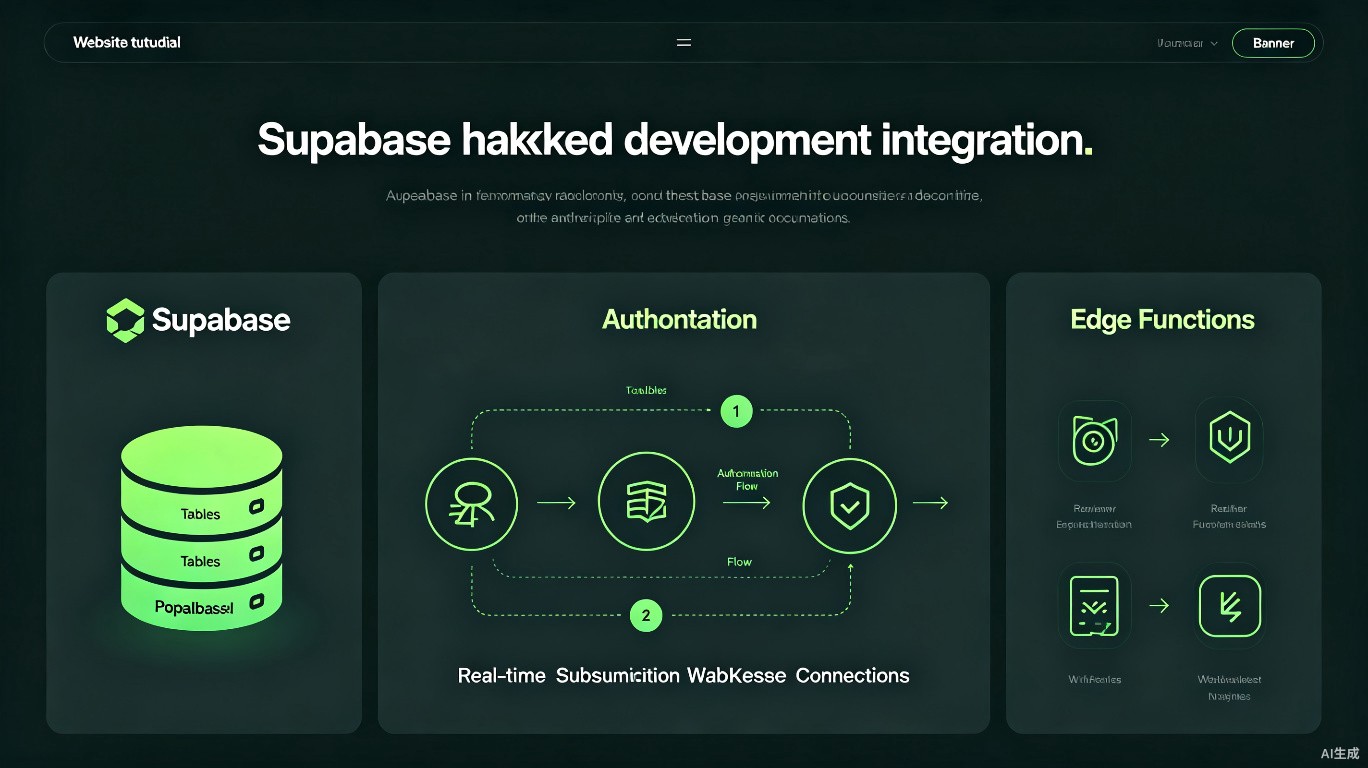
Supabase は、モダンアプリケーション向けの強力なオープンソース Firebase 代替品を提供します。Cursor の AI 機能と組み合わせることで、認証、データベース、リアルタイムサブスクリプション、サーバーレス関数を迅速に立ち上げることができます。このガイドでは、Cursor を使用した Supabase ワークフローについて説明します。
前提条件
開始する前に:
- Cursor をインストール(最新バージョンを推奨)
- Supabase アカウント(無料枠で可)
- ローカル開発用の Supabase CLI をインストール
プロジェクトのセットアップ
Supabase の初期化
# Supabase CLI をインストール
npm install -g supabase

# ログイン
supabase login

# プロジェクトを初期化
supabase init

# プロジェクトにリンク
supabase link --project-ref your-project-ref
クライアントのインストール
npm install @supabase/supabase-js
npm install -D @supabase/cli
環境変数
NEXT_PUBLIC_SUPABASE_URL=https://your-project.supabase.co
NEXT_PUBLIC_SUPABASE_ANON_KEY=your-anon-key
SUPABASE_SERVICE_ROLE_KEY=your-service-role-key
データベーススキーマ設計
AI を使用したテーブル設計
ブログアプリケーション用の Supabase テーブルを設計してください:
- 投稿(カテゴリ、作成者リレーションを含む)
- コメント(ネストされた返信)
- ユーザープロフィール(auth.users を拡張)
Cursor が SQL を生成:
-- RLS を有効化
alter table auth.users enable row level security;

-- ユーザープロフィールテーブル
CREATE TABLE profiles (
  id uuid references auth.users on delete cascade primary key,
  username text unique not null,
  avatar_url text,
  created_at timestamptz default now()
);

-- 投稿テーブル
CREATE TABLE posts (
  id bigint generated always as identity primary key,
  title text not null,
  slug text unique not null,
  content text not null,
  status text default 'draft',
  author_id uuid references profiles(id) not null,
  created_at timestamptz default now(),
  updated_at timestamptz default now()
);

-- コメントテーブル
CREATE TABLE comments (
  id bigint generated always as identity primary key,
  post_id bigint references posts(id) on delete cascade,
  parent_id bigint references comments(id) on delete cascade,
  author_id uuid references profiles(id),
  content text not null,
  created_at timestamptz default now()
);
認証統合
Next.js 認証
// lib/supabase.ts
import { createClient } from '@supabase/supabase-js';

export const supabase = createClient(
  process.env.NEXT_PUBLIC_SUPABASE_URL!,
  process.env.NEXT_PUBLIC_SUPABASE_ANON_KEY!
);

// middleware.ts
import { createMiddlewareClient } from '@supabase/auth-helpers-nextjs';

export async function middleware(req: NextRequest) {
  const res = NextResponse.next();
  const supabase = createMiddlewareClient({ req, res });
  const { data: { session } } = await supabase.auth.getSession();
  return res;
}
保護されたルート
// app/dashboard/page.tsx
import { createServerComponentClient } from '@supabase/auth-helpers-nextjs';
import { cookies } from 'next/headers';
import { redirect } from 'next/navigation';

export default async function Dashboard() {
  const supabase = createServerComponentClient({ cookies });
  const { data: { session } } = await supabase.auth.getSession();

  if (!session) {
    redirect('/login');
  }

  return <div>Welcome {session.user.email}</div>;
}
行レベルセキュリティ (RLS)
ポリシーの生成
-- ユーザーは自分のプロフィールのみ閲覧可能
CREATE POLICY "Users can view own profile"
  ON profiles FOR SELECT
  USING (auth.uid() = id);

-- ユーザーは自分のプロフィールのみ更新可能
CREATE POLICY "Users can update own profile"
  ON profiles FOR UPDATE
  USING (auth.uid() = id);

-- 公開投稿は誰でも閲覧可能
CREATE POLICY "Published posts are viewable"
  ON posts FOR SELECT
  USING (status = 'published');
リアルタイムサブスクリプション
クライアントサブスクリプション
'use client';

import { useEffect, useState } from 'react';
import { supabase } from '@/lib/supabase';

export function RealtimeComments({ postId }: { postId: string }) {
  const [comments, setComments] = useState([]);

  useEffect(() => {
    const channel = supabase
      .channel('comments')
      .on(
        'postgres_changes',
        {
          event: '*',
          schema: 'public',
          table: 'comments',
          filter: `post_id=eq.${postId}`,
        },
        (payload) => {
          setComments((prev) => [...prev, payload.new]);
        }
      )
      .subscribe();

    return () => {
      supabase.removeChannel(channel);
    };
  }, [postId]);

  return (
    <div>
      {comments.map((comment) => (
        <div key={comment.id}>{comment.content}</div>
      ))}
    </div>
  );
}
Edge Functions
Function の作成
// supabase/functions/process-payment/index.ts
import { createClient } from 'https://esm.sh/@supabase/supabase-js@2';
serve(async (req) => {
const { amount, currency } = await req.json();
const supabase = createClient(
Deno.env.get('SUPABASE_URL')!,
Deno.env.get('SUPABASE_SERVICE_ROLE_KEY')!
);
// 支払いロジックを処理
const result = await processPayment({ amount, currency });
return new Response(JSON.stringify(result), {
headers: { 'Content-Type': 'application/json' },
});
});
デプロイ
supabase functions deploy process-payment
クイックリファレンス
| 操作 | コマンド/コード |
|---|---|
| ローカル環境を起動 | supabase start |
| データベースマイグレーション | supabase db diff |
| 型を生成 | supabase gen types |
| functions をデプロイ | supabase functions deploy |
| ログを表示 | supabase functions logs |
関連リソース
最終更新:2025 年 7 月