Cursor + Supabase: Full-Stack Backend Development
Supabase provides an open-source Firebase alternative with PostgreSQL, authentication, instant APIs, and real-time subscriptions. Combined with Cursor's AI capabilities, you can build complete full-stack applications without leaving your editor. This guide covers the entire workflow from database design to production deployment.
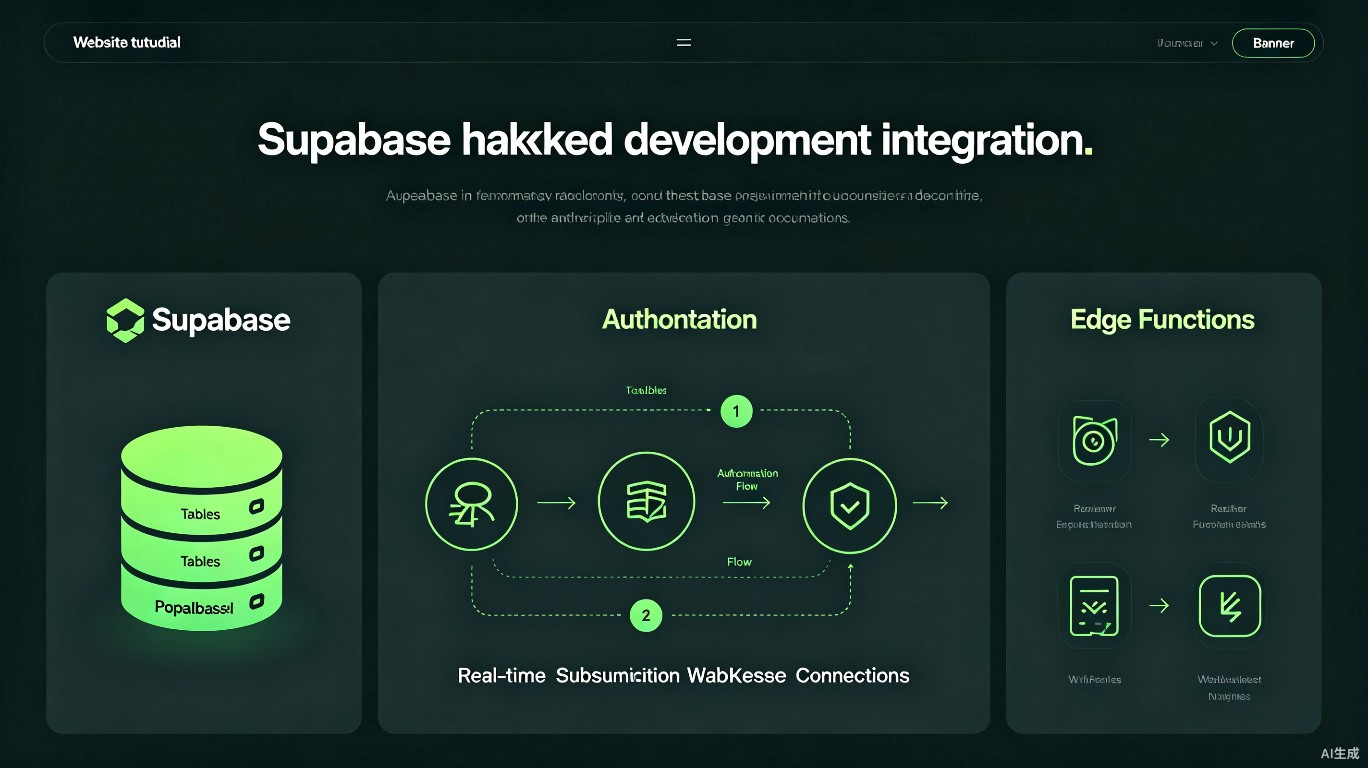
Why Cursor + Supabase
This combination offers a powerful development experience:
- AI-generated schemas: Describe your data model, get SQL and TypeScript types
- Instant API: Supabase auto-generates REST and GraphQL APIs from your tables
- Type safety: Generate TypeScript types directly from your database schema
- Real-time: Build live-updating UIs with Supabase subscriptions
- Edge functions: Deploy serverless TypeScript functions globally
Project Setup
Initializing Supabase
Ask Cursor to generate the setup commands:
# Install Supabase CLI
npm install -g supabase

# Initialize in your project
supabase init

# Link to your Supabase project
supabase login
supabase link --project-ref your-project-ref

# Generate TypeScript types
supabase gen types typescript --project-id your-project-ref --schema public > types/supabase.ts
Client Configuration
// lib/supabase.ts
import { createClient } from '@supabase/supabase-js';
import { Database } from '@/types/supabase';

const supabaseUrl = process.env.NEXT_PUBLIC_SUPABASE_URL!;
const supabaseKey = process.env.NEXT_PUBLIC_SUPABASE_ANON_KEY!;

export const supabase = createClient<Database>(supabaseUrl, supabaseKey);
Always type your Supabase client with the generated Database type for full autocomplete and type safety.
Database Design with AI
Generating Schemas
Describe your application to Cursor and get a complete schema:
Prompt: "Design a PostgreSQL schema for a task management app with users, projects, tasks, and comments. Include proper foreign keys, indexes, and timestamps."
-- Cursor-generated schema
-- Enable necessary extensions
CREATE EXTENSION IF NOT EXISTS "uuid-ossp";

-- Users table (managed by Supabase Auth, but we can extend it)
CREATE TABLE public.profiles (
  id UUID REFERENCES auth.users(id) PRIMARY KEY,
  username TEXT UNIQUE NOT NULL,
  full_name TEXT,
  avatar_url TEXT,
  created_at TIMESTAMP WITH TIME ZONE DEFAULT NOW(),
  updated_at TIMESTAMP WITH TIME ZONE DEFAULT NOW()
);

-- Projects table
CREATE TABLE public.projects (
  id UUID DEFAULT uuid_generate_v4() PRIMARY KEY,
  name TEXT NOT NULL,
  description TEXT,
  owner_id UUID REFERENCES public.profiles(id) NOT NULL,
  status TEXT DEFAULT 'active' CHECK (status IN ('active', 'archived')),
  created_at TIMESTAMP WITH TIME ZONE DEFAULT NOW(),
  updated_at TIMESTAMP WITH TIME ZONE DEFAULT NOW()
);

-- Tasks table
CREATE TABLE public.tasks (
  id UUID DEFAULT uuid_generate_v4() PRIMARY KEY,
  project_id UUID REFERENCES public.projects(id) ON DELETE CASCADE,
  title TEXT NOT NULL,
  description TEXT,
  status TEXT DEFAULT 'todo' CHECK (status IN ('todo', 'in_progress', 'done')),
  priority TEXT DEFAULT 'medium' CHECK (priority IN ('low', 'medium', 'high')),
  assignee_id UUID REFERENCES public.profiles(id),
  due_date TIMESTAMP WITH TIME ZONE,
  created_at TIMESTAMP WITH TIME ZONE DEFAULT NOW(),
  updated_at TIMESTAMP WITH TIME ZONE DEFAULT NOW()
);

-- Comments table
CREATE TABLE public.comments (
  id UUID DEFAULT uuid_generate_v4() PRIMARY KEY,
  task_id UUID REFERENCES public.tasks(id) ON DELETE CASCADE,
  author_id UUID REFERENCES public.profiles(id),
  content TEXT NOT NULL,
  created_at TIMESTAMP WITH TIME ZONE DEFAULT NOW()
);

-- Indexes for performance
CREATE INDEX idx_tasks_project ON public.tasks(project_id);
CREATE INDEX idx_tasks_assignee ON public.tasks(assignee_id);
CREATE INDEX idx_tasks_status ON public.tasks(status);
CREATE INDEX idx_comments_task ON public.comments(task_id);
Running Migrations
# Save schema to a migration file
supabase migration new init

# Apply locally
supabase db reset

# Apply to production
supabase db push
Authentication
Setting Up Auth
// app/auth/callback/route.ts
import { createRouteHandlerClient } from '@supabase/auth-helpers-nextjs';
import { cookies } from 'next/headers';
import { NextResponse } from 'next/server';

export async function GET(request: Request) {
  const requestUrl = new URL(request.url);
  const code = requestUrl.searchParams.get('code');

  if (code) {
    const supabase = createRouteHandlerClient({ cookies });
    await supabase.auth.exchangeCodeForSession(code);
  }

  return NextResponse.redirect(requestUrl.origin);
}
Email/Password Auth
// app/login/page.tsx
'use client';

import { useState } from 'react';
import { supabase } from '@/lib/supabase';

export default function LoginPage() {
  const [email, setEmail] = useState('');
  const [password, setPassword] = useState('');

  const handleLogin = async (e: React.FormEvent) => {
    e.preventDefault();
    const { error } = await supabase.auth.signInWithPassword({
      email,
      password,
    });
    if (error) alert(error.message);
  };

  return (
    <form onSubmit={handleLogin}>
      <input
        type="email"
        value={email}
        onChange={(e) => setEmail(e.target.value)}
        placeholder="Email"
      />
      <input
        type="password"
        value={password}
        onChange={(e) => setPassword(e.target.value)}
        placeholder="Password"
      />
      <button type="submit">Login</button>
    </form>
  );
}
OAuth Providers
// components/OAuthButtons.tsx
'use client';

import { supabase } from '@/lib/supabase';

export function OAuthButtons() {
  const signInWithProvider = async (provider: 'google' | 'github') => {
    await supabase.auth.signInWithOAuth({
      provider,
      options: {
        redirectTo: `${location.origin}/auth/callback`,
      },
    });
  };

  return (
    <div className="flex gap-2">
      <button onClick={() => signInWithProvider('google')}>
        Sign in with Google
      </button>
      <button onClick={() => signInWithProvider('github')}>
        Sign in with GitHub
      </button>
    </div>
  );
}
Row Level Security (RLS)
Enabling RLS
Row Level Security is essential for production applications. Ask Cursor to generate policies:
-- Enable RLS on all tables
ALTER TABLE public.profiles ENABLE ROW LEVEL SECURITY;
ALTER TABLE public.projects ENABLE ROW LEVEL SECURITY;
ALTER TABLE public.tasks ENABLE ROW LEVEL SECURITY;
ALTER TABLE public.comments ENABLE ROW LEVEL SECURITY;

-- Profiles: Users can read any profile, update only their own
CREATE POLICY "Profiles are viewable by everyone"
  ON public.profiles FOR SELECT
  USING (true);

CREATE POLICY "Users can update own profile"
  ON public.profiles FOR UPDATE
  USING (auth.uid() = id);

-- Projects: Members can view, owners can modify
CREATE POLICY "Projects viewable by owner"
  ON public.projects FOR SELECT
  USING (auth.uid() = owner_id);

CREATE POLICY "Projects insertable by authenticated"
  ON public.projects FOR INSERT
  WITH CHECK (auth.uid() = owner_id);

CREATE POLICY "Projects updatable by owner"
  ON public.projects FOR UPDATE
  USING (auth.uid() = owner_id);

CREATE POLICY "Projects deletable by owner"
  ON public.projects FOR DELETE
  USING (auth.uid() = owner_id);
Always enable RLS before going to production. Without policies, your data is publicly accessible through the auto-generated API.
Testing RLS Policies
// Test RLS with different users
async function testRLS() {
  // As anonymous user
  const { data: anonData } = await supabase
    .from('projects')
    .select('*');
  console.log('Anonymous:', anonData); // Should be empty or filtered

  // As authenticated user
  const { data: authData } = await supabase
    .from('projects')
    .select('*');
  console.log('Authenticated:', authData); // Should show allowed rows
}
Data Operations
Type-Safe Queries
With generated types, all queries are fully typed:
import { supabase } from '@/lib/supabase';

// Fetch projects with their tasks
async function getProjectWithTasks(projectId: string) {
  const { data, error } = await supabase
    .from('projects')
    .select(`
      id,
      name,
      description,
      tasks (
        id,
        title,
        status,
        priority,
        assignee:profiles(full_name)
      )
    `)
    .eq('id', projectId)
    .single();

  if (error) throw error;
  return data;
}

// Insert with type checking
async function createTask(task: {
  project_id: string;
  title: string;
  description?: string;
  priority?: 'low' | 'medium' | 'high';
}) {
  const { data, error } = await supabase
    .from('tasks')
    .insert(task)
    .select()
    .single();

  if (error) throw error;
  return data;
}
Real-Time Subscriptions
Build live-updating UIs with Supabase real-time:
// hooks/useTasks.ts
'use client';

import { useEffect, useState } from 'react';
import { supabase } from '@/lib/supabase';
import { Database } from '@/types/supabase';

type Task = Database['public']['Tables']['tasks']['Row'];

export function useTasks(projectId: string) {
  const [tasks, setTasks] = useState<Task[]>([]);

  useEffect(() => {
    // Initial fetch
    const fetchTasks = async () => {
      const { data } = await supabase
        .from('tasks')
        .select('*')
        .eq('project_id', projectId);
      if (data) setTasks(data);
    };
    fetchTasks();

    // Subscribe to changes
    const subscription = supabase
      .channel(`project-${projectId}`)
      .on(
        'postgres_changes',
        {
          event: '*',
          schema: 'public',
          table: 'tasks',
          filter: `project_id=eq.${projectId}`,
        },
        (payload) => {
          if (payload.eventType === 'INSERT') {
            setTasks((prev) => [...prev, payload.new as Task]);
          } else if (payload.eventType === 'UPDATE') {
            setTasks((prev) =>
              prev.map((t) => (t.id === payload.new.id ? (payload.new as Task) : t))
            );
          } else if (payload.eventType === 'DELETE') {
            setTasks((prev) => prev.filter((t) => t.id !== payload.old.id));
          }
        }
      )
      .subscribe();

    return () => {
      subscription.unsubscribe();
    };
  }, [projectId]);

  return tasks;
}
Edge Functions
Creating Serverless Functions
Deploy TypeScript functions at the edge:
// supabase/functions/send-notification/index.ts
import { createClient } from 'https://esm.sh/@supabase/supabase-js@2';
serve(async (req) => {
const { taskId, userId } = await req.json();
const supabase = createClient(
Deno.env.get('SUPABASE_URL')!,
Deno.env.get('SUPABASE_SERVICE_ROLE_KEY')!
);
// Fetch task and user details
const { data: task } = await supabase
.from('tasks')
.select('title, projects(name)')
.eq('id', taskId)
.single();
// Send notification (example with email service)
const { data: user } = await supabase
.from('profiles')
.select('email')
.eq('id', userId)
.single();
// Log or send notification
console.log(`Notifying ${user?.email} about task: ${task?.title}`);
return new Response(JSON.stringify({ success: true }), {
headers: { 'Content-Type': 'application/json' },
});
});
Deploying Edge Functions
# Deploy a function
supabase functions deploy send-notification

# Set secrets
supabase secrets set RESEND_API_KEY=your_key

# Invoke locally
supabase functions serve --no-verify-jwt
TypeScript Types Generation
Automated Type Updates
Add a script to regenerate types when the schema changes:
// package.json
{
  "scripts": {
    "db:types": "supabase gen types typescript --project-id your-project-id --schema public > types/supabase.ts",
    "db:reset": "supabase db reset && npm run db:types"
  }
}
Using Generated Types
// types/supabase.ts (auto-generated)
export type Database = {
  public: {
    Tables: {
      tasks: {
        Row: {
          id: string;
          title: string;
          status: 'todo' | 'in_progress' | 'done';
          // ...
        };
        Insert: {
          id?: string;
          title: string;
          status?: 'todo' | 'in_progress' | 'done';
          // ...
        };
        Update: {
          id?: string;
          title?: string;
          status?: 'todo' | 'in_progress' | 'done';
          // ...
        };
      };
    };
  };
};
Run npm run db:types after every schema change to keep your TypeScript types in sync with the database.
Cursor Prompts for Supabase
Useful AI Prompts
| Task | Prompt |
|---|---|
| Generate schema | "Design a PostgreSQL schema for [feature] with proper foreign keys and indexes" |
| Create RLS policies | "Generate Row Level Security policies for table [name] allowing [permissions]" |
| Type-safe query | "Write a type-safe Supabase query to [operation] with [filters]" |
| Real-time hook | "Create a React hook that subscribes to [table] changes via Supabase real-time" |
| Edge function | "Write a Supabase Edge Function that [description] with error handling" |
Example: Complete Feature Generation
Prompt: "Create a complete comments feature for my Next.js + Supabase app.
Include: database schema, RLS policies, a React component for adding comments,
a Server Component for displaying comments, and a real-time subscription hook."
Deployment
Production Checklist
| Item | Status |
|---|---|
| RLS enabled on all tables | [ ] |
| Proper policies defined | [ ] |
| Environment variables set | [ ] |
| Database migrations applied | [ ] |
| Edge functions deployed | [ ] |
| Type generation updated | [ ] |
Connecting to Production
# Link to production project
supabase link --project-ref your-production-ref

# Push schema changes
supabase db push

# Deploy edge functions
supabase functions deploy

# Verify types
npm run db:types
Summary
Building full-stack applications with Cursor and Supabase involves:
- Using AI to generate PostgreSQL schemas and TypeScript types
- Implementing secure authentication with Supabase Auth
- Enabling Row Level Security for data protection
- Building reactive UIs with real-time subscriptions
- Deploying serverless Edge Functions for backend logic
- Maintaining type safety through automated type generation
This stack eliminates backend boilerplate while maintaining full control over your data and logic. Cursor's AI accelerates every step, from schema design to deployment configuration.
Last updated: July 2025. Supabase features depend on your project tier and region.