Cursor Next.js:全栈 AI 辅助开发
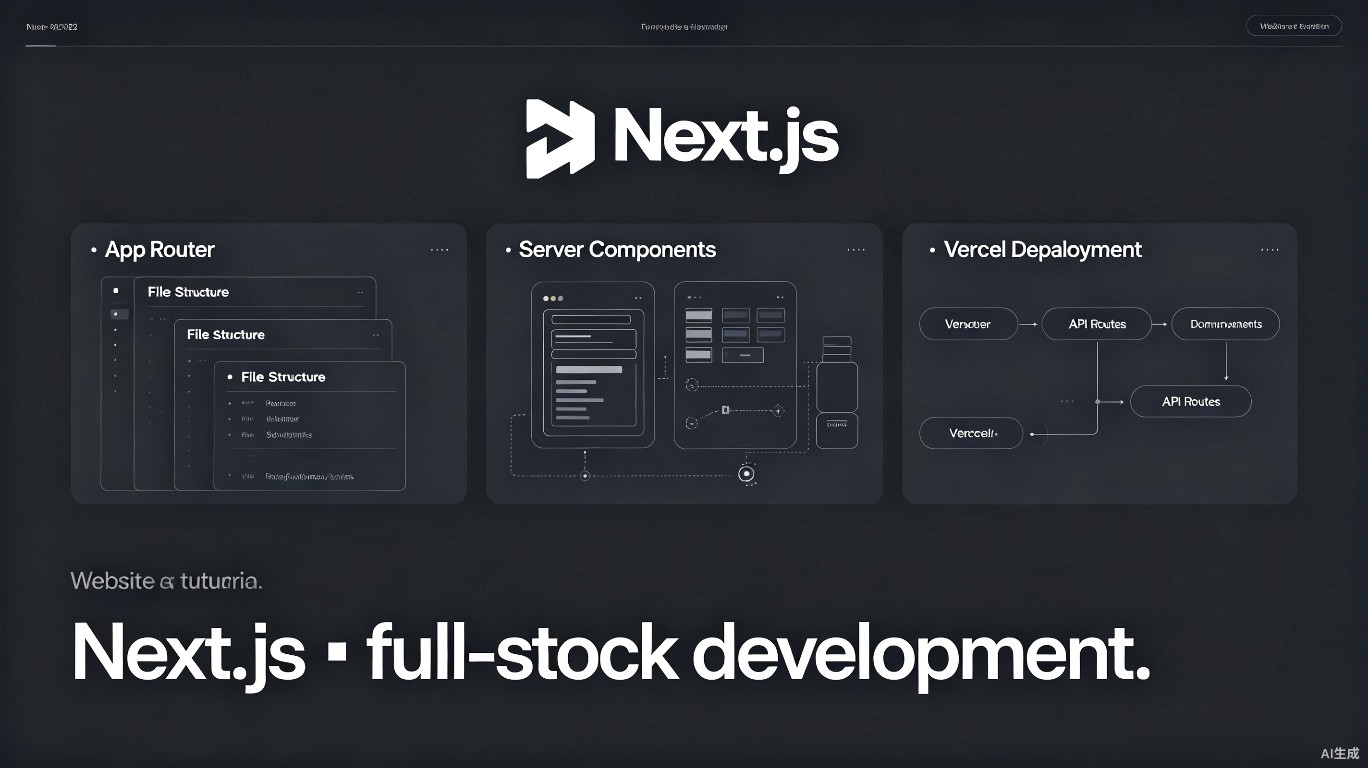
Next.js 是构建全栈 React 应用的最受欢迎框架,Cursor 的 AI 能力可以加速路由配置、API 端点创建和部署设置。本指南涵盖使用 Cursor 进行 Next.js 14+ 开发。
前置条件
在开始之前:
- 安装 Cursor(建议使用最新版本)
- 安装 Node.js 18.17 或更高版本
- 熟悉 React 和 TypeScript
项目设置
创建 Next.js 项目
npx create-next-app@latest my-app --typescript --tailwind --eslint --app --src-dir
Cursor 的 Next.js 配置
// .vscode/settings.json
{
  "typescript.preferences.importModuleSpecifier": "non-relative",
  "editor.quickSuggestions": {
    "strings": true
  },
  "tailwindCSS.experimental.classRegex": [
    ["clsx\\(([^)]*)\\)", "(?:'|\"|`)([^']*)(?:'|\"|`)"]
  ]
}
App Router 工作流
文件结构
app/
  (auth)/
    login/
      page.tsx
    register/
      page.tsx
  api/
    users/
      route.ts
  dashboard/
    page.tsx
    layout.tsx
    loading.tsx
    error.tsx
  layout.tsx
  page.tsx
  globals.css
使用 AI 生成路由
创建一个 Next.js 路由结构,包含:
- 公开首页
- 受仪表板保护的路由
- 认证路由 (login/register)
- API 路由用于用户 CRUD
服务端组件
// app/users/page.tsx
async function getUsers() {
  const res = await fetch('https://api.example.com/users', {
    next: { revalidate: 3600 },
  });
  return res.json();
}

export default async function UsersPage() {
  const users = await getUsers();

  return (
    <div>
      <h1>Users</h1>
      <ul>
        {users.map((user) => (
          <li key={user.id}>{user.name}</li>
        ))}
      </ul>
    </div>
  );
}
API 路由
Route Handlers
// app/api/users/route.ts
import { NextResponse } from 'next/server';

export async function GET() {
  const users = await db.user.findMany();
  return NextResponse.json({ users });
}

export async function POST(request: Request) {
  const body = await request.json();
  const user = await db.user.create({ data: body });
  return NextResponse.json({ user }, { status: 201 });
}
中间件
// middleware.ts
import { NextResponse } from 'next/server';
import type { NextRequest } from 'next/server';

export function middleware(request: NextRequest) {
  const token = request.cookies.get('token');

  if (!token && request.nextUrl.pathname.startsWith('/dashboard')) {
    return NextResponse.redirect(new URL('/login', request.url));
  }

  return NextResponse.next();
}

export const config = {
  matcher: ['/dashboard/:path*'],
};
数据获取模式
Server Components
// 直接在服务端获取
async function UserProfile({ id }: { id: string }) {
  const user = await db.user.findUnique({ where: { id } });
  return <div>{user.name}</div>;
}
Client Components
'use client';

import { useState, useEffect } from 'react';

export function UserList() {
  const [users, setUsers] = useState([]);

  useEffect(() => {
    fetch('/api/users')
      .then((res) => res.json())
      .then((data) => setUsers(data.users));
  }, []);

  return (
    <ul>
      {users.map((user) => (
        <li key={user.id}>{user.name}</li>
      ))}
    </ul>
  );
}
部署优化
next.config.js
/** @type {import('next').NextConfig} */
const nextConfig = {
  output: 'standalone',
  images: {
    remotePatterns: [
      {
        protocol: 'https',
        hostname: '**.example.com',
      },
    ],
  },
  experimental: {
    serverActions: true,
  },
};

module.exports = nextConfig;
相关资源
最后更新:2025 年 7 月