在 Cursor 中开发 Tailwind CSS
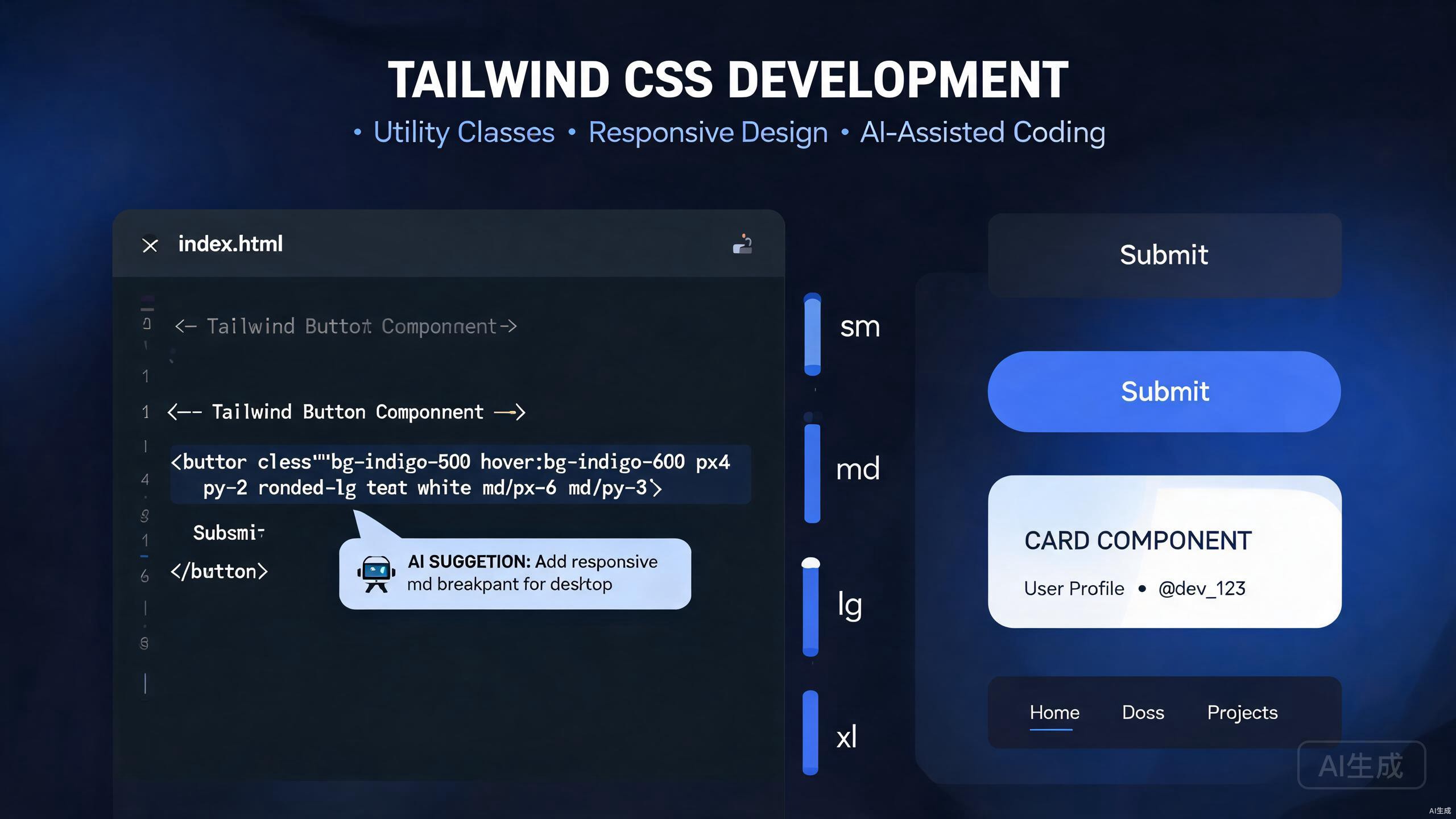
Tailwind CSS 通过提供一套全面的实用类来改变开发人员处理样式的方式,这些类直接在标记中组合。当与 Cursor(一款 AI 驱动的 IDE 编辑器)配对时,Tailwind 开发通过智能类建议、自动配置和组件提取变得更加高效。本指南涵盖了在 Cursor 中从基本实用类使用到高级自定义工作流程的所有内容。
在 Cursor 中入门 Tailwind
Cursor 对 Tailwind CSS 有深入的理解。编辑器为实用类提供智能自动补全,识别自定义配置,并可以根据设计描述生成完整的组件标记。这种集成消除了传统 Tailwind 开发中在文档和代码之间不断切换上下文的需求。
Cursor 增强的关键 Tailwind 工作流程包括:
- 具有 CSS 属性预览的实时实用类自动补全
- 从设计描述生成 AI 组件标记
- 将重复模式自动提取为可重用组件
- 具有类型安全 IntelliSense 的自定义主题配置
- 响应式和状态变体建议
本指南假设您具有 HTML 和 CSS 概念的基本理解。所有示例都使用 React 和 TypeScript,尽管这些原则适用于 Tailwind 支持的任何框架。
在 Cursor 项目中设置 Tailwind
正确的项目设置确保 Cursor 可以提供全方位的 Tailwind IntelliSense 和 AI 功能。
安装和配置
初始化您的项目并安装 Tailwind 依赖项:
npm install -D tailwindcss postcss autoprefixer
npx tailwindcss init -p
使用与您的项目结构匹配的内容路径配置您的 tailwind.config.js:
/** @type {import('tailwindcss').Config} */
module.exports = {
  content: [
    './src/**/*.{js,ts,jsx,tsx}',
    './components/**/*.{js,ts,jsx,tsx}',
  ],
  theme: {
    extend: {},
  },
  plugins: [],
};
将 Tailwind 指令添加到您的全局 CSS 文件中:
@tailwind base;
@tailwind components;
@tailwind utilities;
当您在 Cursor 中打开此配置时,编辑器会立即索引所有可用的实用类和自定义主题值。AI 理解您的内容路径,并可以建议特定于您项目结构的类使用。
如果 Cursor 的扩展市场中有 Tailwind CSS IntelliSense 扩展,请安装它。这会在将鼠标悬停在实用类上时提供内联 CSS 属性预览,显著加快开发速度。
TypeScript 集成
为了获得最佳的 Cursor 类型检查体验,请确保您的 TypeScript 配置能够识别 JSX 和框架的类型:
{
  "compilerOptions": {
    "target": "ES2020",
    "lib": ["ES2020", "DOM", "DOM.Iterable"],
    "jsx": "react-jsx",
    "moduleResolution": "bundler",
    "strict": true
  }
}
Cursor 使用这些类型为组件 props 提供准确的自动补全,同时提供 Tailwind 类建议。
掌握实用类
实用类是 Tailwind 的基础。Cursor 的自动补全和 AI 功能可帮助您高效地发现和应用正确的实用类。
核心实用类模式
从布局实用类开始。Cursor 在您键入时建议适当的类,显示生成的 CSS 预览:
export function Card() {
  return (
    <div className="max-w-sm rounded-lg border border-gray-200 bg-white p-6 shadow-md">
      <h2 className="mb-2 text-2xl font-bold tracking-tight text-gray-900">
        Card Title
      </h2>
      <p className="mb-4 text-base text-gray-700">
        This card demonstrates core Tailwind utility patterns.
      </p>
      <button className="rounded-md bg-blue-600 px-4 py-2 text-sm font-medium text-white hover:bg-blue-700 focus:outline-none focus:ring-2 focus:ring-blue-500 focus:ring-offset-2">
        Action
      </button>
    </div>
  );
}
在 Cursor 中键入类名时,编辑器会按逻辑顺序建议补全:布局、间距、尺寸、排版、背景、边框、效果和交互。此顺序反映了 Tailwind 文档组织实用类的方式。
使用断点前缀进行响应式设计
Cursor 识别 Tailwind 的响应式前缀并适当地建议它们:
export function ResponsiveGrid() {
  return (
    <div className="grid grid-cols-1 gap-4 sm:grid-cols-2 lg:grid-cols-3 xl:grid-cols-4">
      <div className="rounded-lg bg-gray-100 p-4">Item 1</div>
      <div className="rounded-lg bg-gray-100 p-4">Item 2</div>
      <div className="rounded-lg bg-gray-100 p-4">Item 3</div>
      <div className="rounded-lg bg-gray-100 p-4">Item 4</div>
    </div>
  );
}
AI 理解移动优先的方法论,如果您尝试使用桌面优先的断点模式,它会发出警告。它还根据您的 tailwind.config.js 设置建议正确的断点范围。
状态变体和交互
悬停、聚焦和活动状态对于交互式元素至关重要。Cursor 为状态变体提供智能建议:
export function InteractiveButton() {
  return (
    <button className="group relative inline-flex items-center justify-center overflow-hidden rounded-lg bg-gradient-to-br from-purple-600 to-blue-500 p-0.5 text-sm font-medium text-gray-900 hover:text-white focus:outline-none focus:ring-4 focus:ring-blue-300 group-hover:from-purple-600 group-hover:to-blue-500">
      <span className="relative rounded-md bg-white px-5 py-2.5 transition-all duration-75 ease-in group-hover:bg-opacity-0">
        Hover over me
      </span>
    </button>
  );
}
避免在存在标准实用类时过度使用任意值,如 w-[123px]。Cursor 标记具有等效内置实用类的常见任意值模式,帮助您保持与设计系统的一致性。
自定义配置和主题
每个项目都需要 Tailwind 默认值之外的自定义。Cursor 帮助您扩展主题配置,同时保持完整的 IntelliSense 支持。
扩展颜色和排版
打开您的 tailwind.config.js 并定义自定义设计令牌:
/** @type {import('tailwindcss').Config} */
module.exports = {
  content: ['./src/**/*.{js,ts,jsx,tsx}'],
  theme: {
    extend: {
      colors: {
        brand: {
          50: '#f0f9ff',
          100: '#e0f2fe',
          200: '#bae6fd',
          300: '#7dd3fc',
          400: '#38bdf8',
          500: '#0ea5e9',
          600: '#0284c7',
          700: '#0369a1',
          800: '#075985',
          900: '#0c4a6e',
        },
      },
      fontFamily: {
        sans: ['Inter', 'system-ui', 'sans-serif'],
        display: ['Cal Sans', 'Inter', 'system-ui', 'sans-serif'],
      },
      fontSize: {
        'display-xl': ['4.5rem', { lineHeight: '1.1', letterSpacing: '-0.02em' }],
        'display-lg': ['3.75rem', { lineHeight: '1.15', letterSpacing: '-0.02em' }],
      },
    },
  },
  plugins: [],
};
保存后,Cursor 会立即索引这些自定义值。键入 bg-brand- 会显示您的完整调色板,text-display-xl 会出现在字体大小建议中。
自定义插件和组件
对于设计系统组件,创建 Cursor 识别的 Tailwind 插件:
// tailwind.config.js
const plugin = require('tailwindcss/plugin');

module.exports = {
  // ... other config
  plugins: [
    plugin(function ({ addComponents, theme }) {
      addComponents({
        '.btn': {
          display: 'inline-flex',
          alignItems: 'center',
          justifyContent: 'center',
          borderRadius: theme('borderRadius.md'),
          padding: `${theme('spacing.2')} ${theme('spacing.4')}`,
          fontWeight: theme('fontWeight.medium'),
          transitionProperty: theme('transitionProperty.colors'),
          transitionDuration: theme('transitionDuration.150'),
        },
        '.btn-primary': {
          backgroundColor: theme('colors.brand.600'),
          color: theme('colors.white'),
          '&:hover': {
            backgroundColor: theme('colors.brand.700'),
          },
        },
      });
    }),
  ],
};
Cursor 的自动补全现在将 btn 和 btn-primary 作为有效的类名,悬停预览显示生成的 CSS。
使用 Cursor 的 AI 将现有的 CSS 或 SCSS 文件转换为 Tailwind 配置扩展。选择您的旧样式并询问:"将这些样式转换为 Tailwind 主题扩展和自定义实用类。"
组件提取模式
随着项目的发展,重复的实用类组合应该成为可重用的组件。Cursor 的 AI 擅长识别提取机会。
识别提取候选
考虑这个内联实用类繁重的组件:
export function UserProfile() {
  return (
    <div className="flex items-center space-x-4 rounded-lg border border-gray-200 bg-white p-4 shadow-sm">
      <img
        className="h-12 w-12 rounded-full object-cover"
        src="/avatar.jpg"
        alt="User avatar"
      />
      <div className="flex-1">
        <h3 className="text-lg font-semibold text-gray-900">Jane Doe</h3>
        <p className="text-sm text-gray-500">Software Engineer</p>
      </div>
      <button className="rounded-md bg-brand-600 px-3 py-1.5 text-sm font-medium text-white hover:bg-brand-700">
        Follow
      </button>
    </div>
  );
}
在 Cursor 中选择此组件并提示:"将卡片容器样式提取为具有 padding 和 shadow 变体的可重用 Card 组件。" AI 生成:
// components/Card.tsx
import { cva, type VariantProps } from 'class-variance-authority';
import { cn } from '@/lib/utils';

const cardVariants = cva('rounded-lg border border-gray-200 bg-white', {
  variants: {
    padding: {
      none: '',
      sm: 'p-3',
      md: 'p-4',
      lg: 'p-6',
    },
    shadow: {
      none: '',
      sm: 'shadow-sm',
      md: 'shadow-md',
      lg: 'shadow-lg',
    },
  },
  defaultVariants: {
    padding: 'md',
    shadow: 'sm',
  },
});

export interface CardProps
  extends React.HTMLAttributes<HTMLDivElement>,
    VariantProps<typeof cardVariants> {}

export function Card({
  className,
  padding,
  shadow,
  ...props
}: CardProps) {
  return (
    <div
      className={cn(cardVariants({ padding, shadow }), className)}
      {...props}
    />
  );
}
重构后的 UserProfile 变得更简洁且更易于维护:
export function UserProfile() {
  return (
    <Card className="flex items-center space-x-4">
      <img
        className="h-12 w-12 rounded-full object-cover"
        src="/avatar.jpg"
        alt="User avatar"
      />
      <div className="flex-1">
        <h3 className="text-lg font-semibold text-gray-900">Jane Doe</h3>
        <p className="text-sm text-gray-500">Software Engineer</p>
      </div>
      <button className="rounded-md bg-brand-600 px-3 py-1.5 text-sm font-medium text-white hover:bg-brand-700">
        Follow
      </button>
    </Card>
  );
}
使用 class-variance-authority
class-variance-authority 库与 Tailwind 和 Cursor 非常搭配。它提供 Cursor 的 IntelliSense 完全支持的类型安全组件变体。
// components/Button.tsx
import { cva, type VariantProps } from 'class-variance-authority';
import { cn } from '@/lib/utils';

const buttonVariants = cva(
  'inline-flex items-center justify-center rounded-md text-sm font-medium transition-colors focus-visible:outline-none focus-visible:ring-2 focus-visible:ring-brand-500 disabled:pointer-events-none disabled:opacity-50',
  {
    variants: {
      variant: {
        default: 'bg-brand-600 text-white hover:bg-brand-700',
        destructive: 'bg-red-600 text-white hover:bg-red-700',
        outline: 'border border-gray-300 bg-transparent hover:bg-gray-50',
        ghost: 'hover:bg-gray-100',
        link: 'text-brand-600 underline-offset-4 hover:underline',
      },
      size: {
        default: 'h-10 px-4 py-2',
        sm: 'h-8 px-3 text-xs',
        lg: 'h-12 px-8 text-base',
        icon: 'h-10 w-10',
      },
    },
    defaultVariants: {
      variant: 'default',
      size: 'default',
    },
  }
);

export interface ButtonProps
  extends React.ButtonHTMLAttributes<HTMLButtonElement>,
    VariantProps<typeof buttonVariants> {}

export function Button({
  className,
  variant,
  size,
  ...props
}: ButtonProps) {
  return (
    <button
      className={cn(buttonVariants({ variant, size }), className)}
      {...props}
    />
  );
}
通过此设置,Cursor 为 variant 和 size props 及其可用选项提供自动补全,在编译时捕获无效的组合。
AI 类建议
Cursor 最强大的功能之一是从自然语言描述生成 Tailwind 标记。
从描述生成组件
描述您想要什么,Cursor 生成标记:
提示:
创建一个带有 Tailwind 类的定价卡片组件。它应该具有:
- 顶部有一个突出的 "Pro" 徽章
- 一个带有 "/month" 的大型价格显示
- 一个包含 4 个功能和对勾的列表
- 一个突出的 CTA 按钮
- 一个微妙的悬停提升效果
Cursor 生成:
export function PricingCard() {
  return (
    <div className="relative flex flex-col rounded-2xl border-2 border-brand-500 bg-white p-8 shadow-xl transition-transform duration-300 hover:-translate-y-1">
      <div className="absolute -top-4 left-1/2 -translate-x-1/2 rounded-full bg-brand-500 px-4 py-1 text-sm font-semibold text-white">
        Pro
      </div>
      <div className="mb-6 text-center">
        <span className="text-5xl font-bold text-gray-900">$29</span>
        <span className="text-lg text-gray-500">/month</span>
      </div>
      <ul className="mb-8 space-y-4">
        {[
          'Unlimited projects',
          'Priority support',
          'Advanced analytics',
          'Custom integrations',
        ].map((feature) => (
          <li key={feature} className="flex items-center text-gray-700">
            <svg className="mr-3 h-5 w-5 text-green-500" fill="currentColor" viewBox="0 0 20 20">
              <path fillRule="evenodd" d="M16.707 5.293a1 1 0 010 1.414l-8 8a1 1 0 01-1.414 0l-4-4a1 1 0 011.414-1.414L8 12.586l7.293-7.293a1 1 0 011.414 0z" clipRule="evenodd" />
            </svg>
            {feature}
          </li>
        ))}
      </ul>
      <button className="mt-auto rounded-lg bg-brand-600 py-3 text-center font-semibold text-white transition-colors hover:bg-brand-700">
        Get Started
      </button>
    </div>
  );
}
此功能显著加快了原型设计速度,减少了浏览 Tailwind 文档的需求。
将内联样式重构为 Tailwind
迁移旧代码时,选择内联样式并询问 Cursor:"将这些内联样式转换为 Tailwind 实用类。" AI 在生成惯用的 Tailwind 标记的同时保留视觉外观。
// 之前
<div style={{ marginBottom: '24px', padding: '16px', backgroundColor: '#f3f4f6', borderRadius: '8px' }}>

// 之后
<div className="mb-6 rounded-lg bg-gray-100 p-4">
对于复杂的设计,粘贴屏幕截图或描述视觉层次结构。Cursor 可以建议适当的 flexbox、grid 和间距实用类组合,以实现所需的布局。
暗黑模式和主题
现代应用程序需要支持暗黑模式。Cursor 帮助实现和维护多主题设置。
实现暗黑模式
在 Tailwind 配置中启用暗黑模式:
module.exports = {
  darkMode: 'class',
  // ... rest of config
};
使用 dark: 前缀进行主题感知样式设置:
export function ThemedCard() {
  return (
    <div className="rounded-lg border border-gray-200 bg-white p-6 text-gray-900 shadow-sm dark:border-gray-700 dark:bg-gray-800 dark:text-gray-100">
      <h2 className="text-xl font-bold">Adaptive Content</h2>
      <p className="mt-2 text-gray-600 dark:text-gray-300">
        This card automatically adjusts to the current theme.
      </p>
    </div>
  );
}
Cursor 在标准实用类旁边建议 dark: 变体,并在某个主题中关键对比度可能失败时发出警告。
结论
在 Cursor 中开发 Tailwind CSS 代表了前端开发人员生产力的重大飞跃。实用优先的样式与 AI 驱动的辅助相结合,消除了设计实现过程中的摩擦。
本指南的关键要点:
- 正确配置 Tailwind,以便 Cursor 可以索引您的自定义主题值
- 使用 Cursor 的自动补全来发现实用类,无需离开编辑器
- 使用 class-variance-authority 将重复模式提取为类型安全的组件
- 利用 AI 生成从自然语言描述进行快速原型设计
- 使用暗黑模式和自定义设计令牌保持主题一致性
- 让 Cursor 标记不必要的任意值等反模式
借助这些技术,您将更快地交付精致、一致的界面,同时保持代码库的可维护性和可扩展性。