Full-Stack Next.js Development with Cursor
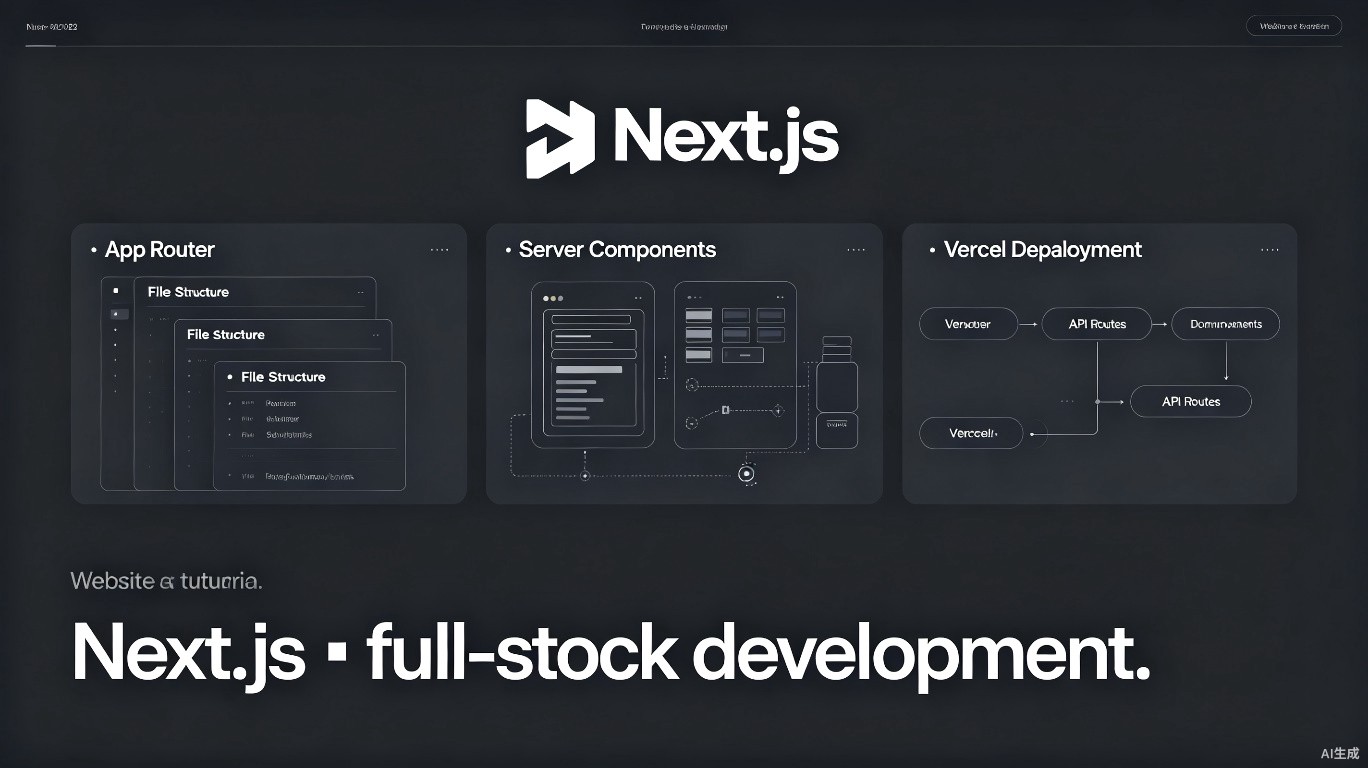
Next.js has evolved into a full-stack React framework with the App Router, Server Components, and integrated API routes. Cursor's AI features accelerate every aspect of Next.js development -- from scaffolding projects to deploying on Vercel. This guide covers practical workflows for building production Next.js applications.
Project Setup with Cursor
Scaffolding a New Project
Start by asking Cursor to set up a modern Next.js project:
# Ask Cursor: "Generate the command to create a Next.js 14+ app with TypeScript and Tailwind"
npx create-next-app@latest my-app --typescript --tailwind --eslint --app --src-dir --import-alias "@/*"
After creation, have Cursor configure the essential files:
// app/layout.tsx
import type { Metadata } from 'next';
import { Inter } from 'next/font/google';
import './globals.css';

const inter = Inter({ subsets: ['latin'] });

export const metadata: Metadata = {
  title: 'My Next.js App',
  description: 'Built with Cursor AI',
};

export default function RootLayout({
  children,
}: {
  children: React.ReactNode;
}) {
  return (
    <html lang="en">
      <body className={inter.className}>{children}</body>
    </html>
  );
}
Always specify "App Router" when asking Cursor for Next.js code. The Pages Router has different patterns, and Cursor may default to the older style.
Directory Structure
Ask Cursor to generate a scalable folder structure:
my-app/
├── app/
│   ├── api/              # API routes
│   ├── (auth)/           # Route groups (no URL segment)
│   ├── dashboard/        # Dashboard pages
│   ├── layout.tsx        # Root layout
│   ├── page.tsx          # Home page
│   ├── loading.tsx       # Loading UI
│   └── error.tsx         # Error boundary
├── components/
│   ├── ui/               # Reusable UI components
│   └── forms/            # Form components
├── lib/
│   ├── db.ts             # Database connection
│   ├── auth.ts           # Authentication helpers
│   └── utils.ts          # Utility functions
├── types/
│   └── index.ts          # Global TypeScript types
├── hooks/
│   └── useUser.ts        # Custom React hooks
└── public/
    └── images/           # Static assets
App Router Patterns
Server Components
The App Router defaults to Server Components. Use Cursor to generate efficient server-side code:
// app/users/page.tsx - Server Component
import { Suspense } from 'react';
import { UserList } from '@/components/UserList';
import { UserListSkeleton } from '@/components/UserListSkeleton';

// This runs on the server
async function getUsers() {
  const res = await fetch('https://api.example.com/users', {
    next: { revalidate: 60 } // Revalidate every 60 seconds
  });
  if (!res.ok) throw new Error('Failed to fetch users');
  return res.json();
}

export default async function UsersPage() {
  const usersPromise = getUsers();

  return (
    <main className="p-8">
      <h1 className="text-2xl font-bold mb-4">Users</h1>
      <Suspense fallback={<UserListSkeleton />}>
        <UserList usersPromise={usersPromise} />
      </Suspense>
    </main>
  );
}
Ask Cursor to "generate a Server Component that fetches data with proper error handling and loading states" for best results.
Client Components
When you need interactivity, mark components with 'use client':
// components/SearchForm.tsx
'use client';

import { useState } from 'react';
import { useRouter } from 'next/navigation';

export function SearchForm() {
  const [query, setQuery] = useState('');
  const router = useRouter();

  const handleSubmit = (e: React.FormEvent) => {
    e.preventDefault();
    router.push(`/search?q=${encodeURIComponent(query)}`);
  };

  return (
    <form onSubmit={handleSubmit} className="flex gap-2">
      <input
        type="text"
        value={query}
        onChange={(e) => setQuery(e.target.value)}
        placeholder="Search..."
        className="border rounded px-3 py-2"
      />
      <button type="submit" className="bg-blue-500 text-white px-4 py-2 rounded">
        Search
      </button>
    </form>
  );
}
Route Groups and Layouts
Use route groups to organize related pages without affecting the URL:
app/
├── (marketing)/
│   ├── layout.tsx        # Marketing layout (different nav, footer)
│   ├── page.tsx          # / (homepage)
│   ├── about/
│   │   └── page.tsx      # /about
│   └── pricing/
│       └── page.tsx      # /pricing
├── (dashboard)/
│   ├── layout.tsx        # Dashboard layout (sidebar, auth check)
│   ├── dashboard/
│   │   └── page.tsx      # /dashboard
│   └── settings/
│       └── page.tsx      # /dashboard/settings
└── api/
    └── ...
API Routes
RESTful API Endpoints
Create type-safe API routes with Cursor:
// app/api/users/route.ts
import { NextRequest, NextResponse } from 'next/server';
import { z } from 'zod';

const createUserSchema = z.object({
  name: z.string().min(1),
  email: z.string().email(),
});

export async function GET() {
  try {
    const users = await db.user.findMany();
    return NextResponse.json({ users });
  } catch (error) {
    return NextResponse.json(
      { error: 'Failed to fetch users' },
      { status: 500 }
    );
  }
}

export async function POST(request: NextRequest) {
  try {
    const body = await request.json();
    const validated = createUserSchema.parse(body);

    const user = await db.user.create({
      data: validated,
    });

    return NextResponse.json({ user }, { status: 201 });
  } catch (error) {
    if (error instanceof z.ZodError) {
      return NextResponse.json(
        { error: 'Invalid input', details: error.errors },
        { status: 400 }
      );
    }
    return NextResponse.json(
      { error: 'Failed to create user' },
      { status: 500 }
    );
  }
}
Dynamic Route Handlers
// app/api/users/[id]/route.ts
import { NextRequest, NextResponse } from 'next/server';

export async function GET(
  request: NextRequest,
  { params }: { params: { id: string } }
) {
  const user = await db.user.findUnique({
    where: { id: params.id },
  });

  if (!user) {
    return NextResponse.json(
      { error: 'User not found' },
      { status: 404 }
    );
  }

  return NextResponse.json({ user });
}
Authentication
Implementing Auth with NextAuth.js
Ask Cursor to set up authentication:
// app/api/auth/[...nextauth]/route.ts
import NextAuth from 'next-auth';
import GoogleProvider from 'next-auth/providers/google';
import { PrismaAdapter } from '@auth/prisma-adapter';
import { db } from '@/lib/db';

const handler = NextAuth({
  adapter: PrismaAdapter(db),
  providers: [
    GoogleProvider({
      clientId: process.env.GOOGLE_CLIENT_ID!,
      clientSecret: process.env.GOOGLE_CLIENT_SECRET!,
    }),
  ],
  callbacks: {
    session({ session, user }) {
      if (session.user) {
        session.user.id = user.id;
      }
      return session;
    },
  },
});

export { handler as GET, handler as POST };
Protecting Routes
// middleware.ts
import { withAuth } from 'next-auth/middleware';

export default withAuth({
  pages: {
    signIn: '/login',
  },
});

export const config = {
  matcher: ['/dashboard/:path*', '/api/protected/:path*'],
};
Database Integration
Prisma Setup
// lib/db.ts
import { PrismaClient } from '@prisma/client';

const globalForPrisma = globalThis as unknown as {
  prisma: PrismaClient | undefined;
};

export const db = globalForPrisma.prisma ?? new PrismaClient();

if (process.env.NODE_ENV !== 'production') globalForPrisma.prisma = db;
Server Actions
Use Server Actions for form submissions and mutations:
// app/actions.ts
'use server';

import { revalidatePath } from 'next/cache';
import { z } from 'zod';

const createPostSchema = z.object({
  title: z.string().min(1),
  content: z.string().min(1),
});

export async function createPost(formData: FormData) {
  const data = Object.fromEntries(formData);
  const validated = createPostSchema.parse(data);

  const post = await db.post.create({
    data: validated,
  });

  revalidatePath('/posts');
  return { success: true, post };
}
// app/posts/new/page.tsx
import { createPost } from '@/app/actions';

export default function NewPostPage() {
  return (
    <form action={createPost}>
      <input name="title" placeholder="Title" required />
      <textarea name="content" placeholder="Content" required />
      <button type="submit">Create Post</button>
    </form>
  );
}
Always validate input in Server Actions. Never trust client-submitted data.
AI-Assisted Code Generation
Generating Pages
Describe what you need, and Cursor generates the full page:
Prompt: "Create a Next.js page at /products that displays a grid of product cards. Each card should show an image, name, price, and an 'Add to Cart' button. Use Server Components for data fetching and Tailwind for styling."
Generating API Routes
Prompt: "Create a CRUD API for a Todo model with Prisma. Include GET all, GET by id, POST create, PATCH update, and DELETE endpoints. Add Zod validation and proper error handling."
Component Generation
Prompt: "Generate a reusable DataTable component with sorting, filtering, and pagination. Use TypeScript and accept a generic row type."
Deployment on Vercel
Pre-Deployment Checklist
| Check | Command |
|---|---|
| Type check | npx tsc --noEmit |
| Lint | npm run lint |
| Build locally | npm run build |
| Test | npm test |
Environment Variables
Configure production environment variables in Vercel:
# .env.local (development)
DATABASE_URL="postgresql://..."
NEXTAUTH_SECRET="your-secret"
NEXTAUTH_URL="http://localhost:3000"
GOOGLE_CLIENT_ID="..."
GOOGLE_CLIENT_SECRET="..."
Deployment Configuration
// vercel.json
{
  "buildCommand": "prisma generate && next build",
  "installCommand": "npm install",
  "framework": "nextjs",
  "regions": ["iad1"]
}
Ask Cursor to "generate a complete deployment guide for this Next.js app on Vercel with environment setup" for project-specific instructions.
Performance Optimization
Image Optimization
import Image from 'next/image';

// Automatic optimization
<Image
  src="/hero.jpg"
  alt="Hero"
  width={1200}
  height={600}
  priority
  className="rounded-lg"
/>
Streaming and Suspense
import { Suspense } from 'react';
import { ProductList } from '@/components/ProductList';
import { ProductListSkeleton } from '@/components/ProductListSkeleton';

export default function ShopPage() {
  return (
    <div>
      <h1>Shop</h1>
      {/* Immediate render */}
      <CategoryNav />

      {/* Stream in when ready */}
      <Suspense fallback={<ProductListSkeleton />}>
        <ProductList />
      </Suspense>
    </div>
  );
}
Caching Strategies
| Strategy | Use Case | Implementation |
|---|---|---|
| Static | Unchanging content | export const dynamic = 'force-static' |
| Revalidated | Semi-static content | next: { revalidate: 60 } |
| Dynamic | User-specific content | export const dynamic = 'force-dynamic' |
| On-demand | Content that changes on events | revalidatePath() / revalidateTag() |
Summary
Building full-stack Next.js applications with Cursor involves:
- Using AI to scaffold projects with modern patterns
- Leveraging Server Components for efficient data fetching
- Creating type-safe API routes and Server Actions
- Implementing authentication with NextAuth.js
- Deploying seamlessly to Vercel with proper configuration
- Optimizing performance with streaming, suspense, and caching
Cursor's understanding of Next.js conventions means you can describe features in natural language and receive production-ready code that follows framework best practices.
Last updated: July 2025. Next.js features depend on the installed version. App Router requires Next.js 13+.