Cursor 中的正则表达式与模式匹配:语法、捕获组和 AI 辅助生成
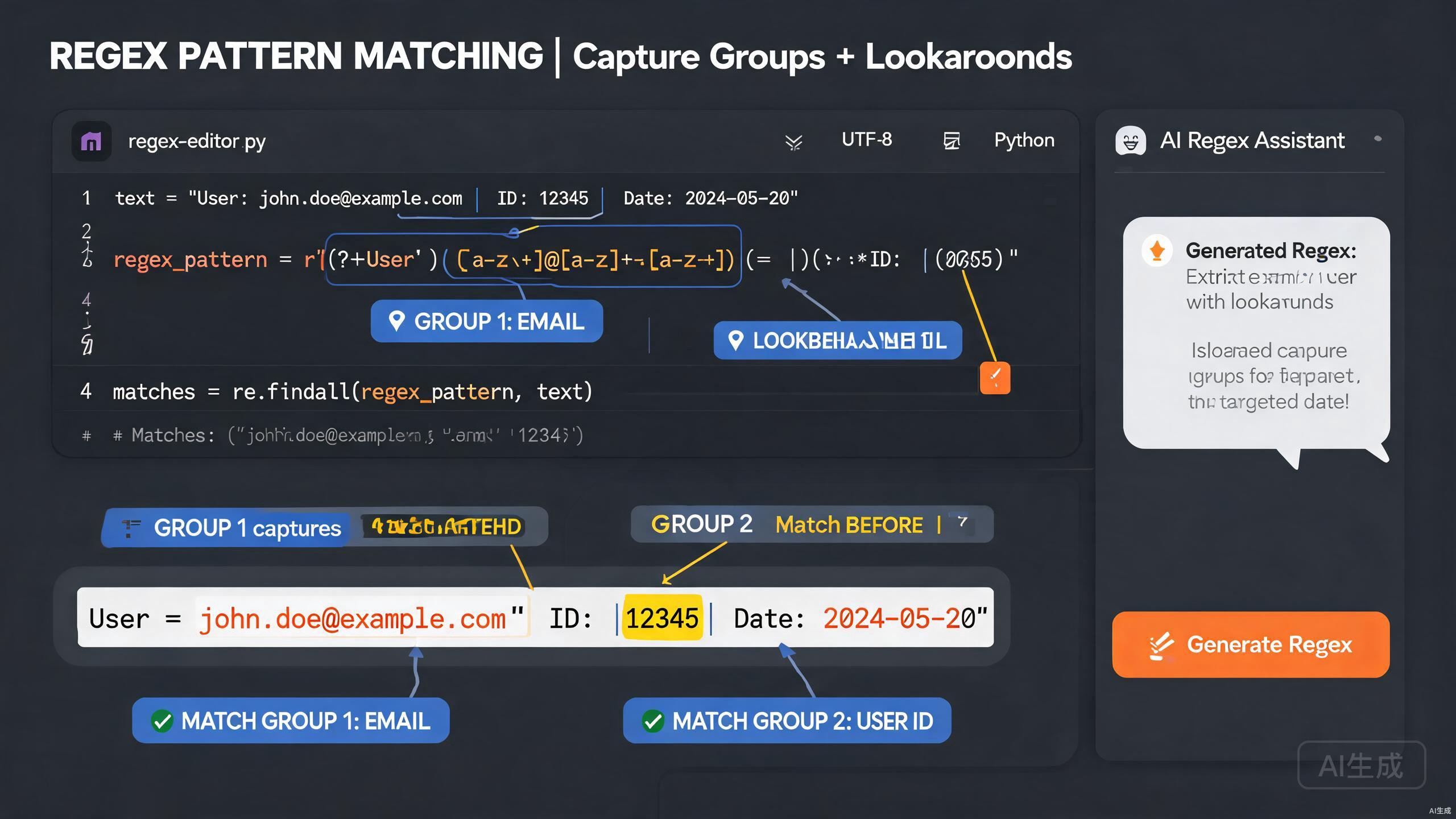
正则表达式(regex)是一种紧凑、强大的文本匹配、验证和提取方式。但它们也以难以阅读和容易出错而闻名。Cursor 是一款 AI 驱动的 IDE 编辑器,通过从纯英文描述生成模式、解释晦涩的表达式以及对样本输入进行测试,使处理正则表达式变得更加容易。本指南涵盖正则表达式语法、捕获组、先行和后行断言、AI 辅助正则生成,以及常见验证模式库。
前提条件
在开始之前,请确保你具备以下条件:
- Cursor(建议使用最新版本)作为你的 IDE 编辑器
- 带有正则引擎的编程环境(JavaScript、Python 或 Rust)
- 对字符串操作概念有基本了解
Cursor 的 AI 非常擅长解释和生成正则表达式,但它不能替代对基础知识的理解。始终根据你的测试用例审查生成的模式,因为正则引擎在不同语言中略有不同。在 JavaScript 中有效的模式在 Python 或 Rust 中可能表现不同。
正则表达式语法基础
理解正则表达式的构建块让你能够自信地阅读和调试模式。Cursor 可以解释任何模式,但了解术语有助于你编写更好的提示。
字符和元字符
以下是核心正则表达式构建块:
| 构造 | 含义 |
|---|---|
. | 除换行符外的任意字符 |
\d | 一个数字(0 到 9) |
\w | 一个单词字符(字母、数字、下划线) |
\s | 空白字符(空格、制表符、换行符) |
\D, \W, \S | 上面的否定版本 |
^ | 字符串开头(多行模式下为行首) |
$ | 字符串结尾(多行模式下为行尾) |
\b | 单词边界 |
量词
量词控制一个标记可以重复多少次:
| 量词 | 含义 |
|---|---|
* | 零次或多次 |
+ | 一次或多次 |
? | 零次或一次 |
{n} | 恰好 n 次 |
{n,} | n 次或更多 |
{n,m} | n 到 m 次之间 |
字符类和交替
方括号定义一组允许的字符,管道符定义备选项:
const vowelPattern = /[aeiou]/;       // any single vowel
const hexPattern = /[0-9a-fA-F]/;     // any hex digit
const colorPattern = /red|green|blue/; // one of three words
生成第一个模式
让 Cursor 从描述中生成模式:
Write a regex that matches a US phone number in the format (XXX) XXX-XXXX
where X is a digit. Add named capture groups for the area code and the
local number. Explain each part.
Cursor 返回带有解释的模式:
// Pattern: /^\((?<areaCode>\d{3})\) (?<localNumber>\d{3}-\d{4})$/
const phonePattern = /^\((?<areaCode>\d{3})\) (?<localNumber>\d{3}-\d{4})$/;

const match = '(555) 123-4567'.match(phonePattern);
console.log(match.groups.areaCode);     // "555"
console.log(match.groups.localNumber);   // "123-4567"
Cursor 解释:\( 匹配字面左括号,\d{3} 匹配恰好三个数字,(?<areaCode>...) 是一个命名捕获组,\) 匹配右括号。
括号在正则中有两个含义:分组和捕获。要分组而不捕获,使用 (?:...)。忘记 ?: 会创建不必要的捕获组,可能会移动你的组索引,并在按数字索引组时导致微妙的差一错误。
捕获组和反向引用
捕获组让你提取匹配的部分并在模式后面重用它们。Cursor 精确地生成和优化捕获组。
编号捕获组
// Extract date components from YYYY-MM-DD
const datePattern = /(\d{4})-(\d{2})-(\d{2})/;
const match = '2025-08-17'.match(datePattern);
console.log(match[1]); // year: "2025"
console.log(match[2]); // month: "08"
console.log(match[3]); // day: "17"
命名捕获组
命名组比编号组可读性高得多,尤其是在长模式中。让 Cursor 转换一个模式:
Convert this regex to use named capture groups instead of numbered ones:
/(\d{4})-(\d{2})-(\d{2})T(\d{2}):(\d{2}):(\d{2})/
Cursor 重写它:
const isoPattern = /(?<year>\d{4})-(?<month>\d{2})-(?<day>\d{2})T(?<hour>\d{2}):(?<minute>\d{2}):(?<second>\d{2})/;
const m = '2025-08-17T14:30:00'.match(isoPattern);
console.log(m.groups.year, m.groups.month, m.groups.day); // "2025" "08" "17"
反向引用
反向引用让模式匹配与之前组捕获的相同文本。一个经典示例是匹配重复单词:
// Find doubled words like "the the"
const doubledWord = /\b(\w+)\s+\1\b/gi;
const text = 'I went to the the store and bought a a apple.';
console.log(text.replace(doubledWord, '$1'));
// "I went to the store and bought a apple."
\1 引用第一个捕获组匹配的内容,因此模式仅在第二个单词与第一个相同时才成功。
非捕获组
当你需要分组用于交替或量词但不需要捕获的文本时,使用非捕获组以避免污染匹配数组:
// Match "color" or "colour" without capturing the optional "u"
const colorPattern = /colou?r/;
const ukPattern = /col(?:ou)?r/; // non-capturing variant
让 Cursor 审计一个复杂正则表达式中的不必要捕获组。提示:"查找此模式中未使用的捕获组并将它们转换为非捕获组。"更干净的组使你的代码更可预测且略快。
先行和后行断言
先行和后行断言是零宽断言,它们检查上下文而不消耗字符。它们对于不提取的验证至关重要。
正向先行断言
正向先行断言 (?=...) 断言后面的内容匹配但不将其包含在结果中。一个常见用途是密码验证:
// At least 8 chars, one uppercase, one digit
const strongPassword = /^(?=.*[A-Z])(?=.*\d).{8,}$/;
console.log(strongPassword.test('Abcdefg1')); // true
console.log(strongPassword.test('password')); // false
每个 (?=...) 从字符串开头检查一个条件,然后 .{8,} 匹配实际的密码字符。
负向先行断言
负向先行断言 (?!...) 断言后面的内容不匹配:
// Match "java" not followed by "script"
const javaNotScript = /\bjava(?!script)\b/i;
console.log(javaNotScript.test('I love java'));           // true
console.log(javaNotScript.test('I love javascript'));     // false
正向和负向后行断言
后行断言 (?<=...) 和 (?<!...) 检查当前位置之前的内容。用它们提取上下文相关的匹配:
// Extract dollar amounts after the $ sign
const pricePattern = /(?<=\$)\d+(\.\d{2})?/g;
console.log('$19.99 and $5'.match(pricePattern)); // ["19.99", "5"]

// Match "cat" not preceded by "wild "
const domesticCat = /(?<!wild )cat\b/;
console.log(domesticCat.test('my cat'));         // true
console.log(domesticCat.test('a wild cat'));      // false
后行断言的支持因引擎而异。JavaScript 在 ES2018 中添加了后行断言,因此较旧的浏览器和运行时会拒绝带有 (?<=...) 的模式。Rust 的 regex crate 完全不支持后行断言。如果你面向 Rust,让 Cursor 重写后行断言模式(不含后行断言),通常通过将前文上下文捕获到组中。
生成上下文敏感模式
让 Cursor 构建一个带断言的模式:
Write a regex that matches every word in a sentence except the
words "the", "a", and "an". Use negative lookahead and word
boundaries. Provide test cases.
Cursor 返回:
const contentWord = /\b(?!the\b|a\b|an\b)\b[a-z]+/gi;
const sentence = 'the quick brown fox jumps over a lazy dog';
console.log(sentence.match(contentWord));
// ["quick", "brown", "fox", "jumps", "over", "lazy", "dog"]
AI 辅助的正则生成
Cursor 的突出能力是将纯英文需求转化为经过测试的正则表达式。本节展示实用工作流。
从规范生成
详细描述你的匹配规则,包括边缘情况:
Generate a regex that validates a semver version string with an
optional prerelease tag. Requirements:
- Major, minor, and patch are non-negative integers with no leading zeros
- Prerelease is optional, separated by a hyphen
- Prerelease can contain alphanumeric and dot-separated identifiers
- Examples: 1.0.0, 2.14.3-alpha, 3.0.0-beta.1, 0.0.1-rc.2.exp
- Invalid: 01.0.0, 1.0, 1.0.0-, 2.x.3
Cursor 生成一个注释完善的模式:
// Major: 0 or [1-9]\d*
// Minor and Patch: same as Major
// Prerelease: -(identifier)(.identifier)* where identifier = [0-9A-Za-z-]+
const semverPattern = /^(0|[1-9]\d*)\.(0|[1-9]\d*)\.(0|[1-9]\d*)(?:-([0-9A-Za-z-]+(?:\.[0-9A-Za-z-]+)*))?$/;

const tests = [
  ['1.0.0', true],
  ['2.14.3-alpha', true],
  ['3.0.0-beta.1', true],
  ['0.0.1-rc.2.exp', true],
  ['01.0.0', false],
  ['1.0', false],
  ['1.0.0-', false],
  ['2.x.3', false],
];

tests.forEach(([input, expected]) => {
  console.log(input, semverPattern.test(input) === expected ? 'PASS' : 'FAIL');
});
解释晦涩模式
粘贴你在网上找到的正则表达式,让 Cursor 解释它:
Explain this regex and rewrite it with comments and named groups:
/^(?:(?:25[0-5]|2[0-4]\d|[01]?\d\d?)\.){3}(?:25[0-5]|2[0-4]\d|[01]?\d\d?)$/
Cursor 分解它:
// IPv4 address validator
// Each octet matches: 0-9 | 00-99 | 100-199 | 200-249 | 250-255
const octet = '(?:25[0-5]|2[0-4]\\d|[01]?\\d\\d?)';
const ipv4Pattern = new RegExp(`^(?:${octet}\\.){3}${octet}$`);

// With named groups for readability
const ipv4Named = /^(?<o1>25[0-5]|2[0-4]\d|[01]?\d\d?)\.(?<o2>25[0-5]|2[0-4]\d|[01]?\d\d?)\.(?<o3>25[0-5]|2[0-4]\d|[01]?\d\d?)\.(?<o4>25[0-5]|2[0-4]\d|[01]?\d\d?)$/;
const m = '192.168.1.1'.match(ipv4Named);
console.log(m.groups); // { o1: "192", o2: "168", o3: "1", o4: "1" }
Cursor 解释 25[0-5] 匹配 250 到 255,2[0-4]\d 匹配 200 到 249,[01]?\d\d? 匹配 0 到 199。
调试失败的模式
当正则表达式不如预期匹配时,描述问题:
My regex /^\d{4}-\d{2}-\d{2}$/ should match "2025-08-17" but my
function returns null. Here is my code. Find the bug.
Cursor 发现常见错误,如缺少 g 标志、在多次调用中重用全局正则对象,或转义字符问题,并解释修复方法。
常见验证模式
Cursor 可以生成一个经过验证的可复用模式库。以下是一个实用集合。
邮箱验证
// Pragmatic email validation (RFC 5322 fully compliant regex is impractical)
const emailPattern = /^[a-zA-Z0-9._%+-]+@[a-zA-Z0-9.-]+\.[a-zA-Z]{2,}$/;
console.log(emailPattern.test('invalid@@test')); // false
不要用正则表达式过度验证邮箱地址。唯一可靠的检查是发送确认邮件。使用宽松的正则来捕捉明显的拼写错误,然后验证可传递性。让 Cursor:"编写一个宽松的邮箱正则和一个还检查 MX 记录是否存在的函数,"以获得平衡的方法。
URL 验证
const urlPattern = /^https?:\/\/(www\.)?[-a-zA-Z0-9@:%._+~#=]{1,256}\.[a-zA-Z0-9()]{1,6}\b([-a-zA-Z0-9@:%_+.~#?&//=]*)$/;
console.log(urlPattern.test('https://www.example.com/path?q=1')); // true
Slug 验证
// URL-safe slug: lowercase letters, digits, hyphens, no leading/trailing hyphen
const slugPattern = /^[a-z0-9]+(?:-[a-z0-9]+)*$/;
console.log(slugPattern.test('how-to-use-cursor')); // true
console.log(slugPattern.test('-invalid-slug'));     // false
十六进制颜色
// 3 or 6 digit hex with optional leading #
const hexPattern = /^#?([0-9a-fA-F]{3}|[0-9a-fA-F]{6})$/;
console.log(hexPattern.test('#fff'));  // true
console.log(hexPattern.test('FF5733')); // true
强密码
// Min 8 chars, at least one uppercase, lowercase, digit, and symbol
const passwordPattern = /^(?=.*[a-z])(?=.*[A-Z])(?=.*\d)(?=.*[^A-Za-z0-9]).{8,}$/;
console.log(passwordPattern.test('Curs0r!de')); // true
提取和替换文本
正则表达式不仅用于验证;它在提取和转换方面也很出色。
提取所有匹配项
// Extract all hashtags from a social post
const hashtagPattern = /#[\w]+/g;
const post = 'Loving #Cursor IDE and #regex today! #coding';
console.log(post.match(hashtagPattern)); // ["#Cursor", "#regex", "#coding"]
使用替换和捕获组进行转换
// Convert kebab-case to camelCase
const kebabToCamel = /-([a-z])/g;
const result = 'font-size-in-cursor'.replace(kebabToCamel, (_, c) => c.toUpperCase());
console.log(result); // "fontSizeInCursor"
使用命名组进行模板化
// Replace {{ var }} placeholders with values from a context object
const templatePattern = /{{\s*(?<key>\w+)\s*}}/g;
function render(template, context) {
  return template.replace(templatePattern, (_, key) => context[key] ?? '');
}
console.log(render('Hello {{ name }}, you have {{ count }} tasks', { name: 'Sam', count: 3 }));
// "Hello Sam, you have 3 tasks"
正则替换函数为每个匹配运行替换。如果你的上下文对象很大且你的模板在热路径中,请预编译模式并缓存上下文查找。还要防范 undefined 值,以避免字面字符串 "undefined" 出现在输出中。
性能和安全
编写不当的正则表达式可能导致灾难性回溯,即引擎在某些输入上花费指数级时间。这是一个真实的安全风险 (ReDoS)。
检测灾难性回溯
让 Cursor 分析一个模式:
Check this regex for catastrophic backtracking (ReDoS) risk and
rewrite it safely: /^(a+)+$/
Cursor 解释嵌套量词如 (a+)+ 会在 aaaaaaaaaaaaaaaaaaaa! 这样的输入上创建指数级回溯,然后提供安全替代方案:
// Safe alternative: anchored single quantifier
const safePattern = /^a+$/;
使用锚点和原子组
当你期望整个字符串匹配时,始终锚定模式。支持时,使用原子组 (?>...) 来防止回溯:
// Possessive quantifier equivalent in JS (no native support, use lookahead trick)
const possessiveDigit = /(?=(\d++))\1/;
对于不受信任的输入,始终设置正则执行超时或使用支持有界执行的库。让 Cursor:"使用 Web Worker 为我的正则测试函数添加超时包装器,"以防止恶意输入冻结你的应用程序。
最佳实践总结
在 Cursor 中使用正则表达式时,请牢记以下原则:
- 优先使用命名捕获组而非编号组以提高可读性。
- 不需要捕获文本时使用非捕获组
(?:...)。 - 验证完整字符串时用
^和$锚定模式。 - 将用户输入插入模式时转义特殊字符。
- 针对正负用例测试以捕捉边缘条件。
- 注意嵌套量词模式中的灾难性回溯。
- 使用
x标志或命名组为复杂模式添加注释。
通过将扎实的正则基础与 Cursor 的 AI 驱动生成和解释相结合,你可以自信地编写、测试和维护模式匹配代码。清晰地描述你的意图,让 Cursor 生成和解释模式,然后在交付前针对一组全面的测试用例验证它。