Tailwind CSS Development in Cursor
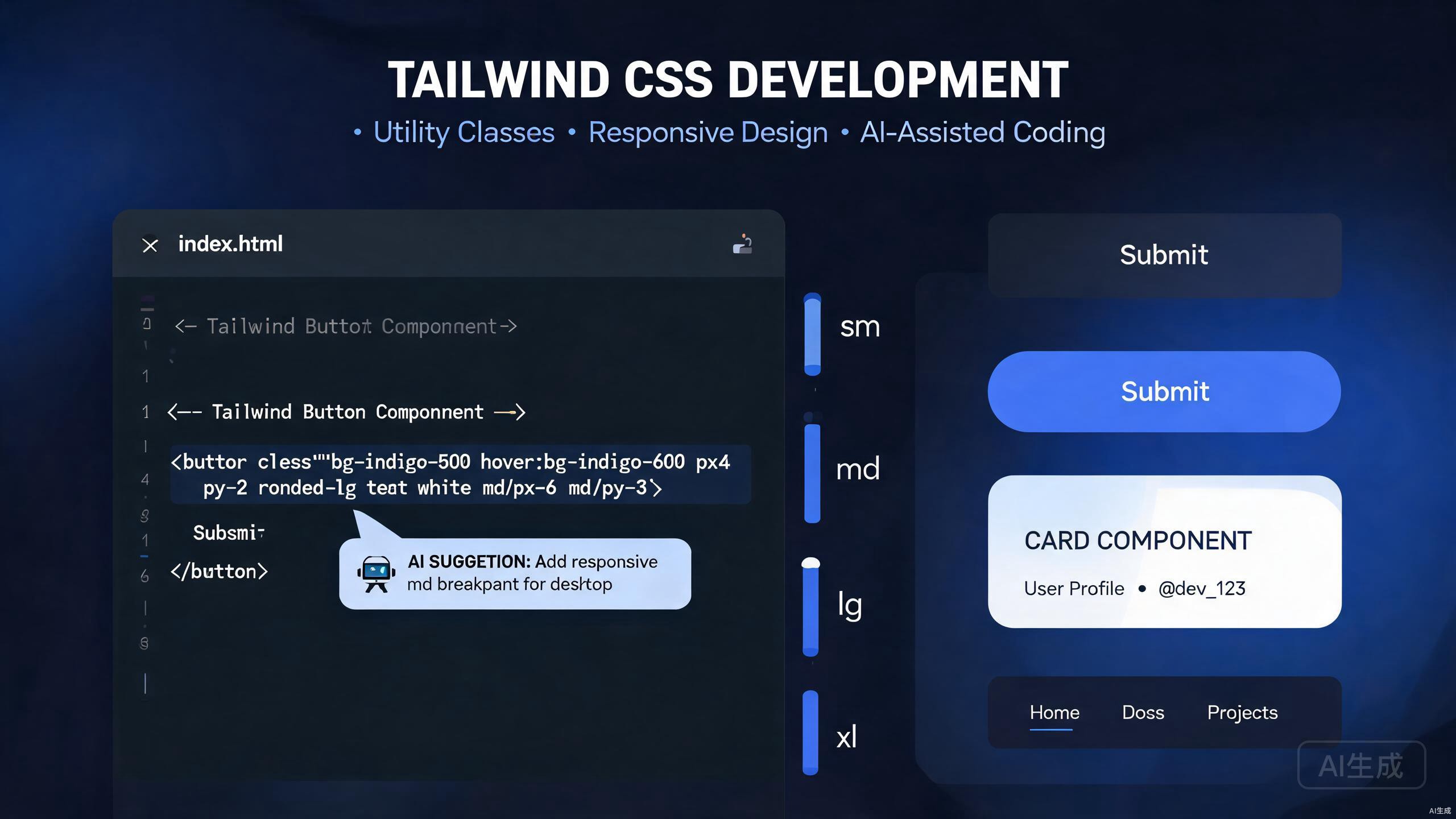
Tailwind CSS has transformed how developers approach styling by providing a comprehensive set of utility classes that compose directly in markup. When paired with Cursor, an AI-powered IDE editor, Tailwind development becomes even more efficient through intelligent class suggestions, automatic configuration, and component extraction. This guide covers everything from basic utility usage to advanced customization workflows within Cursor.
Introduction to Tailwind in Cursor
Cursor understands Tailwind CSS at a deep level. The editor provides intelligent autocompletion for utility classes, recognizes custom configurations, and can generate complete component markup based on design descriptions. This integration eliminates the constant context switching between documentation and code that traditionally accompanies Tailwind development.
Key Tailwind workflows enhanced by Cursor include:
- Real-time utility class autocompletion with CSS property previews
- AI-generated component markup from design descriptions
- Automatic extraction of repeated patterns into reusable components
- Custom theme configuration with type-safe IntelliSense
- Responsive and state variant suggestions
This guide assumes you have a basic understanding of HTML and CSS concepts. All examples use React with TypeScript, though the principles apply to any framework supported by Tailwind.
Setting Up Tailwind in Your Cursor Project
Proper project setup ensures Cursor can provide the full range of Tailwind IntelliSense and AI features.
Installation and Configuration
Initialize your project and install Tailwind dependencies:
npm install -D tailwindcss postcss autoprefixer
npx tailwindcss init -p
Configure your tailwind.config.js with content paths that match your project structure:
/** @type {import('tailwindcss').Config} */
module.exports = {
  content: [
    './src/**/*.{js,ts,jsx,tsx}',
    './components/**/*.{js,ts,jsx,tsx}',
  ],
  theme: {
    extend: {},
  },
  plugins: [],
};
Add Tailwind directives to your global CSS file:
@tailwind base;
@tailwind components;
@tailwind utilities;
When you open this configuration in Cursor, the editor immediately indexes all available utility classes and custom theme values. The AI understands your content paths and can suggest class usage specific to your project structure.
Install the Tailwind CSS IntelliSense extension if available in Cursor's extension marketplace. This provides inline CSS property previews when hovering over utility classes, significantly speeding up development.
TypeScript Integration
For the best experience with Cursor's type checking, ensure your TypeScript configuration recognizes JSX and your framework's types:
{
  "compilerOptions": {
    "target": "ES2020",
    "lib": ["ES2020", "DOM", "DOM.Iterable"],
    "jsx": "react-jsx",
    "moduleResolution": "bundler",
    "strict": true
  }
}
Cursor uses these types to provide accurate autocompletion for component props alongside Tailwind class suggestions.
Mastering Utility Classes
Utility classes are the foundation of Tailwind. Cursor's autocompletion and AI features help you discover and apply the right utilities efficiently.
Core Utility Patterns
Start with layout utilities. Cursor suggests appropriate classes as you type, showing previews of the resulting CSS:
export function Card() {
  return (
    <div className="max-w-sm rounded-lg border border-gray-200 bg-white p-6 shadow-md">
      <h2 className="mb-2 text-2xl font-bold tracking-tight text-gray-900">
        Card Title
      </h2>
      <p className="mb-4 text-base text-gray-700">
        This card demonstrates core Tailwind utility patterns.
      </p>
      <button className="rounded-md bg-blue-600 px-4 py-2 text-sm font-medium text-white hover:bg-blue-700 focus:outline-none focus:ring-2 focus:ring-blue-500 focus:ring-offset-2">
        Action
      </button>
    </div>
  );
}
When typing class names in Cursor, the editor suggests completions in a logical order: layout, spacing, sizing, typography, backgrounds, borders, effects, and interactions. This ordering mirrors how Tailwind's documentation organizes utilities.
Responsive Design with Breakpoint Prefixes
Cursor recognizes Tailwind's responsive prefixes and suggests them appropriately:
export function ResponsiveGrid() {
  return (
    <div className="grid grid-cols-1 gap-4 sm:grid-cols-2 lg:grid-cols-3 xl:grid-cols-4">
      <div className="rounded-lg bg-gray-100 p-4">Item 1</div>
      <div className="rounded-lg bg-gray-100 p-4">Item 2</div>
      <div className="rounded-lg bg-gray-100 p-4">Item 3</div>
      <div className="rounded-lg bg-gray-100 p-4">Item 4</div>
    </div>
  );
}
The AI understands mobile-first methodology and warns if you attempt to use desktop-first breakpoint patterns. It also suggests the correct breakpoint ranges based on your tailwind.config.js settings.
State Variants and Interactions
Hover, focus, and active states are essential for interactive elements. Cursor provides intelligent suggestions for state variants:
export function InteractiveButton() {
  return (
    <button className="group relative inline-flex items-center justify-center overflow-hidden rounded-lg bg-gradient-to-br from-purple-600 to-blue-500 p-0.5 text-sm font-medium text-gray-900 hover:text-white focus:outline-none focus:ring-4 focus:ring-blue-300 group-hover:from-purple-600 group-hover:to-blue-500">
      <span className="relative rounded-md bg-white px-5 py-2.5 transition-all duration-75 ease-in group-hover:bg-opacity-0">
        Hover over me
      </span>
    </button>
  );
}
Avoid overusing arbitrary values like w-[123px] when standard utilities exist. Cursor flags common arbitrary value patterns that have equivalent built-in utilities, helping you maintain consistency with the design system.
Custom Configuration and Theming
Every project requires customization beyond Tailwind's defaults. Cursor helps you extend the theme configuration while maintaining full IntelliSense support.
Extending Colors and Typography
Open your tailwind.config.js and define custom design tokens:
/** @type {import('tailwindcss').Config} */
module.exports = {
  content: ['./src/**/*.{js,ts,jsx,tsx}'],
  theme: {
    extend: {
      colors: {
        brand: {
          50: '#f0f9ff',
          100: '#e0f2fe',
          200: '#bae6fd',
          300: '#7dd3fc',
          400: '#38bdf8',
          500: '#0ea5e9',
          600: '#0284c7',
          700: '#0369a1',
          800: '#075985',
          900: '#0c4a6e',
        },
      },
      fontFamily: {
        sans: ['Inter', 'system-ui', 'sans-serif'],
        display: ['Cal Sans', 'Inter', 'system-ui', 'sans-serif'],
      },
      fontSize: {
        'display-xl': ['4.5rem', { lineHeight: '1.1', letterSpacing: '-0.02em' }],
        'display-lg': ['3.75rem', { lineHeight: '1.15', letterSpacing: '-0.02em' }],
      },
    },
  },
  plugins: [],
};
After saving, Cursor immediately indexes these custom values. Typing bg-brand- shows your complete color palette, and text-display-xl appears in font-size suggestions.
Custom Plugins and Components
For design system components, create Tailwind plugins that Cursor recognizes:
// tailwind.config.js
const plugin = require('tailwindcss/plugin');

module.exports = {
  // ... other config
  plugins: [
    plugin(function ({ addComponents, theme }) {
      addComponents({
        '.btn': {
          display: 'inline-flex',
          alignItems: 'center',
          justifyContent: 'center',
          borderRadius: theme('borderRadius.md'),
          padding: `${theme('spacing.2')} ${theme('spacing.4')}`,
          fontWeight: theme('fontWeight.medium'),
          transitionProperty: theme('transitionProperty.colors'),
          transitionDuration: theme('transitionDuration.150'),
        },
        '.btn-primary': {
          backgroundColor: theme('colors.brand.600'),
          color: theme('colors.white'),
          '&:hover': {
            backgroundColor: theme('colors.brand.700'),
          },
        },
      });
    }),
  ],
};
Cursor's autocompletion now includes btn and btn-primary as valid class names, with hover previews showing the generated CSS.
Use Cursor's AI to convert existing CSS or SCSS files into Tailwind configuration extensions. Select your legacy styles and ask: "Convert these styles into Tailwind theme extensions and custom utilities."
Component Extraction Patterns
As your project grows, repeated utility combinations should become reusable components. Cursor's AI excels at identifying extraction opportunities.
Identifying Extraction Candidates
Consider this inline utility-heavy component:
export function UserProfile() {
  return (
    <div className="flex items-center space-x-4 rounded-lg border border-gray-200 bg-white p-4 shadow-sm">
      <img
        className="h-12 w-12 rounded-full object-cover"
        src="/avatar.jpg"
        alt="User avatar"
      />
      <div className="flex-1">
        <h3 className="text-lg font-semibold text-gray-900">Jane Doe</h3>
        <p className="text-sm text-gray-500">Software Engineer</p>
      </div>
      <button className="rounded-md bg-brand-600 px-3 py-1.5 text-sm font-medium text-white hover:bg-brand-700">
        Follow
      </button>
    </div>
  );
}
Select this component in Cursor and prompt: "Extract the card container styles into a reusable Card component with variants for padding and shadow." The AI generates:
// components/Card.tsx
import { cva, type VariantProps } from 'class-variance-authority';
import { cn } from '@/lib/utils';

const cardVariants = cva('rounded-lg border border-gray-200 bg-white', {
  variants: {
    padding: {
      none: '',
      sm: 'p-3',
      md: 'p-4',
      lg: 'p-6',
    },
    shadow: {
      none: '',
      sm: 'shadow-sm',
      md: 'shadow-md',
      lg: 'shadow-lg',
    },
  },
  defaultVariants: {
    padding: 'md',
    shadow: 'sm',
  },
});

export interface CardProps
  extends React.HTMLAttributes<HTMLDivElement>,
    VariantProps<typeof cardVariants> {}

export function Card({
  className,
  padding,
  shadow,
  ...props
}: CardProps) {
  return (
    <div
      className={cn(cardVariants({ padding, shadow }), className)}
      {...props}
    />
  );
}
The refactored UserProfile becomes cleaner and more maintainable:
export function UserProfile() {
  return (
    <Card className="flex items-center space-x-4">
      <img
        className="h-12 w-12 rounded-full object-cover"
        src="/avatar.jpg"
        alt="User avatar"
      />
      <div className="flex-1">
        <h3 className="text-lg font-semibold text-gray-900">Jane Doe</h3>
        <p className="text-sm text-gray-500">Software Engineer</p>
      </div>
      <button className="rounded-md bg-brand-600 px-3 py-1.5 text-sm font-medium text-white hover:bg-brand-700">
        Follow
      </button>
    </Card>
  );
}
Using class-variance-authority
The class-variance-authority library pairs exceptionally well with Tailwind and Cursor. It provides type-safe component variants that Cursor's IntelliSense fully supports.
// components/Button.tsx
import { cva, type VariantProps } from 'class-variance-authority';
import { cn } from '@/lib/utils';

const buttonVariants = cva(
  'inline-flex items-center justify-center rounded-md text-sm font-medium transition-colors focus-visible:outline-none focus-visible:ring-2 focus-visible:ring-brand-500 disabled:pointer-events-none disabled:opacity-50',
  {
    variants: {
      variant: {
        default: 'bg-brand-600 text-white hover:bg-brand-700',
        destructive: 'bg-red-600 text-white hover:bg-red-700',
        outline: 'border border-gray-300 bg-transparent hover:bg-gray-50',
        ghost: 'hover:bg-gray-100',
        link: 'text-brand-600 underline-offset-4 hover:underline',
      },
      size: {
        default: 'h-10 px-4 py-2',
        sm: 'h-8 px-3 text-xs',
        lg: 'h-12 px-8 text-base',
        icon: 'h-10 w-10',
      },
    },
    defaultVariants: {
      variant: 'default',
      size: 'default',
    },
  }
);

export interface ButtonProps
  extends React.ButtonHTMLAttributes<HTMLButtonElement>,
    VariantProps<typeof buttonVariants> {}

export function Button({
  className,
  variant,
  size,
  ...props
}: ButtonProps) {
  return (
    <button
      className={cn(buttonVariants({ variant, size }), className)}
      {...props}
    />
  );
}
With this setup, Cursor provides autocompletion for variant and size props with their available options, catching invalid combinations at compile time.
AI Class Suggestions
One of Cursor's most powerful features is generating Tailwind markup from natural language descriptions.
Generating Components from Descriptions
Describe what you want, and Cursor generates the markup:
Prompt:
Create a pricing card component with Tailwind classes. It should have:
- A highlighted "Pro" badge at the top
- A large price display with "/month"
- A list of 4 features with checkmarks
- A prominent CTA button
- A subtle hover lift effect
Cursor generates:
export function PricingCard() {
  return (
    <div className="relative flex flex-col rounded-2xl border-2 border-brand-500 bg-white p-8 shadow-xl transition-transform duration-300 hover:-translate-y-1">
      <div className="absolute -top-4 left-1/2 -translate-x-1/2 rounded-full bg-brand-500 px-4 py-1 text-sm font-semibold text-white">
        Pro
      </div>
      <div className="mb-6 text-center">
        <span className="text-5xl font-bold text-gray-900">$29</span>
        <span className="text-lg text-gray-500">/month</span>
      </div>
      <ul className="mb-8 space-y-4">
        {[
          'Unlimited projects',
          'Priority support',
          'Advanced analytics',
          'Custom integrations',
        ].map((feature) => (
          <li key={feature} className="flex items-center text-gray-700">
            <svg className="mr-3 h-5 w-5 text-green-500" fill="currentColor" viewBox="0 0 20 20">
              <path fillRule="evenodd" d="M16.707 5.293a1 1 0 010 1.414l-8 8a1 1 0 01-1.414 0l-4-4a1 1 0 011.414-1.414L8 12.586l7.293-7.293a1 1 0 011.414 0z" clipRule="evenodd" />
            </svg>
            {feature}
          </li>
        ))}
      </ul>
      <button className="mt-auto rounded-lg bg-brand-600 py-3 text-center font-semibold text-white transition-colors hover:bg-brand-700">
        Get Started
      </button>
    </div>
  );
}
This capability dramatically speeds up prototyping and reduces the need to browse Tailwind documentation.
Refactoring Inline Styles to Tailwind
When migrating legacy code, select inline styles and ask Cursor: "Convert these inline styles to Tailwind utility classes." The AI preserves the visual appearance while producing idiomatic Tailwind markup.
// Before
<div style={{ marginBottom: '24px', padding: '16px', backgroundColor: '#f3f4f6', borderRadius: '8px' }}>

// After
<div className="mb-6 rounded-lg bg-gray-100 p-4">
For complex designs, paste a screenshot or describe the visual hierarchy. Cursor can suggest the appropriate combination of flexbox, grid, and spacing utilities to achieve the desired layout.
Dark Mode and Theming
Modern applications require dark mode support. Cursor helps implement and maintain multi-theme setups.
Implementing Dark Mode
Enable dark mode in your Tailwind configuration:
module.exports = {
  darkMode: 'class',
  // ... rest of config
};
Use the dark: prefix for theme-aware styling:
export function ThemedCard() {
  return (
    <div className="rounded-lg border border-gray-200 bg-white p-6 text-gray-900 shadow-sm dark:border-gray-700 dark:bg-gray-800 dark:text-gray-100">
      <h2 className="text-xl font-bold">Adaptive Content</h2>
      <p className="mt-2 text-gray-600 dark:text-gray-300">
        This card automatically adjusts to the current theme.
      </p>
    </div>
  );
}
Cursor suggests dark: variants alongside standard utilities and warns if critical contrast ratios might fail in one theme.
Conclusion
Tailwind CSS development in Cursor represents a significant leap in productivity for frontend developers. The combination of utility-first styling and AI-powered assistance eliminates friction from the design implementation process.
Key takeaways from this guide:
- Configure Tailwind properly so Cursor can index your custom theme values
- Use Cursor's autocompletion to discover utilities without leaving the editor
- Extract repeated patterns into type-safe components using class-variance-authority
- Leverage AI generation for rapid prototyping from natural language descriptions
- Maintain consistent theming with dark mode and custom design tokens
- Let Cursor flag anti-patterns like unnecessary arbitrary values
With these techniques, you will ship polished, consistent interfaces faster while keeping your codebase maintainable and scalable.