Agent Client Protocol (ACP) with Cursor
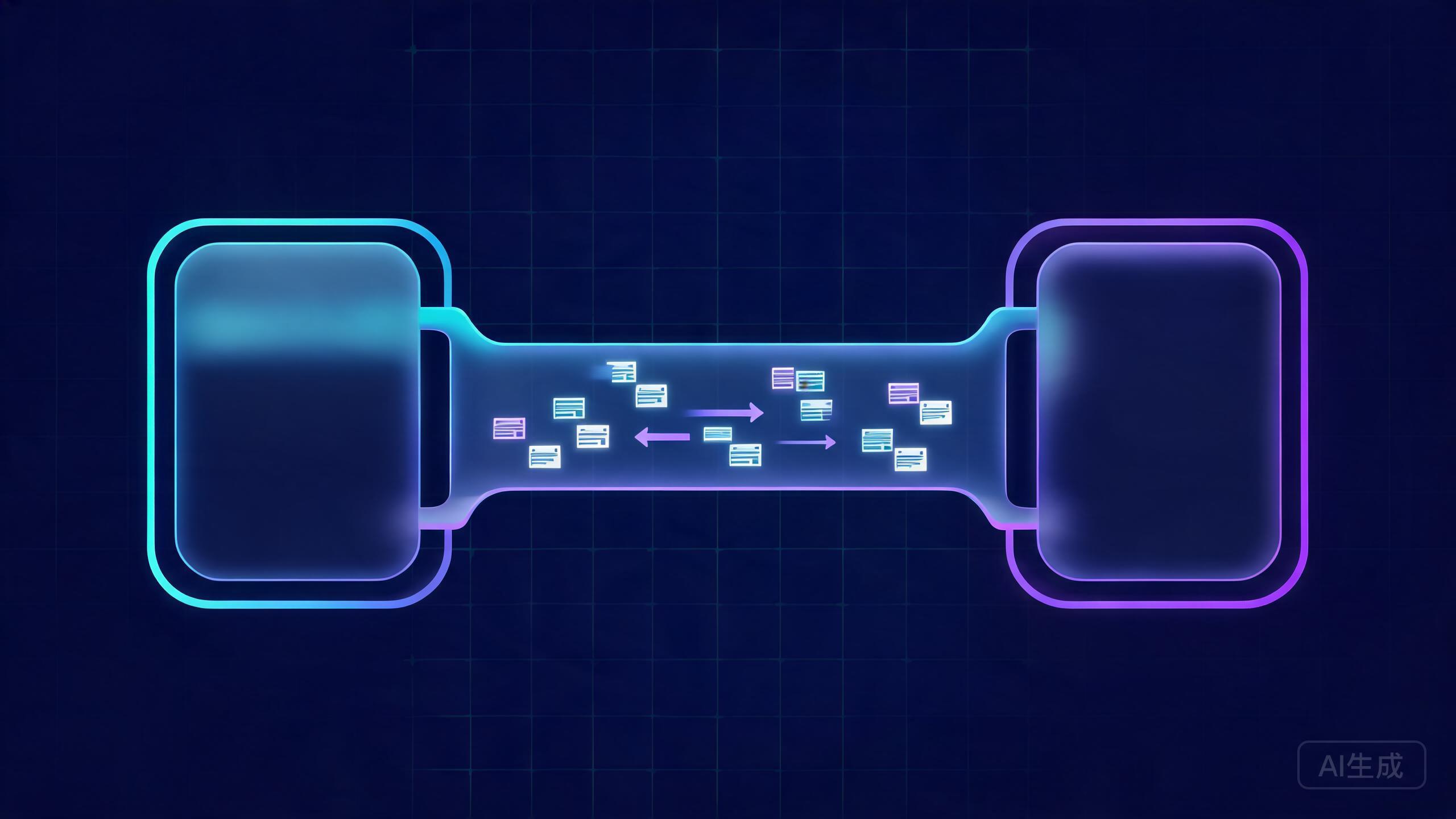
The Agent Client Protocol (ACP) is an open standard that lets an editor client and a coding agent talk to each other over a shared, JSON-RPC-based interface. Instead of every editor building its own bridge to every agent, the client and the agent both speak ACP, and the pairing becomes interchangeable. Cursor can act as the agent side of that conversation through cursor-agent, which means any ACP-compliant client can drive Cursor's agent. This guide explains the protocol, the session lifecycle, how to expose Cursor over ACP, the message flow in practice, how to build a client of your own, and where the current gaps are.
What Is the Agent Client Protocol
ACP is an open standard that defines how an editor client talks to a coding agent. The protocol was popularized by Zed, which uses it to let its editor drive different agents, but it is deliberately editor-agnostic and agent-agnostic.
The core design choices are simple:
- Transport is JSON-RPC over stdio. The client spawns the agent as a subprocess and exchanges newline-delimited JSON-RPC messages on stdin and stdout.
- Either side can send requests and notifications. The client asks the agent to start a session and send prompts; the agent asks the client for permission to run tools and streams progress back.
- Sessions are explicit. Work happens inside a session created with
newSession, which carries a working directory and options.
Because the transport is plain stdio and the messages are plain JSON, ACP works everywhere a process can be spawned: local editors, terminal tools, and headless CI runners.
MCP connects an agent to external tools and data sources. ACP connects an editor client to an agent. They solve different problems and are commonly used together: an ACP agent may itself be an MCP client.
ACP Architecture
The architecture has three parts: the client, the agent, and the transport between them. The client owns the UI and permissions; the agent owns the model and the tools.
| Layer | Role | Examples |
|---|---|---|
| Client | Renders the conversation, collects user input, answers permission requests | Zed, a custom editor, a headless script |
| Agent | Runs the model, executes tools, streams updates | cursor-agent acp, other ACP agents |
| Transport | Moves JSON-RPC messages both ways | Newline-delimited JSON over stdio |
The session lifecycle is a fixed sequence. Once you understand it, the message flow reads like a script.
initialize        -> client and agent agree on protocol version and capabilities
newSession        -> client asks the agent to create a session with a cwd and options
prompt            -> client sends user input into the session
session/update    -> agent streams progress, tool calls, and messages back (notification)
permission request-> agent asks the client to approve a tool action
cancel            -> client aborts the current turn
The agent never acts on a protected resource without asking the client first. That permission round-trip is what keeps a UI in control of an autonomous agent.
Why ACP Matters
ACP matters because it decouples the editor from the agent. The value shows up in three places.
Editor Portability
If Cursor and another client both speak ACP, you can use the same agent in either one without a bespoke integration. Your agent configuration, model choice, and rules travel with the agent, not the editor.
Reuse Cursor's Agent in Any Compliant Client
Rather than reimplementing agent behavior in each editor, you can point any ACP client at cursor-agent and get Cursor's reasoning, tool use, and model selection inside that client's UI. This is especially useful for teams standardized on an editor that is not Cursor but who want Cursor's agent behavior.
Headless Automation
Because the transport is stdio, you can drive the agent from a script or CI job with no editor at all. That makes scripted, repeatable agent runs possible in pipelines.
# A headless run is just a client that writes JSON-RPC to the agent's stdin
cat initialize.json newSession.json prompt.json | cursor-agent acp
When you drive the agent from a script, there is no human to click "approve" on a tool call. Decide your permission mode up front, and never default to auto-run in an environment with sensitive credentials.
Exposing Cursor over ACP with cursor-agent
cursor-agent is the CLI that can act as the ACP agent side of the connection. Install it the same way you install the Cursor CLI.
# Install via npm
npm install -g cursor-agent

# Or install via the Cursor CLI script
curl https://cursor.com/install -fsS | bash

# Confirm it is on your PATH
cursor-agent --version
Running in ACP Mode
The ACP entry point is a subcommand. When you run it, the process speaks JSON-RPC on stdio and waits for a client to connect.
# Start the agent as an ACP server, talking JSON-RPC over stdio
cursor-agent acp

# Useful flags
cursor-agent acp --cwd /path/to/project     # set the working directory
cursor-agent acp --model claude-sonnet-4-5  # pin a model for the session
cursor-agent acp --verbose                  # log messages for debugging
Authentication
The agent needs credentials before it can serve prompts. Log in once and the credentials are stored locally.
# Interactive login, opens a browser flow
cursor-agent login

# Check current auth status
cursor-agent status

# Log out and clear stored credentials
cursor-agent logout
If the agent starts but every prompt fails, the cause is almost always missing or expired auth. Run cursor-agent status before debugging anything else.
Configuring a Session
A session is created with a working directory and options that govern how the agent behaves for that conversation.
Model Selection
The model can be pinned at launch or chosen per session. Passing it per session lets a single agent process serve different clients with different model preferences.
{
  "method": "session/new",
  "params": {
    "cwd": "/home/dev/project",
    "model": "claude-sonnet-4-5",
    "mcpServers": []
  }
}
Context-Window Usage Reporting
Some clients display how full the context window is. The agent reports token usage as part of session updates where the client supports it.
{
  "method": "session/update",
  "params": {
    "sessionId": "sess_01HXYZ",
    "update": {
      "type": "usage",
      "inputTokens": 12480,
      "outputTokens": 2310,
      "contextLimit": 200000
    }
  }
}
Permission Modes and Working Directory
Permission modes decide whether the agent asks before running a tool. In an interactive client, the default is to ask. In headless automation, you choose deliberately.
- Ask-per-tool: the agent sends a permission request and waits. Safest, best for interactive editors.
- Auto-run: the agent executes within the working directory without asking. Fast, and only appropriate in a sandbox.
- Read-only: the agent may read and search but never write. Good for review-only sessions.
The cwd in newSession bounds what the agent treats as the project. Files outside it should not be touched.
Example JSON-RPC Message Flow
The following is a minimal but complete conversation. Every message is one line of JSON on the wire.
Initialize
The client opens with initialize, and the agent replies with its capabilities and protocol version.
{
  "jsonrpc": "2.0",
  "id": 1,
  "method": "initialize",
  "params": {
    "protocolVersion": 1,
    "clientCapabilities": {
      "fs": { "readTextFile": true, "writeTextFile": true },
      "terminal": true
    }
  }
}
{
  "jsonrpc": "2.0",
  "id": 1,
  "result": {
    "protocolVersion": 1,
    "agentCapabilities": {
      "promptCapabilities": { "image": false },
      "loadSession": true
    }
  }
}
New Session
Once capabilities are agreed, the client creates a session and gets back an ID.
{
  "jsonrpc": "2.0",
  "id": 2,
  "method": "session/new",
  "params": { "cwd": "/home/dev/project", "mcpServers": [] }
}
{
  "jsonrpc": "2.0",
  "id": 2,
  "result": { "sessionId": "sess_01HXYZ" }
}
Prompt
The client sends the user's turn. Note that this is a request; the agent acknowledges it, but the actual content arrives as streaming notifications.
{
  "jsonrpc": "2.0",
  "id": 3,
  "method": "session/prompt",
  "params": {
    "sessionId": "sess_01HXYZ",
    "content": [{ "type": "text", "text": "Add input validation to the signup route." }]
  }
}
Streaming Updates
As the agent works, it emits session/update notifications without an ID, because they are one-way.
{
  "jsonrpc": "2.0",
  "method": "session/update",
  "params": {
    "sessionId": "sess_01HXYZ",
    "update": { "type": "agent_message_chunk", "text": "Reading src/routes/signup.ts" }
  }
}
Permission Request
Before a protected action, the agent asks the client. The client replies through the standard JSON-RPC request mechanism.
{
  "jsonrpc": "2.0",
  "id": "perm-1",
  "method": "session/request_permission",
  "params": {
    "sessionId": "sess_01HXYZ",
    "toolCall": {
      "title": "Write file",
      "path": "src/routes/signup.ts"
    }
  }
}
{
  "jsonrpc": "2.0",
  "id": "perm-1",
  "result": { "outcome": { "outcome": "selected", "optionId": "allow" } }
}
Cancel
To abort a turn, the client sends session/cancel. The agent stops the current work and finishes the prompt request with a cancellation stop reason.
{
  "jsonrpc": "2.0",
  "method": "session/cancel",
  "params": { "sessionId": "sess_01HXYZ" }
}
Building Your Own ACP Client
A minimal client spawns the agent, writes JSON-RPC lines to stdin, and parses newline-delimited JSON from stdout. The snippet below shows the shape in TypeScript.
import { spawn } from "node:child_process";
import { createInterface } from "node:readline";

const agent = spawn("cursor-agent", ["acp", "--cwd", process.cwd()], {
  stdio: ["pipe", "pipe", "inherit"],
});

let nextId = 1;

function send(method: string, params: unknown): void {
  const message = { jsonrpc: "2.0", id: nextId++, method, params };
  agent.stdin.write(JSON.stringify(message) + "\n");
}

// Read newline-delimited JSON-RPC from the agent
const reader = createInterface({ input: agent.stdout });
reader.on("line", (line) => {
  if (!line.trim()) return;
  const msg = JSON.parse(line);

  // Notifications have no id
  if (!("id" in msg)) {
    if (msg.method === "session/update") {
      console.log("update:", JSON.stringify(msg.params.update));
    }
    return;
  }

  // A request from the agent needs a reply
  if (msg.method === "session/request_permission") {
    const reply = {
      jsonrpc: "2.0",
      id: msg.id,
      result: { outcome: { outcome: "selected", optionId: "allow" } },
    };
    agent.stdin.write(JSON.stringify(reply) + "\n");
    return;
  }

  console.log("response:", JSON.stringify(msg.result ?? msg.error));
});

// Kick off the session
send("initialize", { protocolVersion: 1, clientCapabilities: {} });
send("session/new", { cwd: process.cwd(), mcpServers: [] });
The key rules to remember: every request has an id and expects a matching response, notifications never have an id, and the agent can send requests to you as well, so your reader must handle both directions.
When a client integration misbehaves, log every line in both directions before touching the logic. ACP bugs are usually a missing id, a lost newline, or a response that was never sent, and the raw wire makes all three obvious.
Limitations and Current Gaps
ACP is young, and not every Cursor capability is exposed through it. Know what you are trading away before you build on it.
No System-Prompt Customization
The ACP session options do not currently let a client replace or extend the agent's system prompt the way .cursor/rules does inside the IDE. Rules configured in the project are still applied by the agent, but the client cannot inject its own.
Incomplete Context-Window Reporting
Usage reporting exists but is not guaranteed to be complete or real-time. A client that wants an exact context meter should not rely solely on ACP usage updates.
Feature Parity Differences vs the IDE
Several IDE features are unavailable or reduced over ACP:
- No visual diff review of proposed edits inside the client unless the client implements it.
- Background agents and cloud agents are not driven through this path.
- Some tool and MCP behaviors differ from the IDE's agent mode.
- Tab completion is a separate system and is not part of ACP at all.
Troubleshooting
Agent Not Found
If the client spawns cursor-agent and gets ENOENT, the binary is not on the PATH of the process doing the spawning. Use an absolute path in the spawn call, and remember that a GUI client may inherit a different PATH than your terminal.
# Find the absolute path and use it in the client config
which cursor-agent
Authentication Errors
Every prompt failing with an auth error means the agent has no valid credentials. Run cursor-agent status, then cursor-agent login, and check that the client is not running under a different user or home directory than the one you logged in with.
No Streaming Updates
If the prompt request returns but updates never arrive, the client is likely not parsing notifications correctly. Notifications have no id, so a reader that only handles responses drops them. Confirm your line reader emits on newline and your parser handles messages without an id.
Client Never Receives Permission Prompts
If the agent runs tools without asking, the session was created with an auto-run permission mode, or the client never advertised the capability to handle permission requests during initialize. Check both the session options and the capabilities you sent.
| Symptom | Cause | Fix |
|---|---|---|
ENOENT on spawn | Agent binary not on PATH | Use an absolute path in the spawn call |
| Every prompt fails | Missing or expired auth | Run cursor-agent status then cursor-agent login |
No session/update messages | Reader only handles responses with an id | Handle notifications without an id |
| No permission prompts | Auto-run mode or missing client capability | Set ask-per-tool and advertise the capability |
| Prompt hangs forever | Response to a request never sent | Reply with matching id to every agent request |
| Response parse errors | Messages concatenated without newlines | Write and read exactly one JSON object per line |
ACP turns the editor-agent relationship into a contract, and that contract is what makes Cursor's agent usable from anywhere that speaks the protocol. Start with the message flow above, log the wire, and the integration becomes a small amount of plumbing rather than a rewrite.