Monorepo Management in Cursor: Turborepo, Nx, and pnpm Workspaces
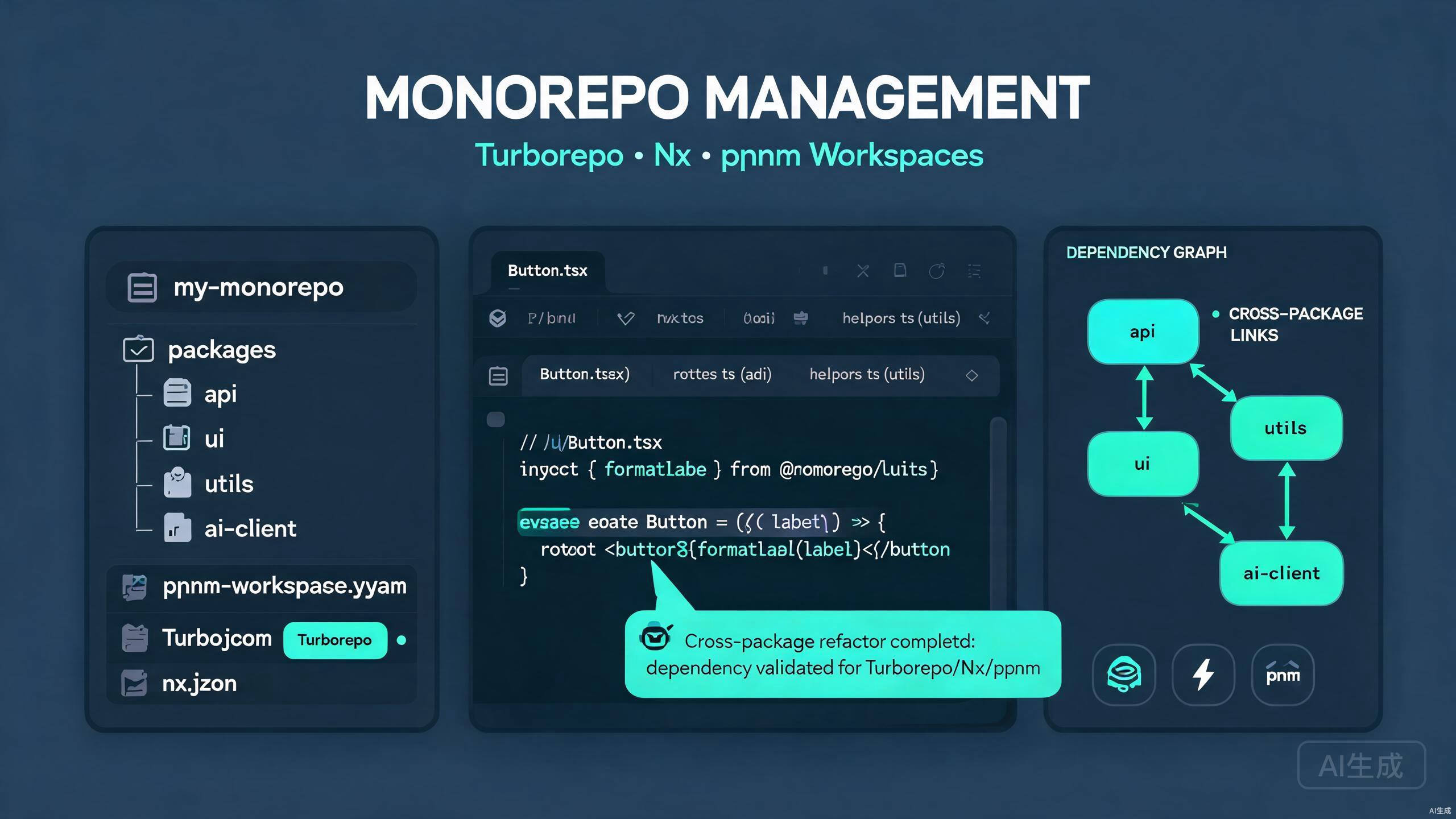
Monorepos let you keep multiple packages or applications in a single repository, sharing code, configuration, and tooling. Cursor, an AI-powered IDE editor, makes monorepo management dramatically easier by understanding cross-package relationships, generating pipeline configurations, and refactoring shared APIs safely. This guide covers Turborepo, Nx, and pnpm workspaces, with practical techniques for AI-assisted dependency management and cross-package refactoring.
Prerequisites
Before you begin, make sure you have the following:
- Cursor (latest version recommended) as your IDE editor
- Node.js 18 or higher
- pnpm installed globally (
npm install -g pnpm) - Basic familiarity with package managers and workspaces
Cursor's built-in terminal and multi-root workspace support make it ideal for monorepos. Open the repository root in Cursor so the AI can see every package at once. This gives the editor full context for cross-package refactoring and dependency analysis.
Choosing a Monorepo Tool
Three tools dominate the JavaScript and TypeScript monorepo landscape. Each has different strengths:
| Tool | Best For | Key Strength |
|---|---|---|
| pnpm workspaces | Small to medium monorepos | Fast, disk-efficient installs |
| Turborepo | App-focused monorepos | Simple task caching and parallel runs |
| Nx | Large, plugin-heavy monorepos | Powerful code generation and dependency graph |
Ask Cursor's AI to recommend a tool for your situation:
I have a monorepo with 2 Next.js apps, a shared React component library,
and 3 utility packages. Should I use Turborepo or Nx? Compare them.
Cursor explains the trade-offs and generates a starter configuration for your chosen tool.
pnpm Workspaces Setup in Cursor
pnpm workspaces are the foundation of most modern monorepos because of their speed and hard-linking disk efficiency. Cursor helps you define the workspace and bootstrap the first packages.
Creating the Workspace Root
Open a new folder in Cursor and ask the AI to scaffold a pnpm workspace:
Create a pnpm workspace monorepo with:
- A root package.json with pnpm workspace config
- A pnpm-workspace.yaml listing apps/* and packages/*
- A shared TypeScript config package
- An .npmrc with shared-cache settings
Cursor generates the root files:
# pnpm-workspace.yaml
packages:
  - 'apps/*'
  - 'packages/*'
// package.json
{
  "name": "cursor-monorepo",
  "private": true,
  "scripts": {
    "dev": "pnpm -r --parallel run dev",
    "build": "pnpm -r run build",
    "lint": "pnpm -r run lint",
    "test": "pnpm -r run test"
  },
  "devDependencies": {
    "typescript": "^5.4.0"
  }
}
# .npmrc
shared-cache-max-age=86400
auto-install-peers=true
strict-peer-dependencies=false
Creating the First Packages
Ask Cursor to generate a shared UI package and a web app that consumes it:
Create a packages/ui React component library and an apps/web Next.js app.
The web app should depend on the ui package using workspace:* protocol.
Cursor generates the package structure:
monorepo/
  apps/
    web/
      package.json
      src/
        app/page.tsx
  packages/
    ui/
      package.json
      src/
        index.ts
        Button.tsx
  pnpm-workspace.yaml
  package.json
The packages/ui/package.json:
{
  "name": "@cursor-monorepo/ui",
  "version": "0.1.0",
  "main": "./src/index.ts",
  "types": "./src/index.ts",
  "scripts": {
    "lint": "eslint .",
    "build": "tsc"
  },
  "peerDependencies": {
    "react": "^18.0.0"
  }
}
The apps/web/package.json references the shared package using the workspace protocol:
{
  "name": "@cursor-monorepo/web",
  "version": "0.1.0",
  "dependencies": {
    "@cursor-monorepo/ui": "workspace:*",
    "next": "^14.0.0",
    "react": "^18.0.0"
  }
}
Install everything from the root using Cursor's terminal:
pnpm install
pnpm hard-links dependencies, so the install is fast and disk-efficient.
Always use the workspace:* protocol (or workspace:^) when referencing internal packages. If you pin a version number like 1.0.0, pnpm tries to fetch the package from the registry instead of resolving the local package, causing confusing "package not found" errors during install.
Turborepo Integration in Cursor
Turborepo adds caching and parallel task execution on top of pnpm workspaces. Cursor generates the pipeline configuration and helps you tune it.
Adding Turborepo to an Existing Workspace
Ask Cursor to add Turborepo to your monorepo:
Add Turborepo to my pnpm workspace. Create a turbo.json with build,
dev, lint, and test pipelines. Configure build dependencies and caching.
Cursor installs the dependency and generates turbo.json:
pnpm add -Dw turbo
{
  "$schema": "https://turbo.build/schema.json",
  "tasks": {
    "build": {
      "dependsOn": ["^build"],
      "outputs": ["dist/**", ".next/**", "!.next/cache/**"],
      "inputs": [
        "src/**",
        "package.json",
        "tsconfig.json"
      ]
    },
    "dev": {
      "cache": false,
      "persistent": true
    },
    "lint": {
      "dependsOn": ["^build"],
      "outputs": []
    },
    "test": {
      "dependsOn": ["build"],
      "outputs": ["coverage/**"],
      "inputs": ["src/**", "test/**", "package.json"]
    }
  }
}
The dependsOn: ["^build"] directive tells Turborepo to build a package's dependencies before building the package itself, which is critical for monorepos where apps depend on shared libraries.
Running Tasks with Turbo
Run tasks across the entire monorepo from Cursor's terminal:
# Build all packages in topological order
pnpm turbo run build

# Run dev servers in parallel
pnpm turbo run dev --parallel

# Filter to a single package and its dependents
pnpm turbo run build --filter=@cursor-monorepo/web...
The ... suffix means "this package and everything that depends on it," which is useful for impact analysis when you change a shared library.
Use the --filter flag with the ^ prefix to run a task for a package and its dependencies only. For example, pnpm turbo run build --filter=^@cursor-monorepo/web builds only the packages that the web app needs, skipping unrelated work. This is invaluable for fast local feedback loops.
Configuring Remote Caching
Remote caching lets your team share build results. Ask Cursor to set up Vercel remote cache:
Configure Turborepo remote caching for my monorepo. Generate the
.nenv example and explain how to link the cache.
Cursor explains the steps:
npx turbo login
npx turbo link
Add a turbo.json environment hint so cache keys include the right variables:
{
  "globalEnv": ["NODE_ENV", "CI"]
}
Nx Integration in Cursor
Nx is a more powerful monorepo tool with code generators, a dependency graph, and plugin support for many frameworks. Cursor helps you bootstrap and extend Nx projects.
Creating an Nx Workspace
Ask Cursor to create an Nx workspace:
Create an Nx integrated monorepo with:
- A React app named storefront
- A Node API app named api
- A shared types library
- pnpm as the package manager
Cursor runs the scaffold and explains the result:
npx create-nx-workspace@latest cursor-nx --preset=apps --packageManager=pnpm
The resulting structure:
cursor-nx/
  apps/
    storefront/
    api/
  libs/
    types/
  nx.json
  project.json
Generating Code with Nx Plugins
Nx plugins provide generators for consistent scaffolding. Ask Cursor to generate a React component library:
Generate a React library named ui with buildable true and
 Storybook configuration using the @nx/react plugin.
npx nx g @nx/react:library ui --buildable --storybook --directory=libs/ui
Visualizing the Dependency Graph
Nx ships a graph visualizer. Run it from Cursor's terminal:
npx nx graph
This opens an interactive graph in your browser showing how packages depend on each other. Cursor's AI can also describe the graph in text if you ask:
List all packages that depend on libs/types and would break if I
renamed its default export.
Cursor reads the workspace configuration and returns an impact analysis, which is essential before refactoring shared code.
Nx integrated workspaces use path mapping in tsconfig.base.json for imports. If you add a new library, you must update the paths mapping or TypeScript cannot resolve the import. Cursor's AI can detect missing path mappings and suggest the fix when you see "Cannot find module" errors.
AI-Assisted Dependency Management
Keeping dependencies consistent across a monorepo is one of the hardest maintenance tasks. Cursor's AI excels at this.
Auditing Version Mismatches
Ask Cursor to find dependency mismatches:
Scan all package.json files in my monorepo and report any
dependencies that have inconsistent versions across packages.
Suggest a single pinned version for each.
Cursor reads every package.json, lists mismatches, and can generate a script to align them:
# Align react to 18.2.0 everywhere
pnpm -r exec pnpm add [email protected] [email protected]
Detecting Unused Dependencies
Cursor can detect packages declared in package.json but never imported. Ask:
Find unused dependencies in the apps/web package by checking
imports across all source files.
Cursor reports the unused entries and suggests the removal command:
pnpm --filter @cursor-monorepo/web remove unused-package-name
Managing Shared Dev Dependencies
Lift shared development tools (ESLint, Prettier, TypeScript) to the workspace root to avoid version drift. Cursor generates a shared config package:
Create a packages/config package that exports shared ESLint,
TypeScript, and Prettier configs so other packages can extend them.
// packages/config/package.json
{
  "name": "@cursor-monorepo/config",
  "version": "0.1.0",
  "files": ["eslint", "tsconfig", "prettier"],
  "devDependencies": {
    "eslint": "^8.57.0",
    "prettier": "^3.2.0"
  }
}
// packages/config/eslint/base.js
module.exports = {
  extends: ['next', 'prettier'],
  rules: {
    'no-unused-vars': ['warn', { argsIgnorePattern: '^_' }],
    'no-console': ['warn', { allow: ['warn', 'error'] }],
  },
};
Other packages extend the shared config:
{
  "eslintConfig": { "extends": "@cursor-monorepo/config/eslint" }
}
Use pnpm's catalog feature (or Renovate) to centralize version numbers in one place. Ask Cursor, "Set up a pnpm catalog for all shared dependency versions," and it will create the pnpm-workspace.yaml catalog block so a single version update propagates everywhere automatically.
Cross-Package Refactoring with Cursor
Refactoring a shared API affects every consumer. Cursor's codebase indexing lets the AI track usages across the entire monorepo, making large refactors safe.
Renaming a Shared Export
Suppose you want to rename the Button component to ActionButton in packages/ui. Ask Cursor's Agent:
Rename the Button component to ActionButton across the entire
monorepo. Update the export, the type, all imports, and the
Storybook stories. Run the build to verify nothing is broken.
Cursor performs the multi-file edit in one pass:
// packages/ui/src/ActionButton.tsx
import React from 'react';

export interface ActionButtonProps {
  label: string;
  onClick: () => void;
  variant?: 'primary' | 'secondary';
}

export const ActionButton = ({ label, onClick, variant = 'primary' }: ActionButtonProps) => (
  <button className={`btn btn-${variant}`} onClick={onClick}>
    {label}
  </button>
);
// packages/ui/src/index.ts
export { ActionButton } from './ActionButton';
export type { ActionButtonProps } from './ActionButton';
// apps/web/src/app/page.tsx
import { ActionButton } from '@cursor-monorepo/ui';

export default function Home() {
  return <ActionButton label="Get Started" onClick={() => alert('hi')} />;
}
Extracting a Shared Utility
When you find duplicated logic across packages, ask Cursor to extract it:
Extract the date formatting logic duplicated in apps/web and apps/api
into a new shared package called @cursor-monorepo/format. Update all
call sites to import from the new package.
Cursor creates the package, moves the code, updates imports, and runs the affected builds to confirm success.
After a cross-package refactor, always run the full test suite and the type check for the whole workspace. A single missed import can compile in isolation but fail when packages are composed. Run pnpm -r run build && pnpm -r run test from the root to catch these issues early.
Workspace Configuration and Tooling
Consistent tooling across packages keeps a monorepo healthy. Cursor can generate shared configs for TypeScript, ESLint, and CI.
Shared TypeScript Config
Create a shared tsconfig base at packages/config/tsconfig/base.json
with strict mode, path aliases, and modern lib settings.
{
  "compilerOptions": {
    "target": "ES2022",
    "lib": ["ES2022", "DOM", "DOM.Iterable"],
    "strict": true,
    "noUncheckedIndexedAccess": true,
    "moduleResolution": "bundler",
    "module": "ESNext",
    "esModuleInterop": true,
    "skipLibCheck": true,
    "forceConsistentCasingInFileNames": true,
    "declaration": true,
    "declarationMap": true,
    "sourceMap": true
  }
}
Each package extends it:
{
  "extends": "@cursor-monorepo/config/tsconfig/base.json",
  "compilerOptions": {
    "outDir": "dist",
    "rootDir": "src"
  },
  "include": ["src"]
}
CI Pipeline with GitHub Actions
Ask Cursor to generate a CI pipeline that leverages Turborepo caching:
Create a GitHub Actions workflow that:
- Installs pnpm and Node
- Restores the pnpm store cache
- Runs turbo run lint build test with caching
- Only runs affected tasks on pull requests
# .github/workflows/ci.yml
name: CI
on:
  push:
    branches: [main]
  pull_request:

jobs:
  build:
    runs-on: ubuntu-latest
    steps:
      - uses: actions/checkout@v4
        with:
          fetch-depth: 0
      - uses: pnpm/action-setup@v3
        with:
          version: 9
      - uses: actions/setup-node@v4
        with:
          node-version: 20
          cache: pnpm
      - run: pnpm install --frozen-lockfile
      - uses: actions/cache@v4
        with:
          path: .turbo
          key: turbo-${{ runner.os }}-${{ github.sha }}
          restore-keys: turbo-${{ runner.os }}-
      - run: pnpm turbo run lint build test
Best Practices Summary
Keep these principles in mind when managing a monorepo in Cursor:
- Open the workspace root so Cursor sees every package for cross-package context.
- Use the workspace protocol (
workspace:*) for internal package references. - Lift shared dev tools to a config package to avoid version drift.
- Leverage task caching with Turborepo or Nx to keep CI fast.
- Run impact analysis before refactoring shared APIs.
- Centralize versions with pnpm catalogs or Renovate.
By combining a solid monorepo tool with Cursor's AI-powered codebase understanding, you can refactor shared code confidently, keep dependencies aligned, and ship consistent tooling across many packages. Describe your intent clearly, let Cursor handle the boilerplate and the cross-file edits, and review the generated diffs before committing.