Rust Development in Cursor: The Ultimate Guide
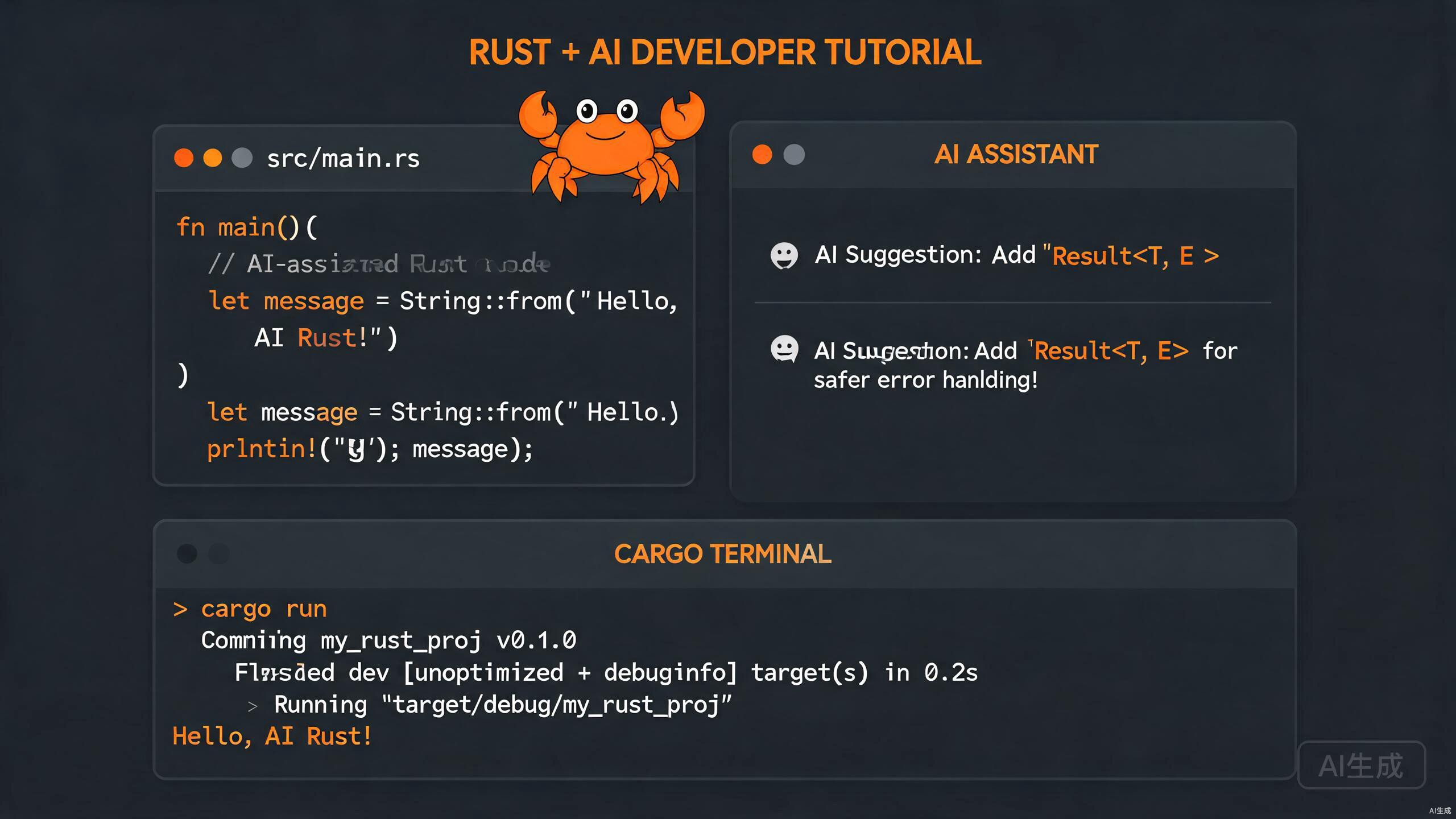
Rust is a systems programming language that prioritizes safety and performance. Pairing Rust with Cursor creates an unparalleled development experience where AI assistance meets rigorous compiler feedback. This guide explores how to leverage Cursor for Cargo workflows, borrow checker navigation, Rust Analyzer integration, and intelligent debugging.
Setting Up Rust in Cursor
A properly configured environment is essential for productive Rust development. Cursor supports Rust through the Rust Analyzer extension and seamless Cargo integration.
Installing Rust Toolchain
Ensure Rust is installed via rustup. Open Cursor's terminal and verify:
rustc --version
cargo --version
rustup show
If Rust is not installed, follow the official rustup instructions. After installation, add the necessary components for development:
rustup component add rust-src rustfmt clippy
Keep your toolchain updated with rustup update. Cursor's terminal makes it easy to manage multiple toolchains and targets.
Installing Rust Analyzer
Rust Analyzer is the gold standard for Rust IDE support. In Cursor, open the Extensions view and install "rust-analyzer". This extension provides:
- Real-time error checking and diagnostics
- Auto-completion for structs, traits, and modules
- Inline type hints and parameter names
- Code actions for imports and refactoring
- Go-to-definition and find-all-references
Disable conflicting extensions like the legacy "Rust" extension by rust-lang. Running both alongside rust-analyzer causes duplicate diagnostics and degraded performance.
Configuring Cursor for Rust Projects
Fine-tune Cursor with project-specific settings in .vscode/settings.json:
{
  "rust-analyzer.cargo.features": "all",
  "rust-analyzer.check.command": "clippy",
  "rust-analyzer.check.extraArgs": ["--tests", "--benches"],
  "rust-analyzer.procMacro.enable": true,
  "rust-analyzer.lens.enable": true,
  "editor.formatOnSave": true,
  "[rust]": {
    "editor.defaultFormatter": "rust-lang.rust-analyzer"
  }
}
These settings enable Clippy for linting, proc macro support, and automatic formatting on save.
Cargo Integration and Workspaces
Cargo is Rust's build system and package manager. Cursor's terminal and AI features make Cargo workflows intuitive and efficient.
Creating and Managing Projects
Start a new project directly from Cursor's terminal:
cargo new my_project --bin
cd my_project
For libraries, use cargo new my_lib --lib. Cursor automatically detects Cargo.toml and activates Rust Analyzer for the workspace.
Use cargo edit to manage dependencies from the command line. Install it with cargo install cargo-edit, then add crates with cargo add serde tokio.
Working with Cargo Workspaces
Large Rust projects often use workspaces to organize multiple crates. A workspace Cargo.toml looks like this:
[workspace]
members = ["crates/core", "crates/api", "crates/cli"]
resolver = "2"

[workspace.dependencies]
serde = { version = "1.0", features = ["derive"] }
tokio = { version = "1.35", features = ["full"] }
Cursor's file explorer and search work seamlessly across workspace members. The AI chat understands workspace boundaries and can generate cross-crate code when you reference symbols with @.
Build Scripts and Custom Configuration
For projects requiring code generation or native dependencies, use build.rs:
use std::env;
use std::path::PathBuf;

fn main() {
    let out_dir = PathBuf::from(env::var("OUT_DIR").unwrap());
    println!("cargo:rustc-link-search=native=/usr/local/lib");
    println!("cargo:rerun-if-changed=src/wrapper.h");
}
Cursor's error highlighting extends to build script failures, making it easy to diagnose configuration issues.
Navigating the Borrow Checker with AI Help
Rust's borrow checker is famous for ensuring memory safety, but it can be challenging for newcomers. Cursor's AI assistance helps you understand and resolve borrow checker errors faster.
Understanding Ownership Errors
When the borrow checker rejects your code, Cursor displays clear error messages inline. For complex lifetime issues, select the error and ask Cursor's AI chat:
Why does this code fail the borrow checker, and how do I fix it?
Cursor will explain ownership transfers, mutable borrows, and suggest fixes using clone(), Rc<RefCell<T>>, or restructuring your code.
Lifetime Annotation Assistance
Adding lifetimes to functions and structs is often the hardest part of Rust. Let Cursor suggest annotations:
// Before: missing lifetimes
fn longest(x: &str, y: &str) -> &str {
    if x.len() > y.len() { x } else { y }
}

// After: Cursor suggests explicit lifetimes
fn longest<'a>(x: &'a str, y: &'a str) -> &'a str {
    if x.len() > y.len() { x } else { y }
}
When Cursor suggests lifetimes, read the explanation carefully. Understanding why a lifetime is needed helps you internalize Rust's borrowing rules.
Smart Pointer Recommendations
Cursor can recommend appropriate smart pointers when simple references are insufficient:
| Scenario | Cursor Suggestion |
|---|---|
| Shared ownership | Rc<T> or Arc<T> |
| Interior mutability | RefCell<T> or Mutex<T> |
| Dynamic dispatch | Box<dyn Trait> |
| Optional ownership | Option<Box<T>> |
Ask Cursor directly: "What smart pointer should I use for shared mutable state across threads?" and it will recommend Arc<Mutex<T>> with usage examples.
AI-Powered Debugging and Error Resolution
Debugging Rust in Cursor combines the power of CodeLLDB with AI-driven error analysis and fix suggestions.
Configuring the Debugger
Install the CodeLLDB extension for native debugging support. Create a .vscode/launch.json configuration:
{
  "version": "0.2.0",
  "configurations": [
    {
      "name": "Debug Rust",
      "type": "lldb",
      "request": "launch",
      "cargo": {
        "args": ["build", "--bin", "my_app"],
        "filter": {
          "name": "my_app",
          "kind": "bin"
        }
      },
      "args": [],
      "cwd": "${workspaceFolder}"
    }
  ]
}
Setting Breakpoints and Inspecting Values
Set breakpoints by clicking the gutter next to line numbers. When execution halts, use the Variables pane to inspect Option, Result, and custom struct values. Cursor formats enum variants and field names clearly.
For async Rust, inspect futures and task states in the Watch pane. This is crucial for debugging Tokio-based applications.
When debugging optimized release builds, some variables may be optimized out. Always debug with cargo build (debug profile) for full variable visibility.
Using AI to Resolve Complex Errors
Rust compiler errors can be verbose. Paste an error into Cursor's AI chat for a human-friendly explanation:
error[E0382]: borrow of moved value: `data`
  --> src/main.rs:15:14
   |
10 |     let data = vec![1, 2, 3];
   |         ---- move occurs because `data` has type `Vec<i32>`, which does not implement the `Copy` trait
11 |     process(data);
   |             ---- value moved here
...
Cursor will explain the move semantics, show where the value was consumed, and suggest alternatives like borrowing (&data) or cloning (data.clone()).
Writing Idiomatic Rust with Cursor
Cursor's AI is trained on high-quality Rust codebases. Use it to write idiomatic, performant, and safe Rust.
Generating Traits and Implementations
Need a custom trait? Describe it in a comment and let Cursor generate the boilerplate:
/// A trait for types that can be serialized to a compact binary format
pub trait CompactSerialize {
    fn to_bytes(&self) -> Vec<u8>;
    fn from_bytes(bytes: &[u8]) -> Result<Self, Error>
    where
        Self: Sized;
}
Then ask Cursor to implement it for your struct:
Implement CompactSerialize for the Packet struct in @network.rs
Async Rust and Concurrency Patterns
Writing async Rust requires careful handling of futures, streams, and concurrency primitives. Cursor can generate complete async functions:
use tokio::time::{sleep, Duration};

async fn fetch_with_retry(url: &str, max_retries: u32) -> Result<String, reqwest::Error> {
    for attempt in 0..max_retries {
        match reqwest::get(url).await {
            Ok(response) => return response.text().await,
            Err(e) if attempt < max_retries - 1 => {
                eprintln!("Attempt {} failed: {}, retrying...", attempt + 1, e);
                sleep(Duration::from_secs(2_u64.pow(attempt))).await;
            }
            Err(e) => return Err(e),
        }
    }
    unreachable!()
}
When working with async Rust, ask Cursor to include Send and Sync bounds if your code will run in multi-threaded executors. This prevents compile-time surprises later.
Unsafe Rust and FFI Boundaries
For systems programming, Cursor can assist with unsafe blocks and Foreign Function Interface (FFI) code:
use std::os::raw::{c_char, c_int};
use std::ffi::CStr;

extern "C" {
    fn legacy_compute(input: *const c_char) -> c_int;
}

pub fn safe_compute(input: &str) -> Result<i32, String> {
    let c_string = std::ffi::CString::new(input)
        .map_err(|e| e.to_string())?;
    unsafe {
        let result = legacy_compute(c_string.as_ptr());
        if result < 0 {
            return Err("Legacy function failed".to_string());
        }
        Ok(result)
    }
}
Always review unsafe code carefully. Cursor marks unsafe blocks clearly, and the AI chat can explain the invariants you must maintain.
Testing, Benchmarking, and Documentation
Rust's built-in testing and documentation tools are exceptional. Cursor amplifies them with AI-generated tests and doc comments.
Unit and Integration Tests
Cursor generates tests following Rust conventions. For a function like:
pub fn divide(a: f64, b: f64) -> Result<f64, &'static str> {
    if b == 0.0 {
        return Err("division by zero");
    }
    Ok(a / b)
}
Cursor produces:
#[cfg(test)]
mod tests {
    use super::*;

    #[test]
    fn test_divide_normal() {
        assert_eq!(divide(10.0, 2.0), Ok(5.0));
    }

    #[test]
    fn test_divide_by_zero() {
        assert_eq!(divide(10.0, 0.0), Err("division by zero"));
    }

    #[test]
    fn test_divide_negative() {
        assert_eq!(divide(-10.0, 2.0), Ok(-5.0));
    }
}
Documentation and Doc Tests
Rust encourages documentation with executable examples. Cursor can generate /// doc comments with embedded test cases:
/// Parses a configuration string into key-value pairs.
///
/// # Examples
///
/// ```
/// let config = parse_config("key=value\nname=test");
/// assert_eq!(config.get("key"), Some(&"value".to_string()));
/// ```
pub fn parse_config(input: &str) -> HashMap<String, String> {
    input.lines()
        .filter_map(|line| line.split_once('='))
        .map(|(k, v)| (k.trim().to_string(), v.trim().to_string()))
        .collect()
}
Run doc tests with:
cargo test --doc
Benchmarking with Criterion
For performance measurement, use the Criterion crate. Cursor can scaffold benchmark files:
use criterion::{black_box, criterion_group, criterion_main, Criterion};
use my_crate::fibonacci;

fn criterion_benchmark(c: &mut Criterion) {
    c.bench_function("fib 20", |b| {
        b.iter(|| fibonacci(black_box(20)))
    });
}

criterion_group!(benches, criterion_benchmark);
criterion_main!(benches);
Benchmarks require the criterion dependency and must live in benches/. Cursor's Cargo.toml suggestions will include the correct [dev-dependencies] entry.
Conclusion
Rust development in Cursor is a synergy of rigorous compiler feedback and intelligent AI assistance. By mastering Cargo integration, understanding borrow checker guidance, leveraging Rust Analyzer, and using Cursor's AI for debugging and code generation, you can write safe systems code with unprecedented speed. Embrace the compiler as a collaborative tool, let Cursor explain complex errors, and always validate AI-generated unsafe code. Your Rust journey in Cursor will be both productive and deeply educational.