Go Development in Cursor: The Complete Guide
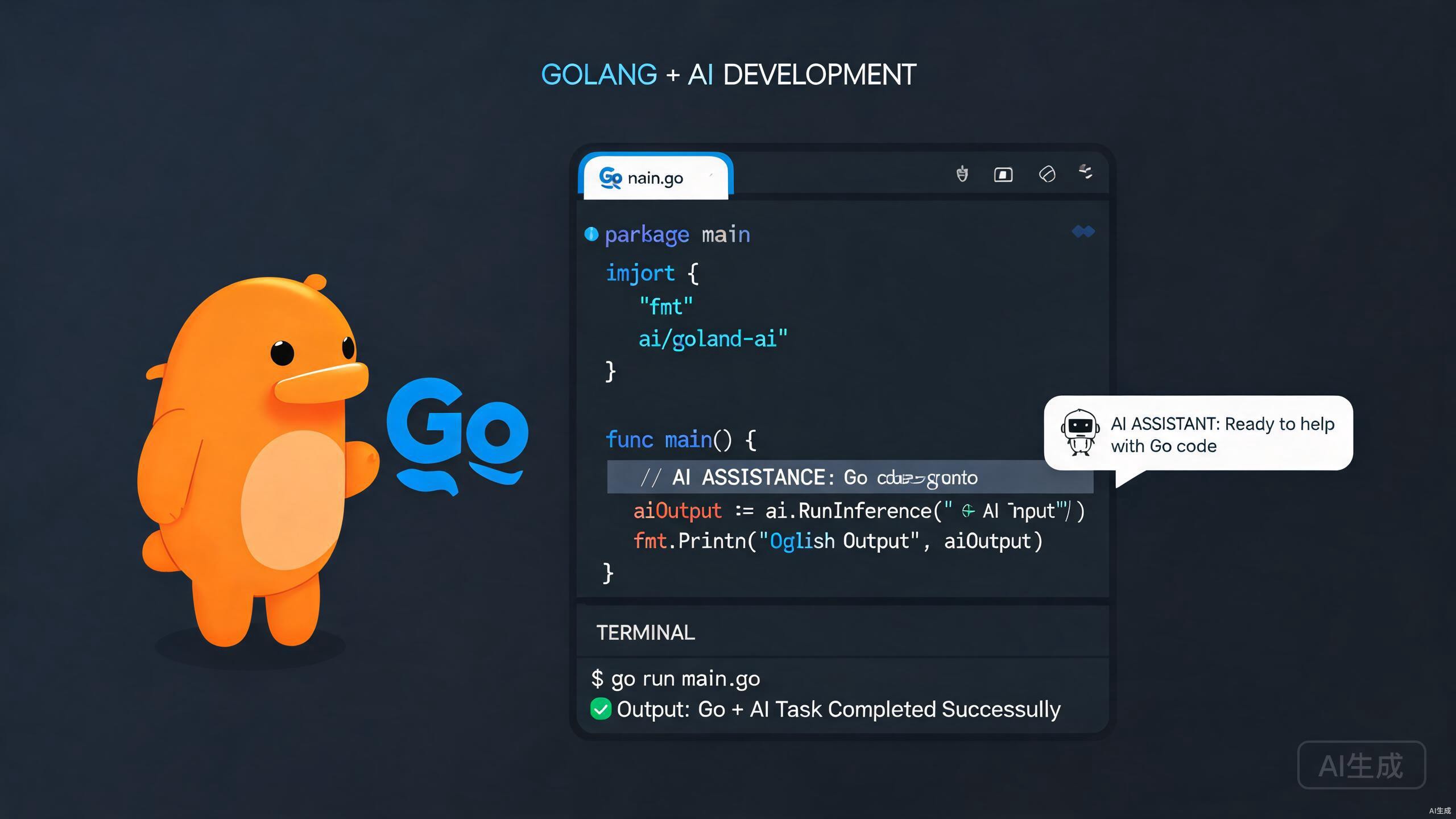
Cursor is a powerful AI-native IDE that elevates Go development to a new level. Whether you are building microservices, CLI tools, or cloud-native applications, Cursor combines the familiarity of VS Code with intelligent code generation, deep Go toolchain integration, and context-aware debugging. This guide covers everything from project setup to advanced AI-assisted workflows tailored for Go developers.
Setting Up Your Go Environment in Cursor
Before writing a single line of Go code, you need a solid development environment. Cursor makes this straightforward by inheriting the VS Code extension ecosystem and adding its own AI layer on top.
Installing Go and the Official Extension
First, ensure Go is installed on your system. You can verify this by opening Cursor's integrated terminal and running:
go version
If Go is missing, download it from the official Go website or use your system's package manager. Next, install the official Go extension for Cursor. Open the Extensions view, search for "Go" by the Go Team at Google, and install it. This extension provides IntelliSense, code navigation, formatting via gofmt, and integration with gopls, the official Go language server.
Restart Cursor after installing the Go extension to ensure gopls initializes correctly with your workspace.
Configuring GOPATH and Go Modules
Modern Go development relies on modules, not GOPATH. Initialize a new module in your project root:
go mod init github.com/yourusername/projectname
Cursor automatically detects go.mod and activates module-aware mode. You can verify the module configuration in the status bar. If you are working with legacy GOPATH-based projects, consider migrating to modules for better dependency management and reproducible builds.
Avoid mixing GOPATH and module-aware modes in the same workspace. This can confuse gopls and lead to broken imports or incorrect code completion.
Customizing Cursor Settings for Go
Optimize Cursor for Go by tweaking a few settings. Open your settings.json and add the following:
{
  "gopls": {
    "ui.diagnostic.vulncheck": "true",
    "ui.diagnostic.annotations": {
      "bounds": true,
      "escape": true,
      "inline": true,
      "nil": true
    }
  },
  "go.toolsManagement.autoUpdate": true,
  "go.useLanguageServer": true,
  "go.formatTool": "gofumpt",
  "go.lintTool": "golangci-lint"
}
These settings enable advanced diagnostics, automatic tool updates, and stricter formatting with gofumpt.
Working with Go Modules and Dependencies
Dependency management is the backbone of any Go project. Cursor's AI features can help you write go.mod, resolve conflicts, and understand dependency trees faster than ever.
Initializing and Managing Modules
When you start a new project, use Cursor's terminal to initialize the module:
go mod init example.com/myapp
go get github.com/gin-gonic/gin
Cursor's AI chat can explain what each dependency does. Select a package import in your code, press Ctrl+L (or Cmd+L), and ask Cursor to explain the dependency. This is invaluable when onboarding new team members or auditing third-party libraries.
Tidying and Vendoring Dependencies
Keep your go.mod and go.sum files clean:
go mod tidy
go mod vendor
The go mod tidy command removes unused dependencies and adds missing ones. Vendoring with go mod vendor copies dependencies into a local vendor/ directory, which is useful for offline builds or deterministic CI/CD pipelines.
Use Cursor's AI chat to generate CI/CD pipeline scripts that cache vendor/ or module downloads between builds. This can significantly reduce build times.
Handling Private Modules and Authentication
If your organization uses private Git repositories for Go modules, configure Git authentication and set the GOPRIVATE environment variable:
export GOPRIVATE="github.com/mycompany/*"
In Cursor, you can set environment variables in your workspace settings or a .env file. Cursor's terminal inherits your shell environment, so authentication flows seamlessly between the CLI and the IDE.
AI-Assisted Go Code Generation
Cursor's standout feature is its AI-powered code generation. For Go developers, this means faster boilerplate generation, idiomatic code suggestions, and intelligent refactoring.
Generating Boilerplate with Natural Language
Need a new HTTP handler? Simply describe it in a comment and let Cursor generate the code:
// Create a Gin handler that accepts a JSON payload, validates it, and returns a 201 status
func CreateUser(c *gin.Context) {
    var user User
    if err := c.ShouldBindJSON(&user); err != nil {
        c.JSON(http.StatusBadRequest, gin.H{"error": err.Error()})
        return
    }
    // Cursor can continue generating the database insertion logic here
    c.JSON(http.StatusCreated, user)
}
Place your cursor after the comment and press Ctrl+K (or Cmd+K) to trigger inline generation. Cursor understands Go conventions, error handling patterns, and struct tags.
Struct and Interface Generation
Defining data models is effortless with Cursor. Start typing a struct name and let Cursor suggest fields based on context:
type Order struct {
    ID        uuid.UUID `json:"id" db:"id"`
    UserID    uuid.UUID `json:"user_id" db:"user_id"`
    Items     []Item    `json:"items" db:"items"`
    Total     float64   `json:"total" db:"total"`
    Status    string    `json:"status" db:"status"`
    CreatedAt time.Time `json:"created_at" db:"created_at"`
}
Cursor recognizes JSON and database tags and can generate them automatically when you describe the struct's purpose.
Implementing Interfaces with AI
Go's implicit interfaces are powerful but can be tedious to implement manually. Highlight a type, open the AI chat, and ask:
Implement the io.Writer interface for the Logger type
Cursor will generate the required methods with proper signatures and idiomatic error handling. This saves minutes on every interface implementation.
Use the "@" symbol in Cursor's chat to reference specific files or symbols. For example, @Logger or @main.go gives Cursor precise context for better generation accuracy.
Testing and Benchmarking in Cursor
Go has a robust built-in testing framework, and Cursor enhances it with AI-generated tests, inline coverage reports, and debugging integration.
Writing Unit Tests Faster
Place your cursor on a function and ask Cursor to generate tests:
func CalculateDiscount(price float64, percent float64) (float64, error) {
    if price < 0 || percent < 0 || percent > 100 {
        return 0, errors.New("invalid input")
    }
    return price * (1 - percent/100), nil
}
Cursor generates table-driven tests following Go best practices:
func TestCalculateDiscount(t *testing.T) {
    tests := []struct {
        name    string
        price   float64
        percent float64
        want    float64
        wantErr bool
    }{
        {"valid 10%", 100, 10, 90, false},
        {"valid 50%", 200, 50, 100, false},
        {"invalid price", -10, 10, 0, true},
        {"invalid percent", 100, 110, 0, true},
    }
    for _, tt := range tests {
        t.Run(tt.name, func(t *testing.T) {
            got, err := CalculateDiscount(tt.price, tt.percent)
            if (err != nil) != tt.wantErr {
                t.Errorf("CalculateDiscount() error = %v, wantErr %v", err, tt.wantErr)
                return
            }
            if got != tt.want {
                t.Errorf("CalculateDiscount() = %v, want %v", got, tt.want)
            }
        })
    }
}
Always review AI-generated tests. While Cursor understands common edge cases, domain-specific business logic requires human validation.
Running Tests and Viewing Coverage
Use Cursor's integrated terminal to run tests with coverage:
go test ./... -coverprofile=coverage.out
go tool cover -html=coverage.out -o coverage.html
Cursor can open the generated HTML coverage report in a preview pane. Red and green highlights make it easy to spot untested code paths.
Benchmarking Performance-Critical Code
For performance-sensitive functions, generate benchmarks alongside tests:
func BenchmarkCalculateDiscount(b *testing.B) {
    for i := 0; i < b.N; i++ {
        CalculateDiscount(1000.0, 25.0)
    }
}
Run benchmarks with memory allocation stats:
go test -bench=. -benchmem
Benchmark results can vary between machines. Always run benchmarks on hardware similar to your production environment, and use benchstat to compare results across code changes.
Debugging Go Applications
Cursor integrates with Delve, the Go debugger, providing a seamless debugging experience with breakpoints, variable inspection, and goroutine visualization.
Configuring Launch Configurations
Create a .vscode/launch.json file in your project root. Cursor's debugging UI is compatible with standard VS Code launch configurations:
{
  "version": "0.2.0",
  "configurations": [
    {
      "name": "Launch Server",
      "type": "go",
      "request": "launch",
      "mode": "auto",
      "program": "${workspaceFolder}/cmd/server",
      "env": {
        "PORT": "8080"
      },
      "args": ["--config", "config.yaml"]
    },
    {
      "name": "Launch Tests",
      "type": "go",
      "request": "launch",
      "mode": "test",
      "program": "${workspaceFolder}/pkg/utils"
    }
  ]
}
Setting Breakpoints and Inspecting Variables
Click in the gutter to set breakpoints. When execution pauses, use the Variables pane to inspect local variables, struct fields, and slice contents. Cursor's watch expressions allow you to monitor specific values across stack frames.
For goroutine-heavy applications, the Call Stack pane shows all active goroutines. This is essential for debugging deadlocks and race conditions.
Use the -race flag when running or debugging to enable Go's race detector: go run -race main.go. Cursor's terminal output will highlight data races with stack traces.
Debugging Containers and Remote Targets
For microservices running in Docker, configure remote debugging with Delve:
# Dockerfile
FROM golang:1.22-alpine AS builder
WORKDIR /app
COPY . .
RUN go build -gcflags="all=-N -l" -o server ./cmd/server

FROM alpine:latest
RUN apk add --no-cache libc6-compat
COPY --from=builder /app/server /server
EXPOSE 8080 40000
CMD ["/server"]
Expose port 40000 for Delve and attach from Cursor using a remote launch configuration.
Advanced Cursor Features for Go
Beyond basics, Cursor offers several advanced features that supercharge Go development.
Cursor Tab for Contextual Completion
Cursor Tab provides next-level autocompletion. Unlike standard IntelliSense, it predicts entire blocks of code based on context. When writing a switch statement on an error type, Cursor Tab might suggest all relevant case branches. Accept suggestions with Tab and cycle through alternatives with Ctrl+→.
Composer for Multi-File Changes
Large refactors often span multiple files. Cursor's Composer (Ctrl+I) allows you to describe changes in natural language and apply them across your entire codebase. For example:
Refactor all HTTP handlers to use a custom AppContext instead of gin.Context directly
Composer will identify affected files, propose changes, and let you review diffs before applying.
Cursor Rules for Project Standards
Enforce project-specific conventions with .cursorrules files. For Go projects, you might define rules like:
- Always handle errors explicitly; never use `_` for error returns
- Use `log/slog` for structured logging instead of `fmt.Println`
- Prefer table-driven tests for all exported functions
- Group imports: stdlib, third-party, internal
Cursor's AI respects these rules in all generated code, ensuring consistency across your team.
Keep .cursorrules concise. Overly complex rules can confuse the AI and degrade generation quality. Focus on the top 5-10 conventions that matter most.
Integrating with CI/CD
Cursor is not just for local development. Use the AI chat to generate GitHub Actions, GitLab CI, or Jenkins pipelines. A typical Go CI pipeline might include:
name: Go CI
on: [push, pull_request]
jobs:
  test:
    runs-on: ubuntu-latest
    steps:
      - uses: actions/checkout@v4
      - uses: actions/setup-go@v5
        with:
          go-version: '1.22'
      - run: go mod download
      - run: go test ./... -race -coverprofile=coverage.out
      - run: go vet ./...
      - run: golangci-lint run
Paste this into Cursor and ask for optimizations. The AI might suggest caching strategies, parallel job execution, or security scanning with govulncheck.
Conclusion
Cursor transforms Go development by blending powerful IDE features with intelligent AI assistance. From module management and testing to debugging and multi-file refactoring, every stage of the development lifecycle benefits from Cursor's context-aware capabilities. By mastering the workflows in this guide, you will write better Go code faster, catch bugs earlier, and maintain cleaner projects. Keep experimenting with Cursor's AI chat, Tab, and Composer to discover workflows tailored to your unique development style.