Using DeepSeek Models in Cursor: Complete Setup Guide
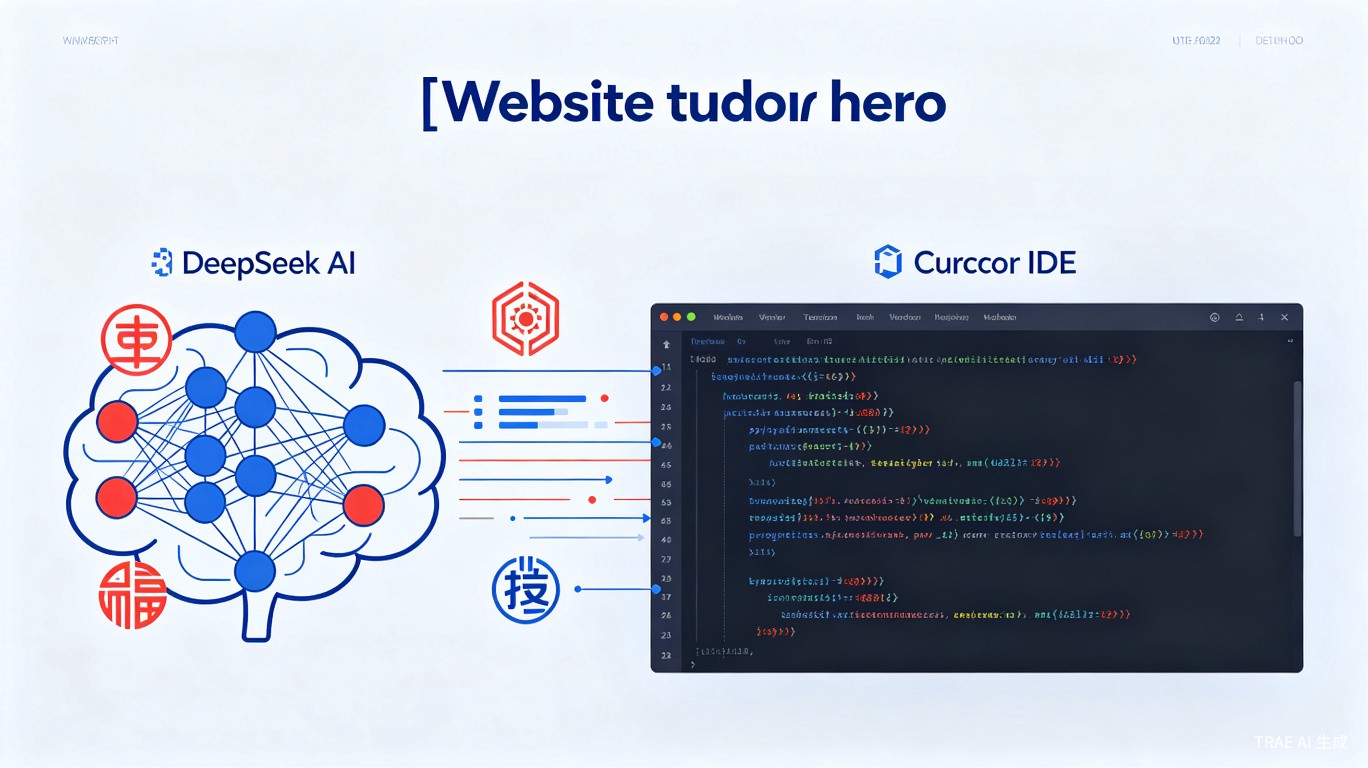
DeepSeek models offer powerful reasoning capabilities at competitive prices. Cursor supports DeepSeek integration through multiple methods, from native API support to local deployment via Ollama. This guide covers all approaches to get DeepSeek working in your Cursor workflow.
Available DeepSeek Models
| Model | Context | Best For | Cursor Support |
|---|---|---|---|
| DeepSeek V3 | 64K | General coding, chat | Native |
| DeepSeek R1 | 64K | Reasoning, math, logic | Native |
| DeepSeek V4 | 128K | Complex analysis | Via Ollama/Proxy |
| DeepSeek Coder | 16K | Code-specific tasks | Via OpenRouter |
Method 1: Native DeepSeek Support (Recommended)
Cursor has built-in support for DeepSeek V3 and R1.
Step 1: Get API Key
- Visit DeepSeek Platform
- Create an account or sign in
- Navigate to "API Keys"
- Generate a new key and copy it
Step 2: Configure in Cursor
- Open Cursor Settings (
Cmd/Ctrl + ,) - Go to "Models" or "AI Features"
- Find "Custom API Key" or "Add Provider"
- Select "DeepSeek" as the provider
- Paste your API key
- Save settings
Step 3: Select DeepSeek Model
In any chat or Composer session:
- Click the model selector (top of chat)
- Choose "DeepSeek V3" or "DeepSeek R1"
- Start coding
Method 2: Using DeepSeek via OpenRouter
For models not natively supported, use OpenRouter as a bridge.
Setup
- Get an OpenRouter API key
- In Cursor Settings, add OpenRouter as a provider:
{
  "customModels": [
    {
      "name": "deepseek/deepseek-chat",
      "provider": "openrouter",
      "apiKey": "your-openrouter-key"
    }
  ]
}
Available OpenRouter DeepSeek Models
deepseek/deepseek-chat          # DeepSeek V3
deepseek/deepseek-reasoner     # DeepSeek R1
deepseek/deepseek-coder        # DeepSeek Coder
Method 3: Local DeepSeek with Ollama
Run DeepSeek locally for privacy and offline use.
Install Ollama
# macOS
brew install ollama

# Linux
curl -fsSL https://ollama.com/install.sh | sh

# Windows
# Download from https://ollama.com/download
Pull DeepSeek Model
# DeepSeek Coder (recommended for coding)
ollama pull deepseek-coder:6.7b

# For larger context (requires more RAM)
ollama pull deepseek-coder:33b
Configure Cursor for Ollama
- Ensure Ollama is running:
ollama serve
- In Cursor Settings, add local model:
{
  "customModels": [
    {
      "name": "deepseek-coder",
      "provider": "ollama",
      "baseUrl": "http://localhost:11434"
    }
  ]
}
Troubleshooting Ollama Connection
If Cursor can't connect to Ollama:
# Check Ollama is running
curl http://localhost:11434/api/tags

# Set environment variable for Ollama host
export OLLAMA_HOST=0.0.0.0

# On macOS, allow network access
launchctl setenv OLLAMA_HOST "0.0.0.0"
Method 4: DeepSeek V4 via LiteLLM Proxy
For DeepSeek V4 Pro (cloud), use LiteLLM as a proxy.
Setup LiteLLM
pip install litellm
Create litellm_config.yaml:
model_list:
  - model_name: deepseek-v4
    litellm_params:
      model: deepseek/deepseek-chat-v4
      api_key: os.environ/DEEPSEEK_API_KEY
Run the proxy:
litellm --config litellm_config.yaml --port 8000
Configure Cursor
{
  "customModels": [
    {
      "name": "deepseek-v4",
      "provider": "openai-compatible",
      "apiKey": "sk-any",
      "baseUrl": "http://localhost:8000"
    }
  ]
}
Handling Reasoning Content
DeepSeek R1 outputs reasoning content that needs special handling.
The Problem
R1 returns both reasoning and final answer:
{
  "choices": [{
    "message": {
      "content": "Final answer here...",
      "reasoning_content": "Let me think... Step 1... Step 2..."
    }
  }]
}
Solution: Filter with Proxy
Use a simple proxy to strip reasoning content:
# deepseek_proxy.py
from flask import Flask, request, Response
import requests

app = Flask(__name__)

@app.route('/v1/chat/completions', methods=['POST'])
def proxy():
    resp = requests.post(
        'https://api.deepseek.com/v1/chat/completions',
        headers={'Authorization': f'Bearer {API_KEY}'},
        json=request.get_json()
    )
    data = resp.json()
    # Strip reasoning_content
    for choice in data.get('choices', []):
        msg = choice.get('message', {})
        msg.pop('reasoning_content', None)
    return Response(
        json.dumps(data),
        mimetype='application/json'
    )
Optimizing DeepSeek for Coding
System Prompt
Add this to your Cursor rules for better DeepSeek performance:
When using DeepSeek models:
- Be explicit about file paths and line numbers
- Request step-by-step reasoning for complex tasks
- Use structured output formats (JSON, markdown tables)
- Specify expected response length
Temperature Settings
| Task | Recommended Temperature |
|---|---|
| Code generation | 0.1 - 0.3 |
| Debugging | 0.2 - 0.4 |
| Creative exploration | 0.5 - 0.7 |
| Code review | 0.1 - 0.2 |
Cost Comparison
| Model | Input/1M tokens | Output/1M tokens |
|---|---|---|
| DeepSeek V3 | $0.14 | $0.28 |
| DeepSeek R1 | $0.55 | $2.19 |
| GPT-4o | $5.00 | $15.00 |
| Claude 3.5 Sonnet | $3.00 | $15.00 |
Prices as of 2026. DeepSeek is significantly more cost-effective.
Troubleshooting
| Issue | Solution |
|---|---|
| "Model not available" | Check API key is valid and has credits |
| Slow responses | Use smaller model or enable streaming |
| Reasoning content visible | Use proxy or filter (see above) |
| Ollama connection refused | Ensure Ollama is running and port is accessible |
| Chinese output | Add "Respond in English" to your prompt |
Quick Reference
# Test DeepSeek API
curl https://api.deepseek.com/v1/chat/completions \
  -H "Authorization: Bearer $DEEPSEEK_API_KEY" \
  -H "Content-Type: application/json" \
  -d '{
    "model": "deepseek-chat",
    "messages": [{"role": "user", "content": "Hello"}]
  }'

# List Ollama models
ollama list

# Check Ollama status
curl http://localhost:11434/api/tags