Svelte and SvelteKit Development in Cursor: A Complete Guide
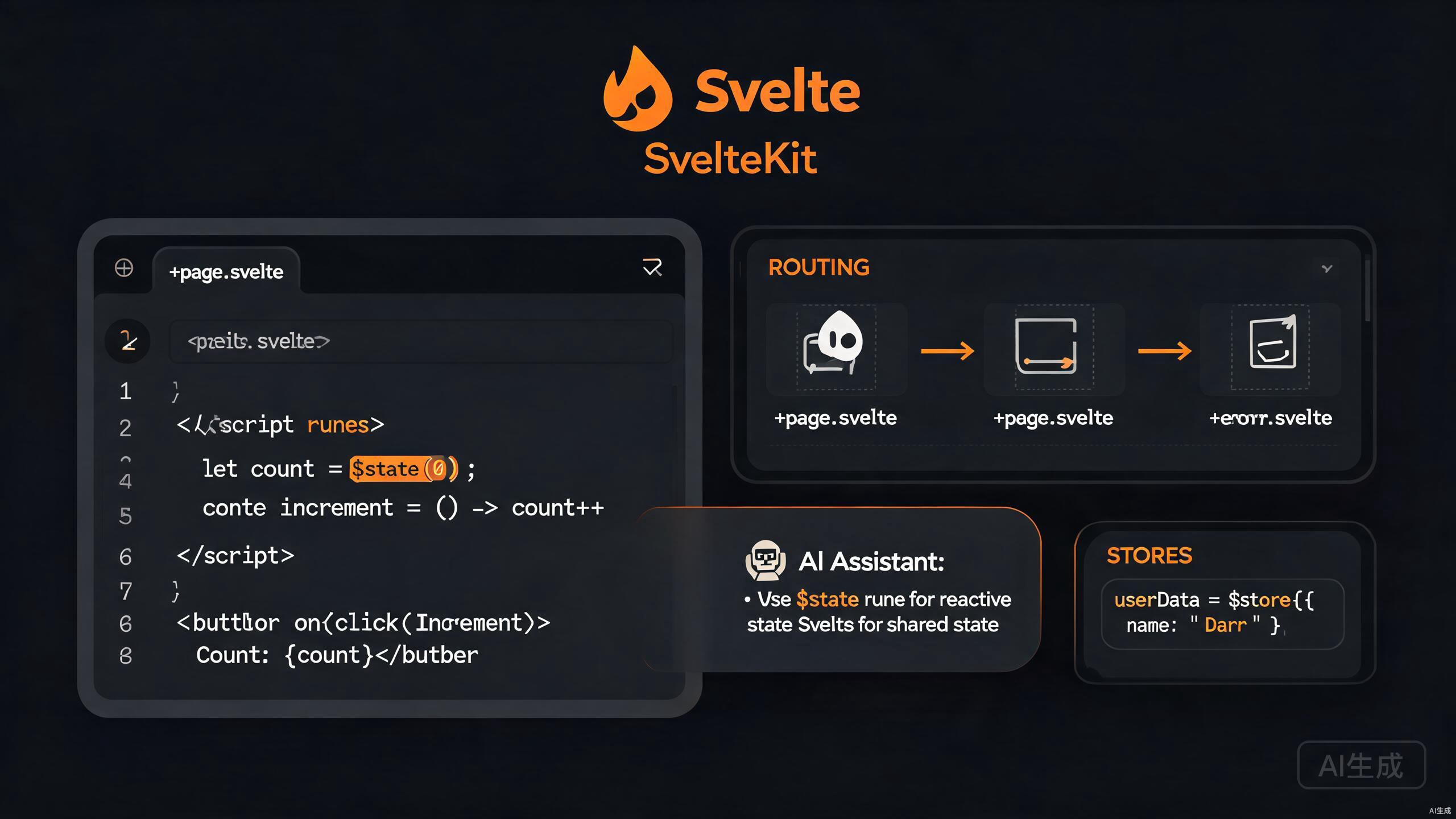
Svelte is a compiler-based UI framework that ships minimal JavaScript to the browser, and SvelteKit is its full-stack application framework. Svelte 5 introduced runes, a new reactivity model that is more explicit and powerful than the previous let-based reactivity. Cursor, with its VS Code-compatible foundation and integrated AI assistant, is an excellent editor for Svelte work — it understands .svelte files, provides rich IntelliSense, and can generate components from natural-language prompts.
This guide covers the complete Svelte development workflow in Cursor: setting up the toolchain, mastering Svelte 5 runes, building SvelteKit apps with file-based routing, managing shared state with stores, and leveraging AI to generate and refactor components.
Setting Up Svelte Development in Cursor
Prerequisites
Svelte 5 and SvelteKit require Node.js 18 or newer. Verify your installation:
node --version
npm --version
If you need a newer version, use fnm or nvm:
fnm install 20
fnm use 20
Cursor's integrated terminal (Ctrl+`) remembers your current working directory, so you can scaffold a project and immediately open files without context switching.
Installing the Svelte Extension
Cursor relies on the official Svelte extension for language support. Install it from the Extensions view (Ctrl+Shift+X):
- Search for "Svelte".
- Install the extension published by the Svelte team.
- Reload Cursor if prompted.
The extension provides:
- Syntax highlighting for
.sveltefiles. - Diagnostics and type checking via
svelte-language-server. - Formatting through Prettier with the
prettier-plugin-sveltepackage. - IntelliSense for component imports and props.
If you previously used a community Svelte extension, disable it before installing the official one. Conflicting extensions cause duplicate diagnostics and unreliable formatting.
Scaffolding a SvelteKit Project
Use the official sv CLI to create a new SvelteKit application:
npx sv create my-svelte-app
The interactive prompt offers presets:
? Which template would you like? SvelteKit minimal
? Add type checking with TypeScript? Yes, using TypeScript syntax
? Add ESLint for code linting? Yes
? Add Prettier for code formatting? Yes
? Add Playwright for browser testing? No
? Add Vitest for unit testing? Yes
Open the project in Cursor:
cd my-svelte-app
cursor .
npm install
npm run dev
The dev server starts at http://localhost:5173.
You can add features later without recreating the project. The sv add command installs integrations such as Tailwind CSS, Storybook, or Drizzle on an existing app:
npx sv add tailwindcss
npx sv add storybook
Mastering Svelte 5 Runes
What Are Runes?
Runes are special compiler-recognized functions introduced in Svelte 5. They replace the implicit reactivity of Svelte 4 with an explicit, predictable model. The core runes are:
$state— declares reactive state.$derived— declares a value computed from other reactive state.$effect— runs side effects when dependencies change.$props— declares component props.$bindable— marks a prop as two-way bindable.
Declaring State with $state
<script lang="ts">
  let count = $state(0);
  let user = $state({ name: 'Ada', age: 36 });

  function increment() {
    count++;
  }
</script>

<button onclick={increment}>
  Count: {count}
</button>
<p>{user.name} is {user.age}</p>
In Svelte 5, event handlers use the onclick attribute (lowercase, no on: prefix) instead of the legacy on:click. The new syntax is closer to standard DOM attributes and works better with TypeScript.
Derived Values with $derived
<script lang="ts">
  let price = $state(100);
  let quantity = $state(2);
  let total = $derived(price * quantity);
  let formatted = $derived(
    new Intl.NumberFormat('en-US', { style: 'currency', currency: 'USD' }).format(total)
  );
</script>

<p>Price: $ {price}</p>
<p>Quantity: {quantity}</p>
<p>Total: {formatted}</p>
Side Effects with $effect
<script lang="ts">
  let theme = $state<'light' | 'dark'>('light');

  $effect(() => {
    document.documentElement.setAttribute('data-theme', theme);
    localStorage.setItem('theme', theme);
  });
</script>

<button onclick={() => (theme = theme === 'light' ? 'dark' : 'light')}>
  Toggle theme
</button>
$effect runs after the DOM has been updated. Do not use it to compute values that affect rendering — use $derived instead. Effects are for synchronization with external systems (APIs, localStorage, third-party libraries).
Component Props with $props
<script lang="ts">
  interface Props {
    title: string;
    count?: number;
    onIncrement?: (value: number) => void;
  }

  let { title, count = 0, onIncrement }: Props = $props();

  function handleClick() {
    count++;
    onIncrement?.(count);
  }
</script>

<h2>{title}</h2>
<button onclick={handleClick}>Clicked {count} times</button>
Two-Way Binding with $bindable
<!-- TextInput.svelte -->
<script lang="ts">
  interface Props {
    value?: string;
  }
  let { value = $bindable('') }: Props = $props();
</script>

<input bind:value />
Usage in a parent:
<script lang="ts">
  import TextInput from './TextInput.svelte';
  let name = $state('');
</script>

<TextInput bind:value={name} />
<p>Hello, {name}!</p>
$bindable is Svelte 5's replacement for the export let + bind:value pattern. It makes the two-way binding contract explicit in the child component's type signature.
Building SvelteKit Applications
File-Based Routing
SvelteKit uses file-based routing inside the src/routes directory. Each +page.svelte file becomes a page, and +layout.svelte files wrap nested pages.
src/routes/
  ├── +layout.svelte
  ├── +page.svelte          → /
  ├── about/
  │   └── +page.svelte      → /about
  ├── blog/
  │   ├── +page.svelte      → /blog
  │   └── [slug]/
  │       └── +page.svelte  → /blog/:slug
  └── +layout.svelte
Loading Data with +page.server.ts
// src/routes/blog/[slug]/+page.server.ts
import { error } from '@sveltejs/kit';
import type { PageServerLoad } from './$types';

interface Post {
  slug: string;
  title: string;
  body: string;
}

export const load: PageServerLoad = async ({ params }) => {
  const response = await fetch(`https://api.example.com/posts/${params.slug}`);
  if (!response.ok) {
    throw error(404, 'Post not found');
  }
  const post: Post = await response.json();
  return { post };
};
Consuming the data in the page:
<!-- src/routes/blog/[slug]/+page.svelte -->
<script lang="ts">
  import type { PageData } from './$types';
  let { data }: { data: PageData } = $props();
</script>

<article>
  <h1>{data.post.title}</h1>
  <p>{data.post.body}</p>
</article>
The $types module is auto-generated by SvelteKit. It gives you fully typed load functions and data props. Cursor's IntelliSense reads these types automatically, so you get autocompletion for data.post.title.
Form Actions
SvelteKit handles form submissions with actions defined in +page.server.ts:
// src/routes/login/+page.server.ts
import { fail, redirect } from '@sveltejs/kit';
import type { Actions } from './$types';

export const actions: Actions = {
  default: async ({ request, cookies }) => {
    const formData = await request.formData();
    const email = formData.get('email');
    const password = formData.get('password');

    if (!email || !password) {
      return fail(400, { message: 'Missing credentials' });
    }

    const token = await authenticate(String(email), String(password));
    if (!token) {
      return fail(401, { message: 'Invalid credentials' });
    }

    cookies.set('session', token, { path: '/' });
    throw redirect(303, '/dashboard');
  },
};
The corresponding page uses the enhance action for progressive enhancement:
<!-- src/routes/login/+page.svelte -->
<script lang="ts">
  import { enhance } from '$app/forms';
  import type { PageData } from './$types';
  let { form }: { form: PageData } = $props();
</script>

<form method="POST" use:enhance>
  <label>Email <input name="email" type="email" /></label>
  <label>Password <input name="password" type="password" /></label>
  {#if form?.message}
    <p class="error">{form.message}</p>
  {/if}
  <button type="submit">Log in</button>
</form>
Server-side +page.server.ts files run only on the server. Never import browser-only APIs (like localStorage) into them, and never place secrets in +page.ts (the universal load), which can also run in the browser.
Layouts and Layout Groups
<!-- src/routes/+layout.svelte -->
<script lang="ts">
  import type { Snippet } from 'svelte';
  import Nav from '../components/Nav.svelte';

  let { children }: { children: Snippet } = $props();
</script>

<div class="app">
  <Nav />
  <main>{@render children()}</main>
</div>
In Svelte 5, the children snippet replaces the deprecated <slot /> syntax.
Managing Shared State with Stores
Svelte Stores Basics
Even with runes, Svelte stores remain useful for cross-component state. A store is any object with a subscribe method.
// lib/stores/user.ts
import { writable } from 'svelte/store';

interface User {
  id: string;
  name: string;
}

export const currentUser = writable<User | null>(null);
Consuming the store with the $ prefix:
<script lang="ts">
  import { currentUser } from '$lib/stores/user';
</script>

{#if $currentUser}
  <p>Welcome, {$currentUser.name}</p>
{:else}
  <p>Please log in.</p>
{/if}
Readable and Derived Stores
import { readable, derived } from 'svelte/store';

export const time = readable(new Date(), (set) => {
  const interval = setInterval(() => set(new Date()), 1000);
  return () => clearInterval(interval);
});

export const formattedTime = derived(time, ($time) =>
  $time.toLocaleTimeString('en-US')
);
Combining Runes and Stores
You can use stores inside $effect to bridge legacy code with runes:
<script lang="ts">
  import { currentUser } from '$lib/stores/user';
  import { get } from 'svelte/store';

  let userSnapshot = $state(get(currentUser));

  $effect(() => {
    const unsubscribe = currentUser.subscribe((value) => {
      userSnapshot = value;
    });
    return unsubscribe;
  });
</script>
For new projects, prefer a runes-based shared-state pattern using a class with $state fields and Svelte context API. This avoids the store boilerplate while keeping reactivity:
// lib/state/counter.svelte.ts
export class CounterState {
  count = $state(0);
  increment() {
    this.count++;
  }
}
AI-Assisted Svelte Component Generation
Generating Components from Prompts
Cursor's AI is excellent at producing Svelte 5 components with runes. Open a chat (Ctrl+Shift+P → "Cursor: New Chat") or use inline edits (Ctrl+K) and describe what you need:
Create a Svelte 5 component (script lang="ts") for an accessible accordion.
It should accept an items prop: array of { id, title, content }. Use runes
for state (which panel is open). Include keyboard navigation (arrow keys)
and scoped styles.
Cursor generates a complete .svelte file. Review the output, then iterate — ask it to add an allowMultiple prop or animation transitions.
Refactoring Svelte 4 to Svelte 5
If you maintain an older codebase, Cursor can migrate components to runes syntax. Highlight the file, press Ctrl+K, and prompt:
Migrate this Svelte 4 component to Svelte 5 runes syntax. Replace `let`
reactivity with $state, `$:` with $derived/$effect, `export let` with $props,
and `createEventDispatcher` with callback props. Preserve all behavior.
Runes migration changes the reactivity timing in subtle ways. After refactoring, run your test suite and manually verify any component that uses lifecycle hooks or watchers, as $effect fires under different conditions than the old afterUpdate.
Generating End-to-End Tests
Pair Playwright with AI-generated tests:
// tests/accordion.spec.ts
import { test, expect } from '@playwright/test';

test('accordion expands on click', async ({ page }) => {
  await page.goto('/');
  await page.getByRole('button', { name: 'Section 1' }).click();
  await expect(page.getByText('Content of section 1')).toBeVisible();
});
Prompt Cursor with: "Generate Playwright tests for Accordion.svelte covering expand/collapse and keyboard navigation."
Configuring Cursor for Svelte Projects
Workspace Settings
Create .vscode/settings.json to standardize formatting across your team:
{
  "editor.formatOnSave": true,
  "editor.defaultFormatter": "svelte.svelte-vscode",
  "svelte.plugin.svelte.format.config.singleQuote": true,
  "svelte.plugin.svelte.format.config.semi": true,
  "svelte.plugin.svelte.note-new-transformation": false,
  "typescript.tsdk": "node_modules/typescript/lib"
}
Prettier with Svelte Plugin
npm install -D prettier prettier-plugin-svelte
.prettierrc:
{
  "singleQuote": true,
  "semi": true,
  "plugins": ["prettier-plugin-svelte"],
  "overrides": [
    {
      "files": "*.svelte",
      "options": { "parser": "svelte" }
    }
  ]
}
Prettier formats the <script> and <style> blocks but intentionally leaves the Svelte template markup alone to avoid breaking directives. For template formatting, rely on the Svelte extension's built-in formatter.
ESLint Configuration
// eslint.config.js
import js from '@eslint/js';
import svelte from 'eslint-plugin-svelte';
import tsParser from 'typescript-eslint';

export default [
  js.configs.recommended,
  ...svelte.configs['flat/recommended'],
  {
    languageOptions: {
      parserOptions: {
        extraFileExtensions: ['.svelte'],
      },
    },
  },
];
Debugging and Performance
Svelte DevTools
Install the Svelte DevTools browser extension to inspect component hierarchies and state. While Cursor hosts the editor, the browser DevTools show runtime values that are critical for debugging runes.
Source Maps in Production
SvelteKit generates source maps by default. Confirm in svelte.config.js:
import adapter from '@sveltejs/adapter-auto';
import { vitePreprocess } from '@sveltejs/vite-plugin-svelte';

const config = {
  preprocess: vitePreprocess(),
  kit: {
    adapter: adapter(),
  },
};

export default config;
When deploying to serverless platforms, verify your adapter handles source maps correctly. The adapter-node and adapter-vercel adapters behave differently — review the adapter documentation before shipping source maps to production.
Bundle Analysis
Add rollup-plugin-visualizer to inspect bundle size:
// vite.config.ts
import { sveltekit } from '@sveltejs/vite-plugin-sveltekit';
import { defineConfig } from 'vite';
import { visualizer } from 'rollup-plugin-visualizer';

export default defineConfig({
  plugins: [
    sveltekit(),
    visualizer({
      filename: 'stats.html',
      open: true,
      gzipSize: true,
    }),
  ],
});
Best Practices for Svelte in Cursor
Project Structure
src/
  ├── lib/
  │   ├── components/
  │   │   ├── Accordion.svelte
  │   │   └── TextInput.svelte
  │   ├── stores/
  │   │   └── user.ts
  │   ├── state/
  │   │   └── counter.svelte.ts
  │   └── utils/
  ├── routes/
  │   ├── +layout.svelte
  │   └── +page.svelte
  └── app.html
Naming Conventions for Runes Files
Svelte 5 introduces the .svelte.ts (and .svelte.js) extension for modules that use runes outside of components. Name shared-state files accordingly:
// src/lib/state/cart.svelte.ts
export class CartState {
  items = $state<{ id: number; qty: number }[]>([]);

  get total() {
    return this.items.reduce((sum, i) => sum + i.qty, 0);
  }

  add(id: number, qty = 1) {
    this.items.push({ id, qty });
  }
}
The .svelte.ts suffix tells the Svelte compiler to process runes inside plain TypeScript modules. Without it, $state is treated as an undefined function and the build fails.
Accessibility by Default
Svelte's compiler warns about missing alt, aria-*, and label associations. Treat these warnings as errors in CI:
// svelte.config.js
import adapter from '@sveltejs/adapter-auto';
import { vitePreprocess } from '@sveltejs/vite-plugin-svelte';

const config = {
  preprocess: vitePreprocess(),
  kit: { adapter: adapter() },
  compilerOptions: {
    accessors: false,
  },
};

export default config;
Common Pitfalls and How to Avoid Them
Using Legacy Event Syntax
Svelte 5 deprecates on:click in favor of onclick. Mixing both works during the transition but produces warnings. Standardize on the new syntax:
<!-- Svelte 4 (deprecated) -->
<button on:click={handler}>Click</button>

<!-- Svelte 5 (recommended) -->
<button onclick={handler}>Click</button>
Mutating Props
Props are read-only by default. Use $bindable for two-way binding or emit callbacks:
<script lang="ts">
  interface Props {
    value: string;
    onChange?: (v: string) => void;
  }
  let { value, onChange }: Props = $props();

  function handleInput(e: Event) {
    const target = e.target as HTMLInputElement;
    onChange?.(target.value);
  }
</script>

<input value={value} oninput={handleInput} />
Overusing $effect
Effects should sync with external systems, not compute render values. If you find yourself writing $effect to update a variable used in the template, switch to $derived:
<script lang="ts">
  let a = $state(1);
  let b = $state(2);

  // WRONG — effect for derived value
  // let sum = $state(0);
  // $effect(() => { sum = a + b; });

  // CORRECT — derived
  let sum = $derived(a + b);
</script>
Effects that depend on themselves can create infinite loops. The Svelte compiler detects some cases, but always verify your effect's dependencies are finite and terminating.
Summary
Cursor is a powerful environment for Svelte and SvelteKit development. The official Svelte extension delivers type-safe authoring and formatting, Svelte 5 runes bring explicit and predictable reactivity, and SvelteKit's file-based routing with typed load functions accelerates full-stack work. By pairing these tools with Cursor's AI assistant for component generation, refactoring, and test scaffolding, you can build modern Svelte applications efficiently. Start with sv create, lock in your Prettier and ESLint configuration, and let runes plus AI handle the repetitive scaffolding while you focus on delivering a polished user experience.